Windows 11 Kmode_exception_not_handled

Anonymous
2022-04-07T05:23:27+00:00

Hello,

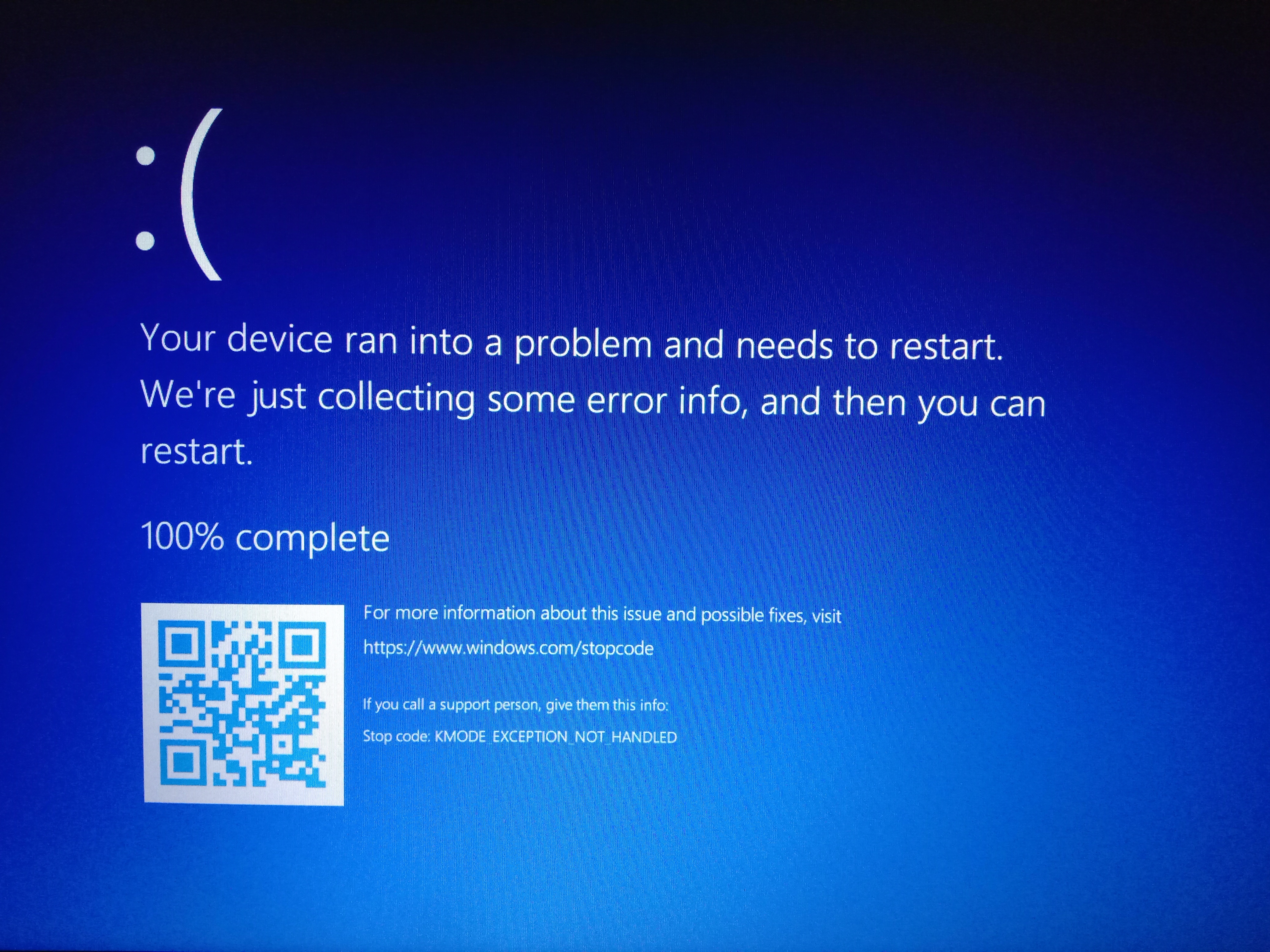
I encountered this problem after I tried running Ubuntu 20.04 on Oracle Virtualbox. When I tried to restart the system afterwards, I faced this error. After reading a lot of articles and tried to implement the solutions, i came up here to ask for help! I just bought the laptop 2 days ago and this problem occurred!! Laptop is Acer Aspire 5 equipped with Windows 11. Please help me as I'm a working professional and my laptop is really important to me.

The things I did so far for solving this problem:

  1. Reset the windows
  2. Ran windows memory diagonostics
  3. Troubleshooted windows update because I updated the windows before.
  4. Also, tried to remove bad windows update

To be honest, nothing works. I can't restart my laptop and hopefully, I'm using it by force starting the laptop but I'm concerned if there come some important updates for the windows which I have to download and for that restart is necessary. At that moment, I can't restart the laptop. So, I came up here to ask for help~

Link for Minidump file is:

https://1drv.ms/u/s!Apand10upurBbZuGO2iKkxer98o?e=Cv1Bga

Always thankful for the solutions that can fix my new laptop!!
Windows for home | Windows 11 | Performance and system failures

Locked Question. This question was migrated from the Microsoft Support Community. You can vote on whether it's helpful, but you can't add comments or replies or follow the question.

0 comments No comments
{count} votes

7 answers

Sort by: Most helpful
  1. DaveM121 817.4K Reputation points Independent Advisor
    2022-04-07T06:36:36+00:00

    Hi Alish,

    I am Dave, I will help you with this.

    Your minidump files just indicate memory (RAM) corruption no specific driver is listed

    Honestly, the best option, rather than resetting Windows is yo create a bootable Windows 11 USB, then clean install Windows 11 by booting from that and then install a full set of device drivers from the support page for your laptop on the Acer website.

    Alternatively, if Acer provide a factory recovery option, that would be the best option.

    1 person found this answer helpful.
    0 comments No comments
  2. Anonymous
    2022-04-07T07:38:52+00:00

    I did the factory reset option that Acer provides and any changes weren't made.

    0 comments No comments
  3. DaveM121 817.4K Reputation points Independent Advisor
    2022-04-07T07:43:41+00:00

    Hi Alish,

    Okay, if that did not solve the problem, then you need to create a bootable Windows USB on another working PC, and use that to clean install Windows 11, that should result in astable and responsive system.

    0 comments No comments
  4. Anonymous
    2022-04-07T12:54:51+00:00

    I would do that, but I want to know what you are getting from the dumpfiles that I uploaded on Onedrive. What's the real reason being told in it?

    0 comments No comments
  5. DaveM121 817.4K Reputation points Independent Advisor
    2022-04-07T13:14:46+00:00

    Hi Alish,

    Your dump files just indicated generic RAM corruption, there was nothing specific listed, if you continue to get crashes, please upload any new minidump files, and I can analyze those for you.

    0 comments No comments

