Share via

Delve missing all information

Anonymous
2015-12-16T21:34:30+00:00

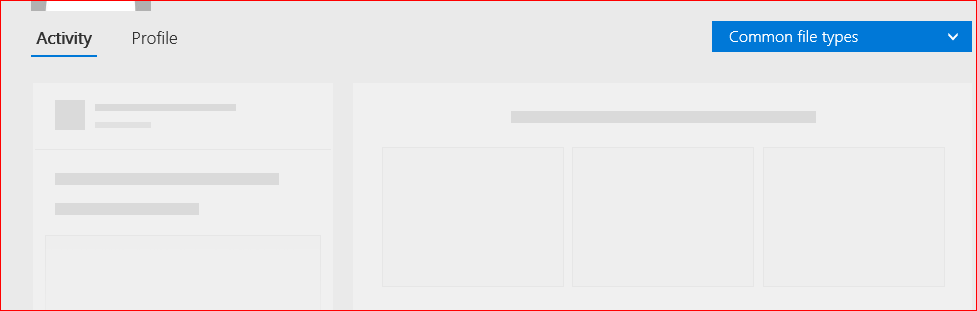
Delve was humming along nicely and then seemed to just quit on me. All profile and activity pages now display blank containers. I attached an example to the post. In addition I can search and find users but they are not stored in the user list. Any suggestions on how to fix this?

Microsoft 365 and Office

A comprehensive suite of productivity tools and cloud services that enhance collaboration, communication, and efficiency. Combining classic Office apps with advanced Microsoft 365 features, it supports both personal and business needs

Locked Question. This question was migrated from the Microsoft Support Community. You can vote on whether it's helpful, but you can't add comments or replies or follow the question.

0 comments No comments

Answer accepted by question author

Anonymous
2015-12-18T02:01:04+00:00

Hi Chris,

Please check the value in the PulseMRUPeople section after your changes. It should be like below:

[{"Name":"***","Email":"***@contoso.onmicrosoft.com"},{"Name":"****","Email":"****@contoso.com"}]

When you delete the user, the value “{*****}” should be deleted as well as the “,” following it.

  1. Go to SharePoint admin center -> user profiles.
  2. Select manage user profiles.
  3. Find your own user profile then edit.
  4. Check and edit the value in the PulseMRUPeople section.
  5. Save and Close.
  6. Go back to your Delve page to see the outcome.

Thanks,

Ran

Was this answer helpful?

0 comments No comments

3 additional answers

Sort by: Most helpful
  1. Anonymous
    2015-12-18T09:10:18+00:00

    This corrected the issue.

    Was this answer helpful?

    0 comments No comments
  2. Anonymous
    2015-12-17T07:56:11+00:00

    I'm currently using Edge as my browser, I did try in IE 11, and Chrome as well, and it has the same results.

    1. Other users do not seem to be impacted.
    2. Yes it did work
    3. Yes, I made changes based on this https://community.office365.com/en-us/f/148/t/422576 to remove a deleted user from my list. For some reason when this user was deleted the name remained and the account was using my profile image. 
    4. No, all users appear when I search and click but all users have the same blank view that I have. Also the list of currently viewed users does not remain between logins.

    Was this answer helpful?

    0 comments No comments
  3. Anonymous
    2015-12-17T03:52:33+00:00

    hi chrisjenkins1685,

    to check if it’s a matter of browser or network environment, try accessing delve on another computer (not in your corporate environment) with ie11/10 or the latest chrome.

    note: for office 365 plans for business, the supported browser like internet explorer, safari, chrome is required to be the current or immediately previous version.

    if the issue persists, to narrow down the issue, please send us the information below:

    1. does the issue occur to any other users in your organization?
    2. did the page appear correctly before?
    3. have you done some settings on your profiles?

    i can get the same issue if i do some changes in custom properties.
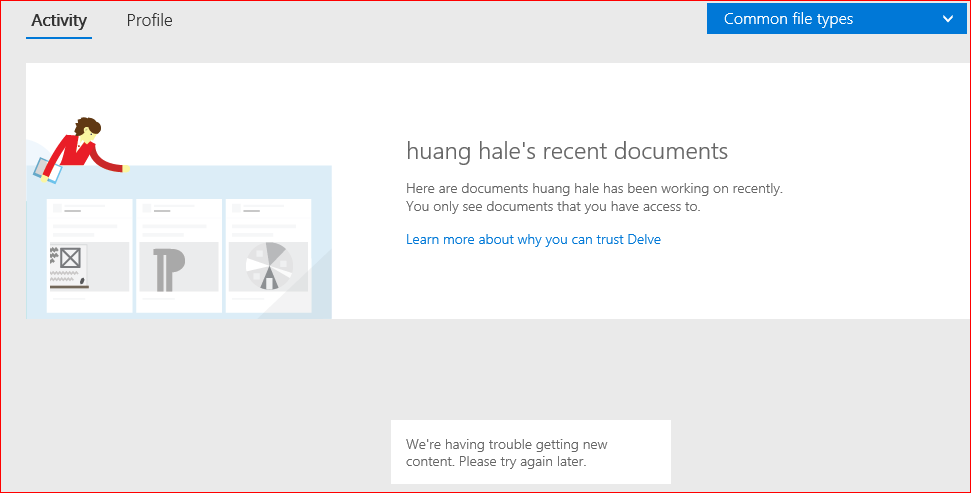
    1. after selecting the user which is not listed in your active users list, can you see the message that "we're having trouble getting new content. please try again later".
    thanks,

    hale

    Was this answer helpful?

    0 comments No comments