Hi John, thank you for the reply. You are correct that I don't have an understanding of what the fundamental purpose of each shape is for. Is there somewhere where Microsoft has outlined what the purpose of each shape is for, so I'm not trying to fit a round peg in a square hole.
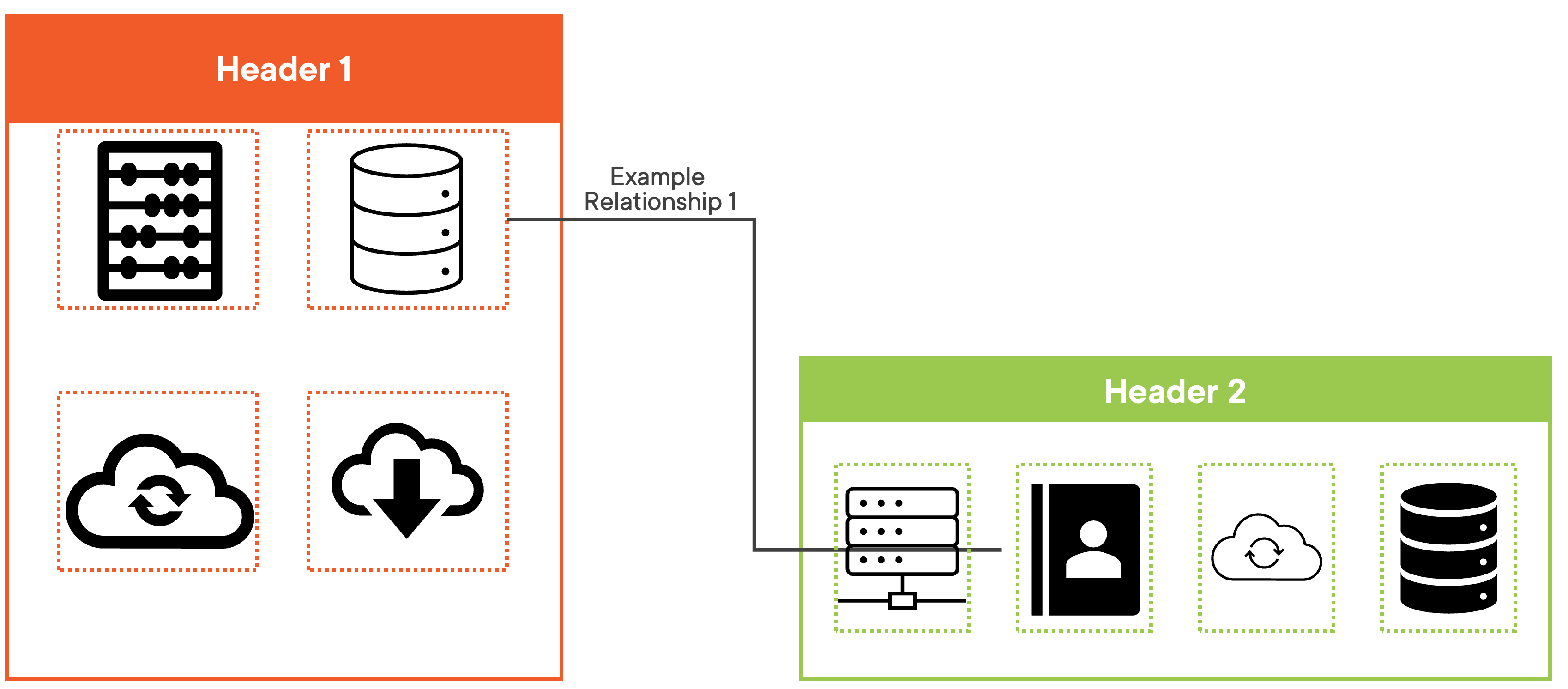
What I don't like about the connector is that PowerPoint gives little flexibility on how to reshape the lines. By using PowerPoint's guess, the line goes right through another object, and doesn't look great. See the screenshot:
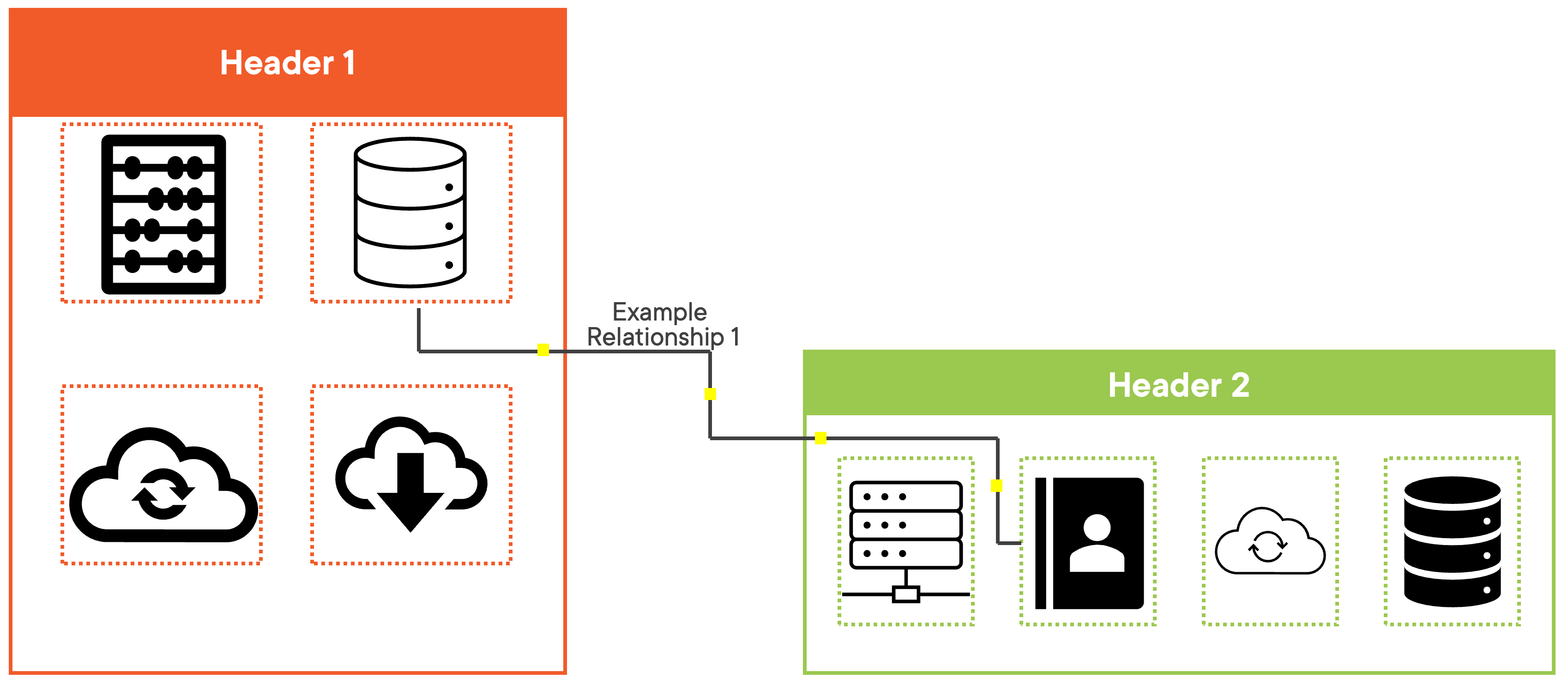
I now understand that the connector is designed to, well, connect two objects if they are moved. I'll try to explain more clearly what I am looking for. I'd like the ability to add additional "yellow squares" to a connector line, in order for me to move it around better and utilize the white space. Such as this:
Yes, I realize that if I were to move objects after the fact then these precise lines would change, but majority of the time, for me, I add these lines after everything is in place. But if we are comparing to the connector shape to creating lines and grouping them, if I were to move an object, I'd have to edit those lines as well. I'll get why this would be less tedious, in my opinion, in a moment. For now, I have a few complaints about adding a bunch of lines and then grouping them together. The first is that when I go into presentation mode, the lines are not connected into a perfect 90. See the below example of me not making any changes to PowerPoints automatic 'snap point', again, not looking very professional in my opinion, although it's kind of hard to see in this compressed image:
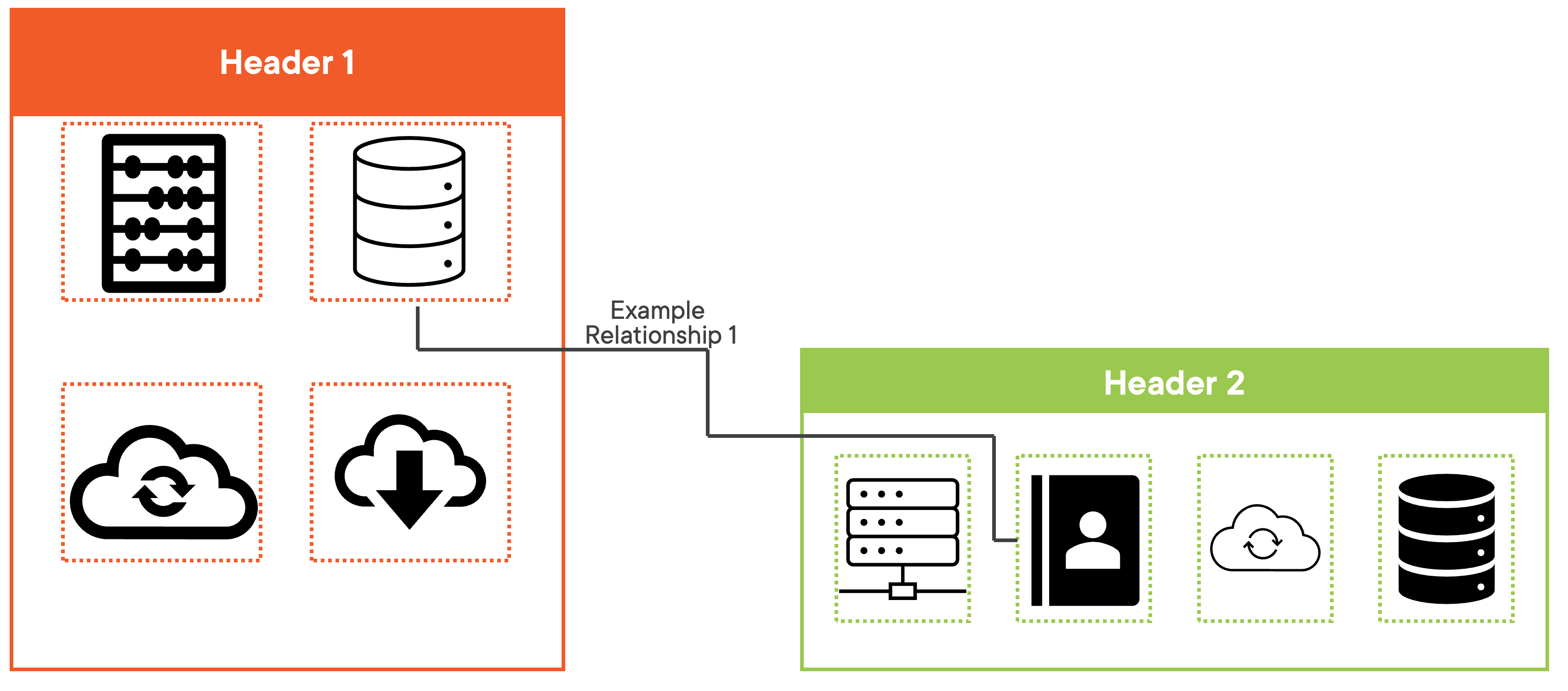
In order to make the lines connect at a perfect 90, I have to zoom way in, and then make sure that the pixels are ending on each other exactly. This is very tedious, which leads me into my next complaint. In order to create these 5 lines, it took me 20 clicks just to create the lines, let alone getting each line to end precisely where the next line starts, and then grouping them.
Now if I were to move an object that these lines are connecting, I would also have to change all of my lines. With what I am envisioning with the connector object, not a huge deal, just click and drag the 'yellow squares', in this use case, 5 click and drags. With using custom lines, now I have to drag each start and end point, while also making sure that each line starts precisely where the other one ends.
Maybe I'm an extreme outlier here, but in my opinion if PowerPoint can add 10's or hundreds of "edit points" to shapes like squares, circles, etc, I don't think it would be that hard to add additional 'edit points' - maybe that isn't the correct term, which is why I'm calling them 'yellow squares' - in order to better manipulate the connector tool. I understand that PowerPoint isn't designed to replace something more sophisticated like Visio, but I don't think this is an outrageous feature.
I guess what an answer I'm looking for in the short term is confirmation that this feature does not currently exist.
Thanks,
Craig
' cx='32' cy='32' r='32' /%3E%3Ctext x='50%25' y='55%25' dominant-baseline='middle' text-anchor='middle' fill='%23FFF' %3EA%3C/text%3E%3C/svg%3E)

