Dear Damien McColough,
Good day! Thank you for posting to Microsoft Community.
As per your description, it seems that you are trying to update a chart linked in PowerPoint via "Edit in Excel", however, the excel window that pops up is always bigger than the system screen which need to be resized manually. And you want to set a default size (and location if possible) of the Excel window that launches.
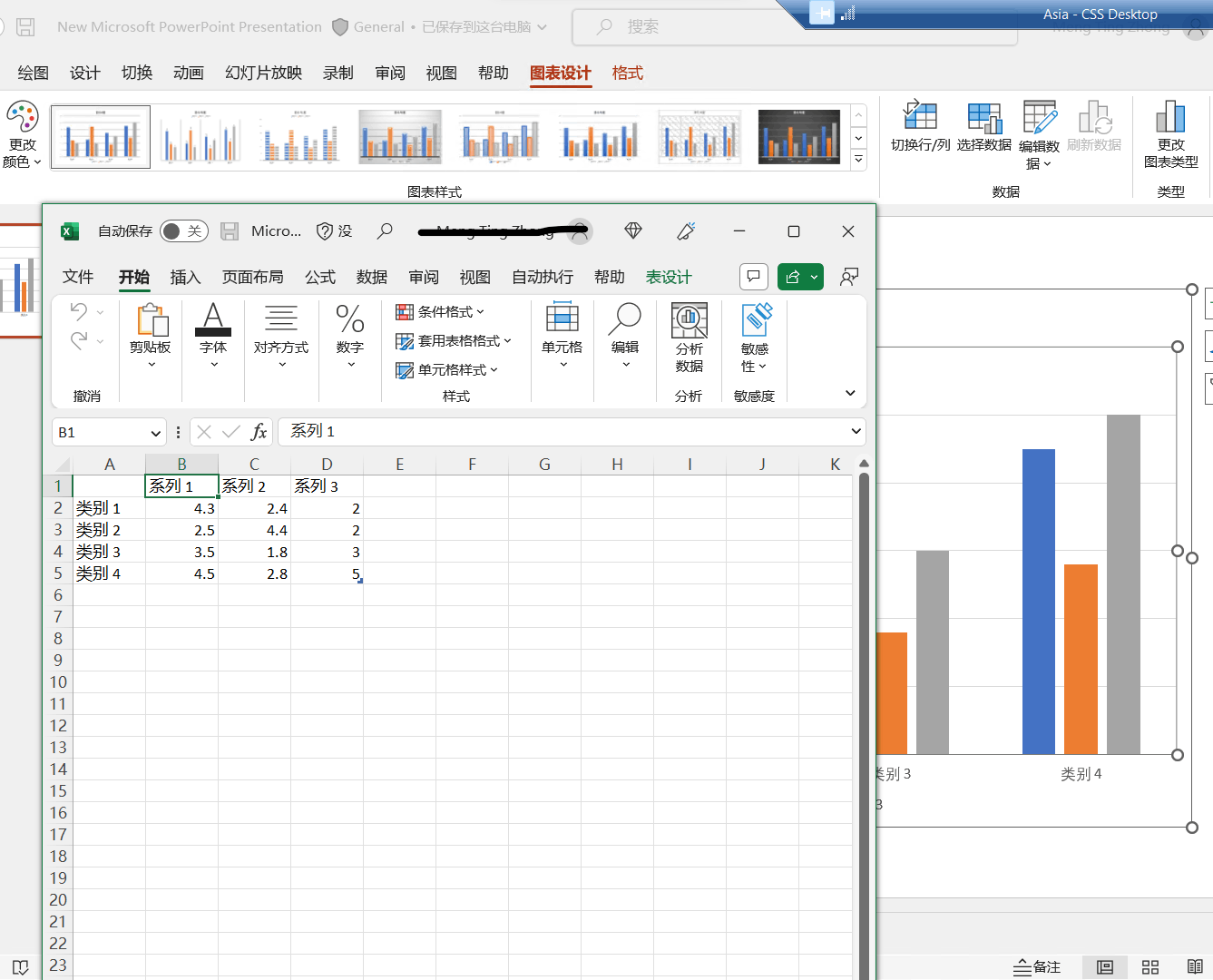
If my understanding is right, we've also done a quick test on our side with version 2112(Build 15928.20160) in Win 11 machine, and we can reproduce a similar situation as shown below in our test:
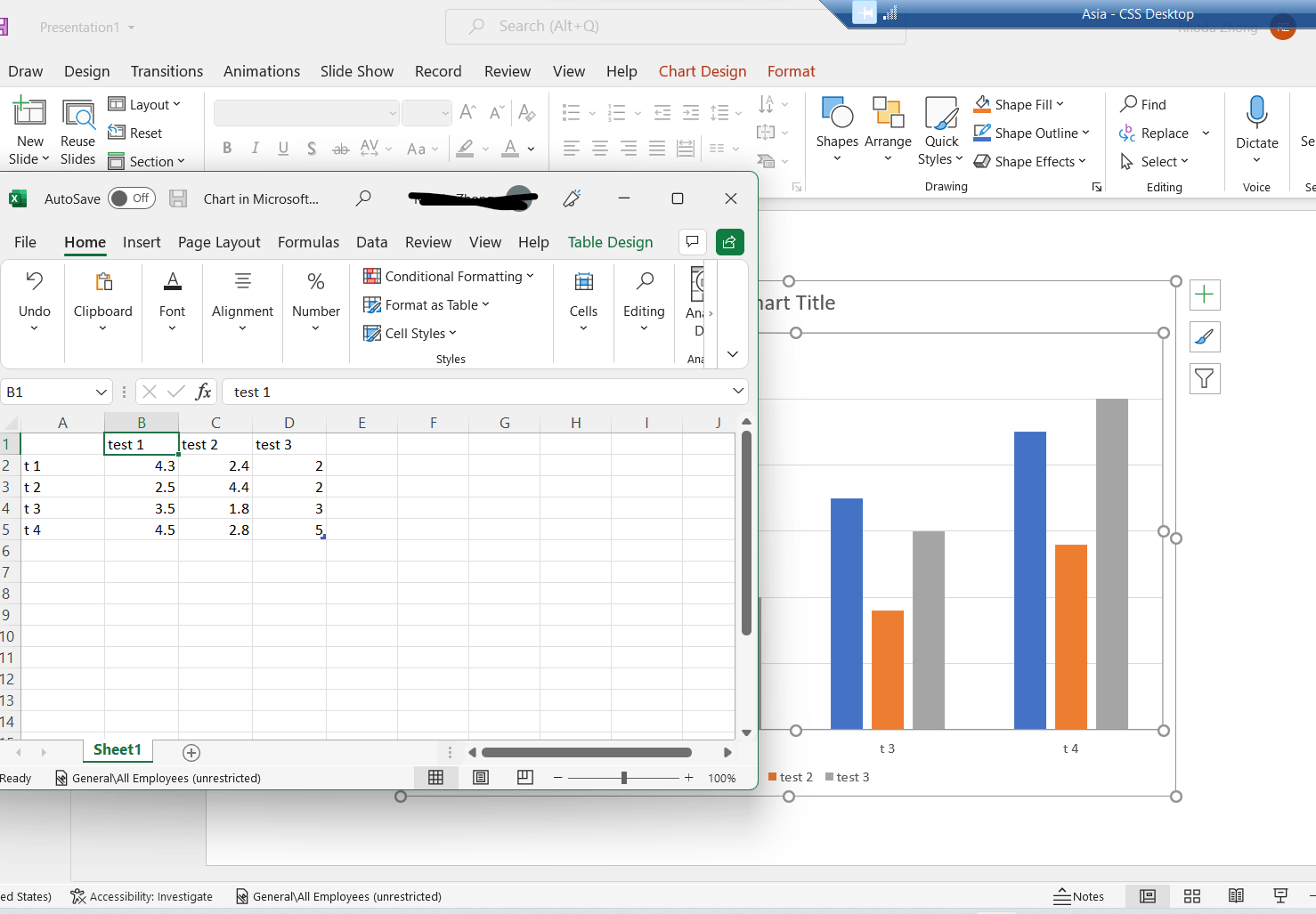
However, in the version 2111(Build 14701.20226), we can open the data in Excel normally as shown below:
Additionally, based on our search and test result, we're afraid that there's no out of box way to default Size or the location of the Excel windows that prompt from "Edit Data in Excel" currently.
Given this situation, we'd like to collect more information to do further test on our side:
- Would you please share a screenshot of "pops up is always bigger than my system screen" with us?
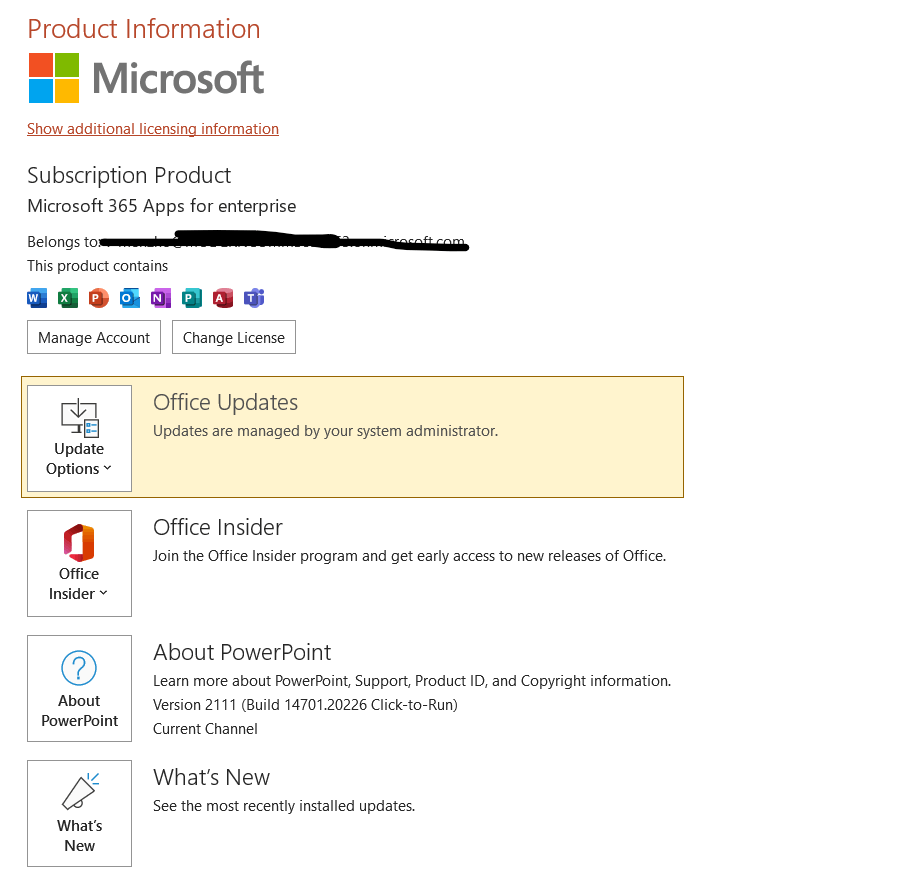
- Would you please share the version of your office by going to PowerPoint > Account and share the screenshot as shown below with us?
- What about the other users in your organization, will they encounter the same situation on their side?
- Does this happen to a specific file or all files?
If our understanding above is not consistent with yours, you can also post back and point that.
Your understanding and patience will be highly appreciated. We hope that you are keeping safe and well!
Sincerely,
Rhoda | Microsoft Community Moderator
' cx='32' cy='32' r='32' /%3E%3Ctext x='50%25' y='55%25' dominant-baseline='middle' text-anchor='middle' fill='%23FFF' %3EA%3C/text%3E%3C/svg%3E)
