' cx='32' cy='32' r='32' /%3E%3Ctext x='50%25' y='55%25' dominant-baseline='middle' text-anchor='middle' fill='%23FFF' %3EW%3C/text%3E%3C/svg%3E)



' cx='32' cy='32' r='32' /%3E%3Ctext x='50%25' y='55%25' dominant-baseline='middle' text-anchor='middle' fill='%23FFF' %3ER%3C/text%3E%3C/svg%3E)
My understanding of the specifics might be wrong but in essence, all routing gets handle by the HTTP Application class. In my case we used Global.asax, a class derived from HttpApplication. This is what handles GLOBAL raised events and calls.
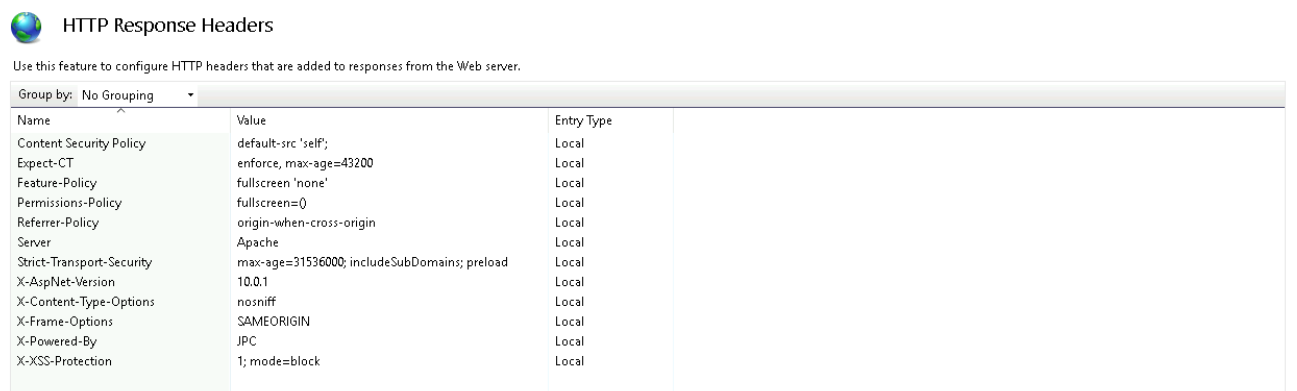
In my code, manipulating web.config or IIS Manager did not resolve issue. In the last leg of the journey from server to client, server was being added (thus overriding removal of it in web.config or IIS Manager). I had to target this last step in Global.asax such as:
protected void Applicatoin_PreSendRequestHeaders()
{
Response.Headers.Remove("Server")
// can add field for server as such; optional
Response.AddHeader("Server", "nah nah nah nah nahh")
}
https://stackoverflow.com/questions/22401219/remove-server-response-header-iis-8-0-8-5