Community Center | Not monitored
Tag not monitored by Microsoft.

This browser is no longer supported.
Upgrade to Microsoft Edge to take advantage of the latest features, security updates, and technical support.
' cx='32' cy='32' r='32' /%3E%3Ctext x='50%25' y='55%25' dominant-baseline='middle' text-anchor='middle' fill='%23FFF' %3EAR%3C/text%3E%3C/svg%3E)
Hi,
I tried with two ways to create VM in azure by following methods
I was able to create VM in azure manually. But I am not able to do with Azure pipeline.
So my questions are
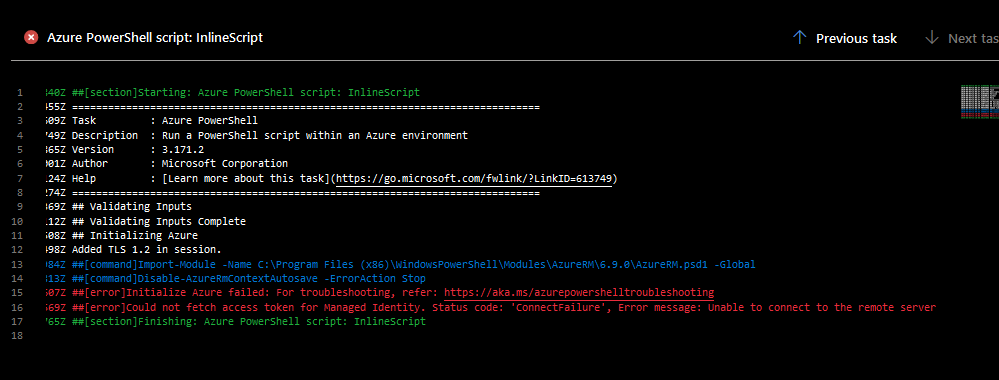
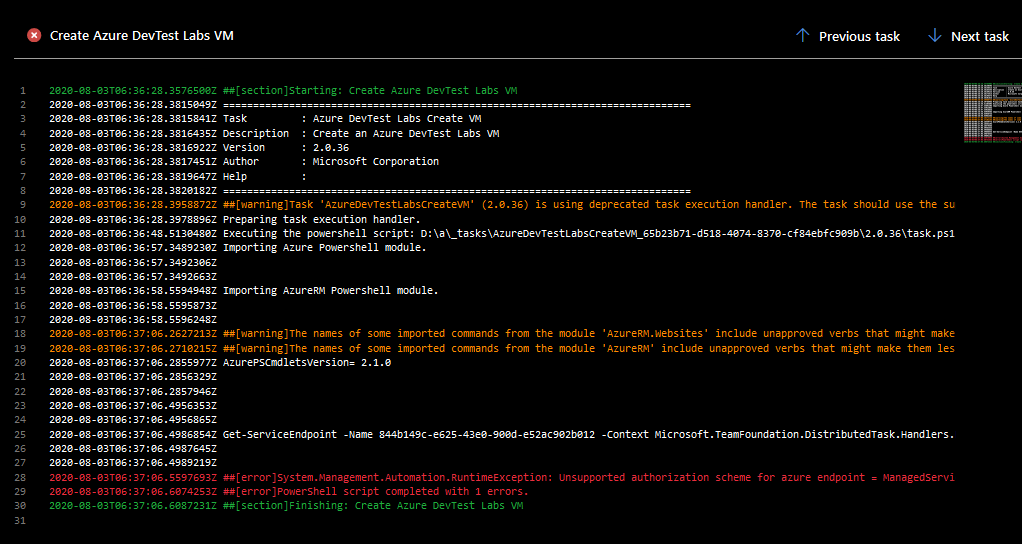
I have added the Screenshots of the error i was getting.
please suggest solution for the above mentioned issues.
Thanks,
Abhishek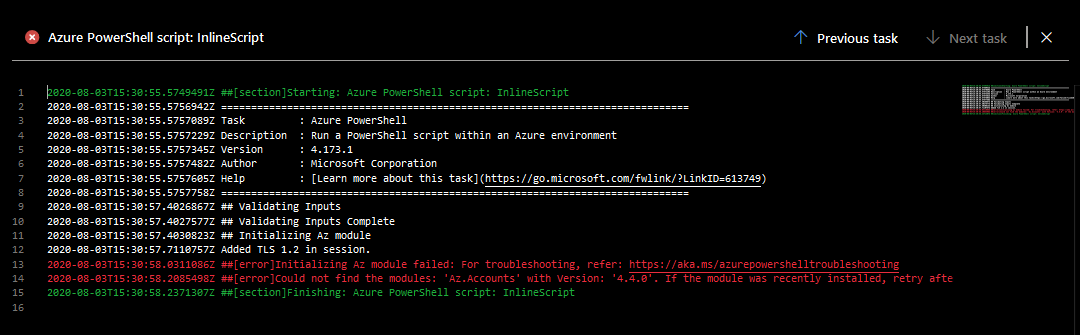
' cx='32' cy='32' r='32' /%3E%3Ctext x='50%25' y='55%25' dominant-baseline='middle' text-anchor='middle' fill='%23FFF' %3ESM%3C/text%3E%3C/svg%3E)
@Abhishek Rao To deploy any resources at management group scope, subscription scope or resource group scope, you can take advantage of the "ARM Template deployment" task which is available for Azure Pipelines. In my opinion, this is way easier then using Azure PowerShell Task.

From the snapshots provided, these can be some of the reasons for the errors you are prompted with.
1)Kindly note managed identities are not supported on Microsoft Hosted Agents. You will have to set-up a self hosted agent on an Azure VM and configure managed identity for the virtual machine.
2) If you are using Microsoft Hosted Agents, I would suggest you to create Service connection with Azure Resource Manager using service principle. For more information on service principal, refer this document.
3) If you are using self hosted agents, kindly install all the required Az PowerShell modules on self-hosted agent.
4) Here is a document which lists on troubleshooting Azure Resource Manager service connections which can help you fix the connection issue.
Answering to your questions :
1) Which pipeline task I have to use to run my powershell script.( i.e plain Powershell Task or Azure powerShell Task) - Use Azure PowerShell Task
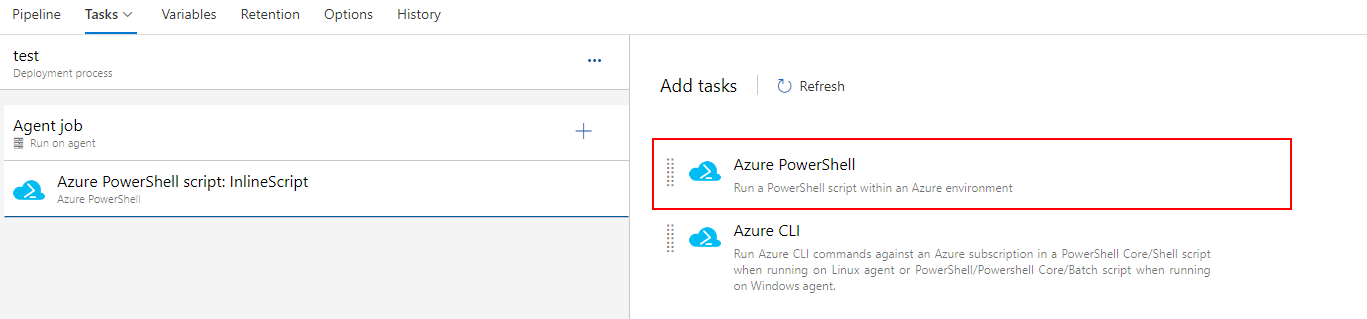
2) If we can use Azure power shell task, which version we have to use. - In my opinion , always use latest version
Thanks a lot for your suggestion @Swathi Dhanwada ,
Can I create a VM using "ARM Template Deployment" task from the pipeline ?? And also the reason for my error is due to AZ module version i guess, i have a service principle connection already. I am not sure which version of azure powershell task i need to use to deploy VM using az module.
Added below screenshot of my error.

@Abhishek Rao Yes you can create a VM using "ARM Template Deployment" task from the pipeline. Can I know if you are using Microsoft Hosted agents or self hosted agents?