Dear @Ever Rojano,
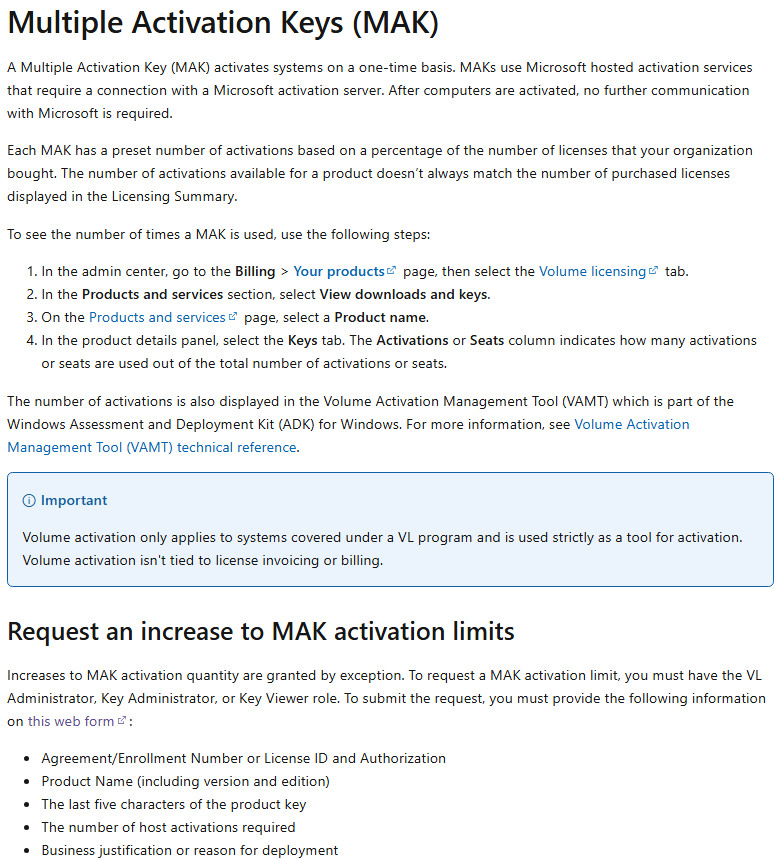
Thank you for reaching out and for clearly outlining the steps you have already tried. Based on the error message you are receiving, this indicates that the product key you are using is a Volume Licensing key (MAK) and that its activation limit has already been reached.
With MAK licenses, each activation counts against a fixed number of allowed activations, and once this limit is reached, additional activations are blocked.
Note: This applies even in scenarios where the software is moved to a new device or reinstalled multiple times, as each activation attempt consumes one count.
In this case, the only supported resolution is to request the activation count for the MAK key reset or increased. This action must be performed by an authorized administrator through the appropriate licensing channels.
If the key was provided by your organization (company or school), you will need to contact your IT or licensing administrator. Only they can request an increase to the activation limit or provide you with a new valid key. Individual users do not have the ability to reset or release MAK activations.
Note: If you do not know who your IT Admin is, please refer to this article: How do I find my Microsoft 365 admin?
If you are the license owner or administrator, you can contact Microsoft Volume Licensing Support and request a MAK activation limit increase. Microsoft may ask for details such as your agreement information and proof of purchase before approving additional activations
Please kindly refer to this article for step-by-step instructions and requirements to request an increase to MAK activation limits: Find and use product keys for volume licensing | Microsoft Learn
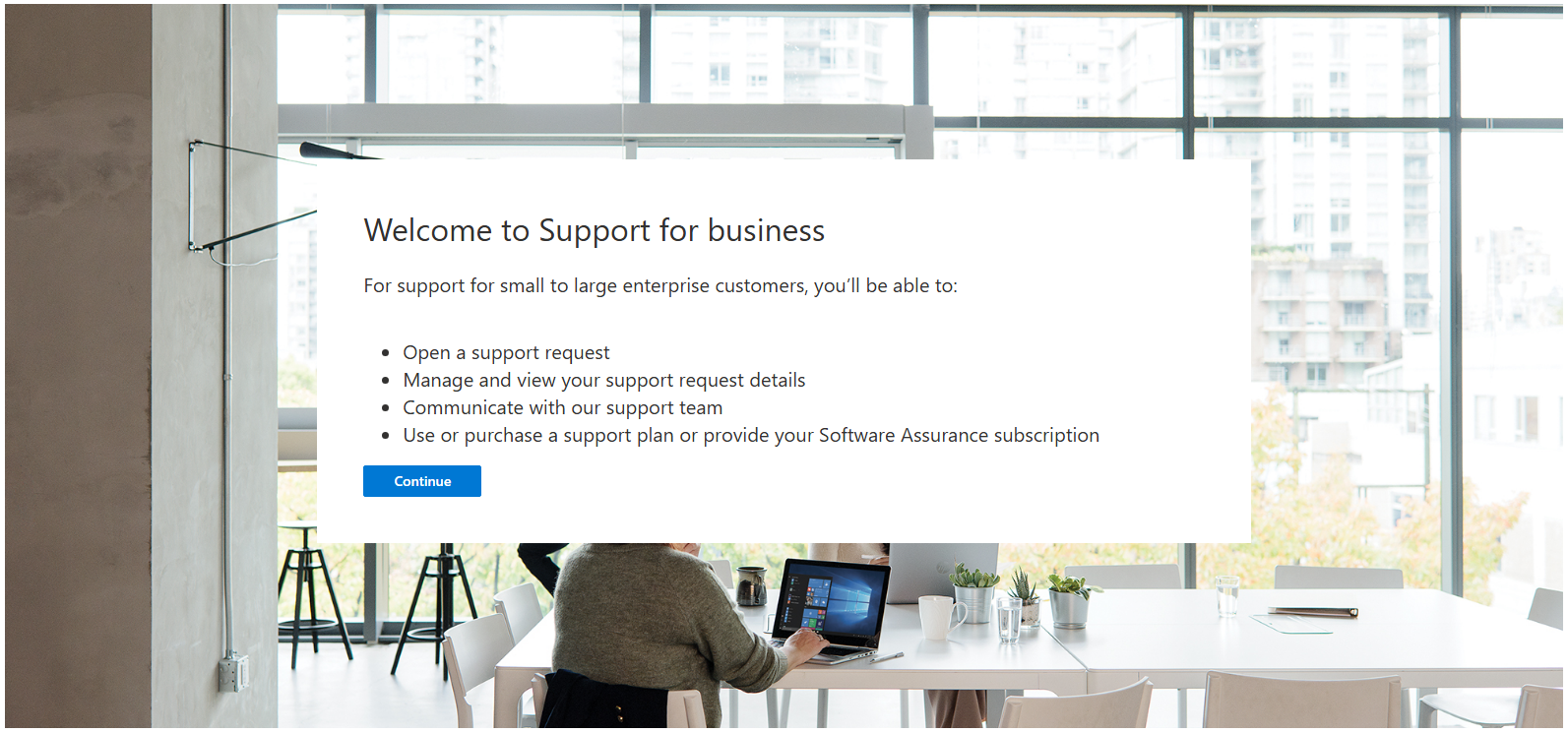
You'll need to provide your information on this web form regarding your request:
For more information/support: Here is how to contact Microsoft Activation Center: Volume License Key Phone Numbers | Microsoft Volume Licensing
Note: Please understand that as a forum moderator, my role is to provide general guidance and troubleshooting support. I don’t have access to internal systems or backend tools, and I appreciate your understanding of these limits.
I hope the information shared helps point you in the right direction. If you have any questions, please feel free to reach out. I'm happy to assist.
Thank you for your patience and understanding. I'm looking forward for your reply.
If the answer is helpful, please click "Accept Answer" and kindly upvote it. If you have extra questions about this answer, please click "Comment".
Note: Please follow the steps in our documentation to enable e-mail notifications if you want to receive the related email notification for this thread.
' cx='32' cy='32' r='32' /%3E%3Ctext x='50%25' y='55%25' dominant-baseline='middle' text-anchor='middle' fill='%23FFF' %3EER%3C/text%3E%3C/svg%3E)

' cx='32' cy='32' r='32' /%3E%3Ctext x='50%25' y='55%25' dominant-baseline='middle' text-anchor='middle' fill='%23FFF' %3EVH%3C/text%3E%3C/svg%3E)
