Hi,
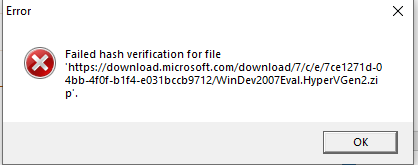
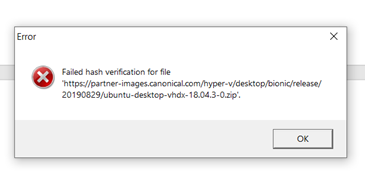
According to the screenshot, it seems we have some issues download the windows 10 iso. If you want to trouble the download issue, we may try to check the following things:
- Please check if there's any firewall or proxy block the ISO download.
- Please check if we are running anti-virus application, if yes, please uninstall it.
- Please check if the Internet connection is well to download a big file.
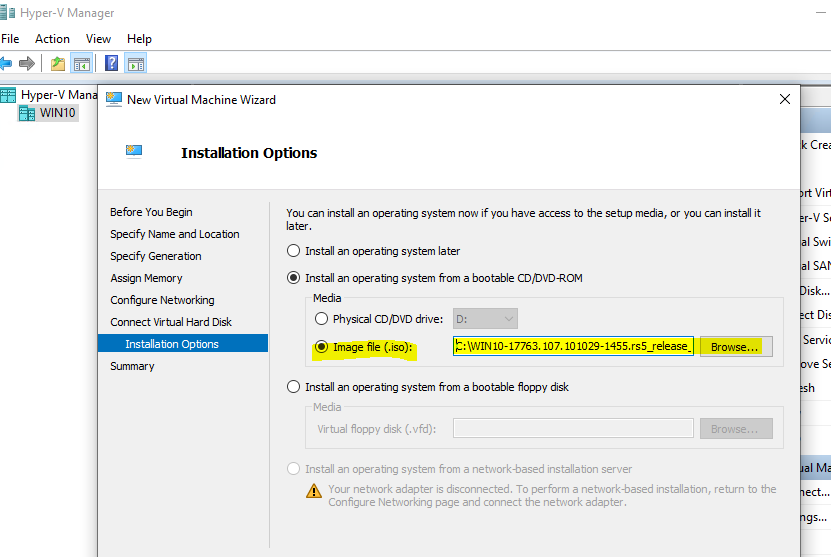
As a workaround, we may download the Windows 10 ISO directly from the Internet, then store locally on the Hyper V host drive, when create the VM, use the local ISO file.
Windows 10 download link:
https://www.microsoft.com/en-us/evalcenter/evaluate-windows-10-enterprise
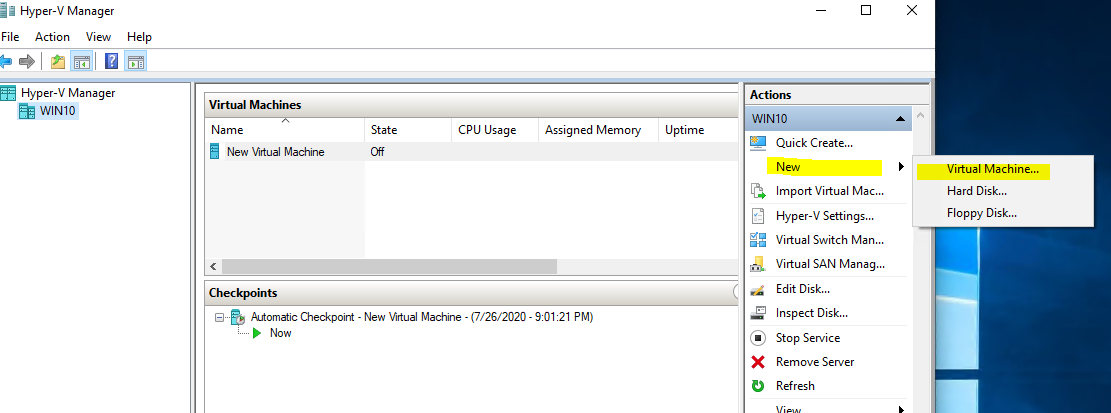
Below is the step to create a Windows 10 VM on Windows 10 Hyper V host:
Select the local ISO:
Thanks for your time! If you have any other concerns or questions, please feel free to feedback.
If the reply could be of help, please help to accept it as an answer, thanks for your cooperation!
Thanks for your time!
Best Regards,
Anne
' cx='32' cy='32' r='32' /%3E%3Ctext x='50%25' y='55%25' dominant-baseline='middle' text-anchor='middle' fill='%23FFF' %3EBF%3C/text%3E%3C/svg%3E)

' cx='32' cy='32' r='32' /%3E%3Ctext x='50%25' y='55%25' dominant-baseline='middle' text-anchor='middle' fill='%23FFF' %3EM%3C/text%3E%3C/svg%3E)
' cx='32' cy='32' r='32' /%3E%3Ctext x='50%25' y='55%25' dominant-baseline='middle' text-anchor='middle' fill='%23FFF' %3EA%3C/text%3E%3C/svg%3E)

' cx='32' cy='32' r='32' /%3E%3Ctext x='50%25' y='55%25' dominant-baseline='middle' text-anchor='middle' fill='%23FFF' %3EMJ%3C/text%3E%3C/svg%3E)
' cx='32' cy='32' r='32' /%3E%3Ctext x='50%25' y='55%25' dominant-baseline='middle' text-anchor='middle' fill='%23FFF' %3EDR%3C/text%3E%3C/svg%3E)