' cx='32' cy='32' r='32' /%3E%3Ctext x='50%25' y='55%25' dominant-baseline='middle' text-anchor='middle' fill='%23FFF' %3EKR%3C/text%3E%3C/svg%3E)





Hello @Kartik Rana ,
Welcome to the Microsoft Q&A platform.
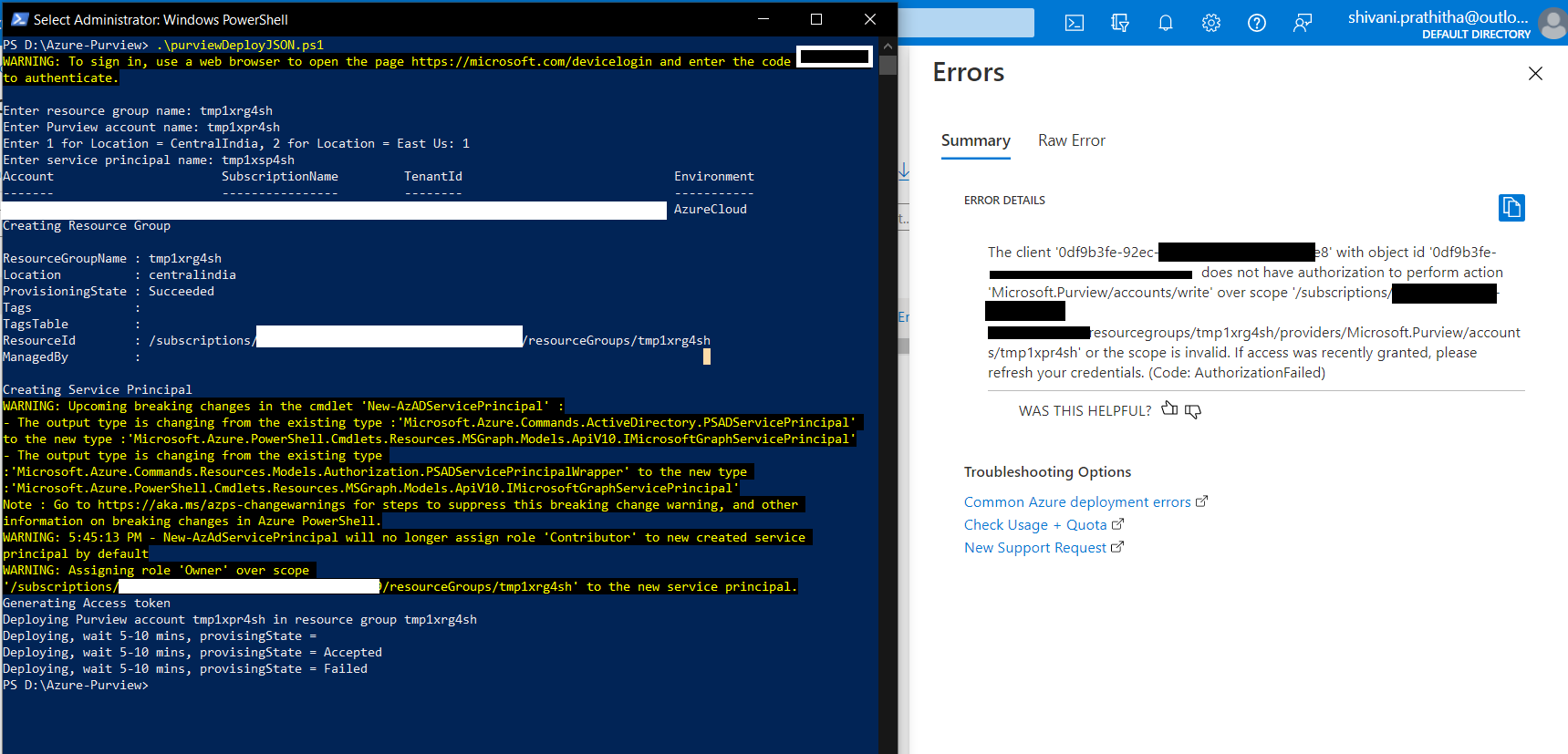
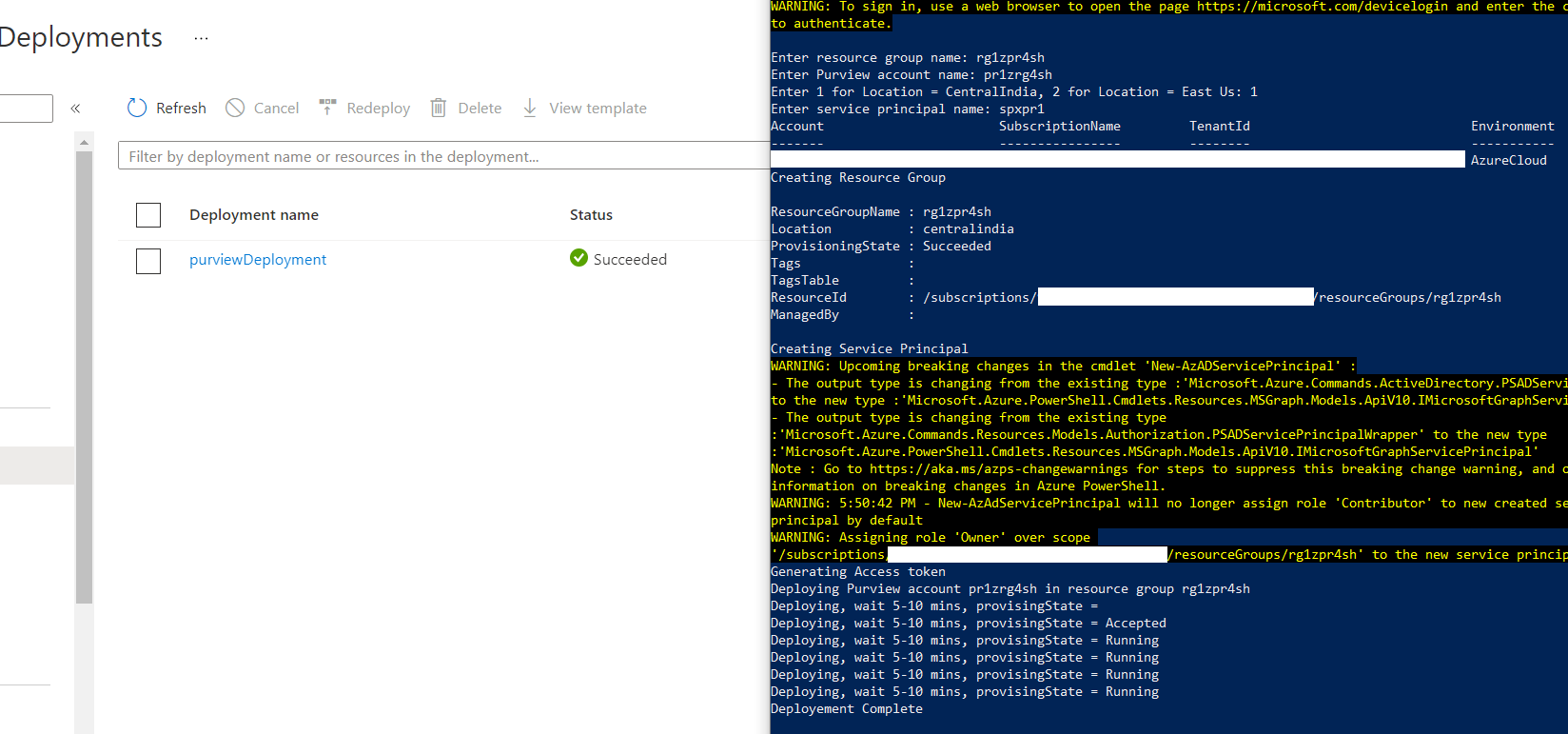
Question1: I've noticed some unusual behavior while running the script. I can deploy Purview using this script 90% of the times, but sometimes it gives me an error saying my service principal does not have Authorization the deploy the purview account.
This could be a transient issue and mostly retry should be working as excepted. As per my past experience - I had noticed similar behaviour while deploying Azure Purview account.
Question2: After I deploy the Purview account using my service principle I cannot access Purview portal. I know after creating Purview using service principle I need to run "az purview add-root-collection-admin" command in Azure cli and so I did and even after waiting for 20+ minutes I am not able to access my portal.
Make sure you had passed the correct object id while adding as root-collection-admin.
You may checkout my previous answer "azure purview access permission" which addressing how to grant access to the Azure Purview account.
Question3: How can I assign my service principal Purview roles like "data-curator", "data-source-admin", etc., through my PowerShell script? Any documents which provide details about it or any other references for this would be really helpful.
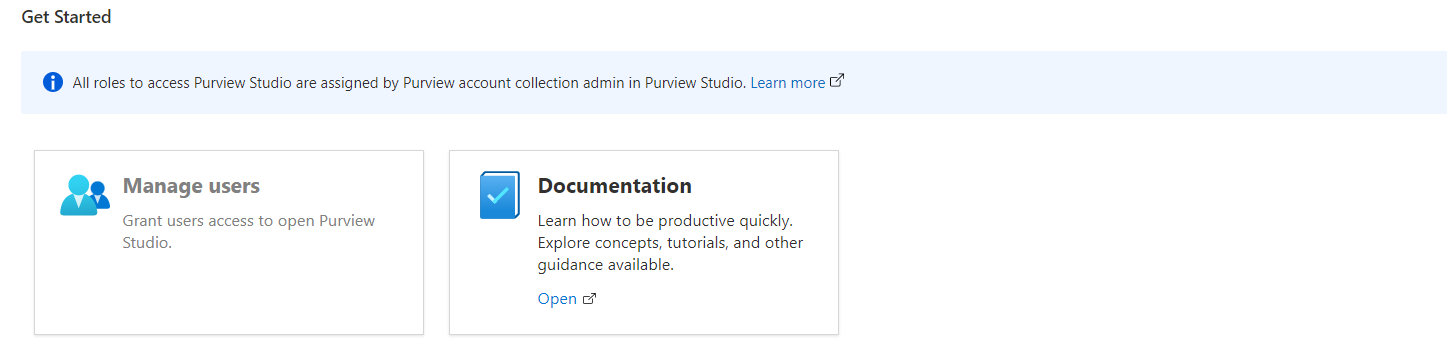
To enable to the access to the purview account, you can use Azure CLI (az purview account add-root-collection-admin) and PowerShell (Add-AzPurviewAccountRootCollectionAdmin).Once you have access to the purview account, you can add the permission like (Collection admin, Data source admins, Data Curators, Data readers) as per your requirement from Azure Purview Studio.
Note: The PowerShell/cli commands for adding permission like (Collection admin, Data source admins, Data Curators, Data readers) are coming soon.
Hope this will help. Please let us know if any further queries.
------------------------------
- Please don't forget to click on
 or upvote
  button whenever the information provided helps you. Original posters help the community find answers faster by identifying the correct answer. Here is how
 - Want a reminder to come back and check responses? Here is how to subscribe to a notification
- If you are interested in joining the VM program and help shape the future of Q&A: Here is how you can be part of Q&A Volunteer Moderators