Azure Sphere
An Azure internet of things security solution including hardware, operating system, and cloud components.
This browser is no longer supported.
Upgrade to Microsoft Edge to take advantage of the latest features, security updates, and technical support.
' cx='32' cy='32' r='32' /%3E%3Ctext x='50%25' y='55%25' dominant-baseline='middle' text-anchor='middle' fill='%23FFF' %3EFH%3C/text%3E%3C/svg%3E)
Hi,
I've developed with the USI Azure Sphere Dev Kit Board, and the installed SDK version is 21.10.
I'm trying to run the UART real-time core sample code (mt3620-m4-samples), but the VS shows device update failed.
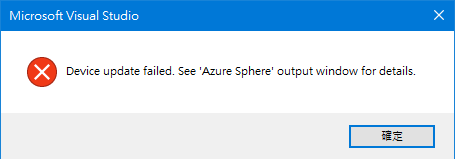

Do you have any ideas?
Tell me if you need more infos.
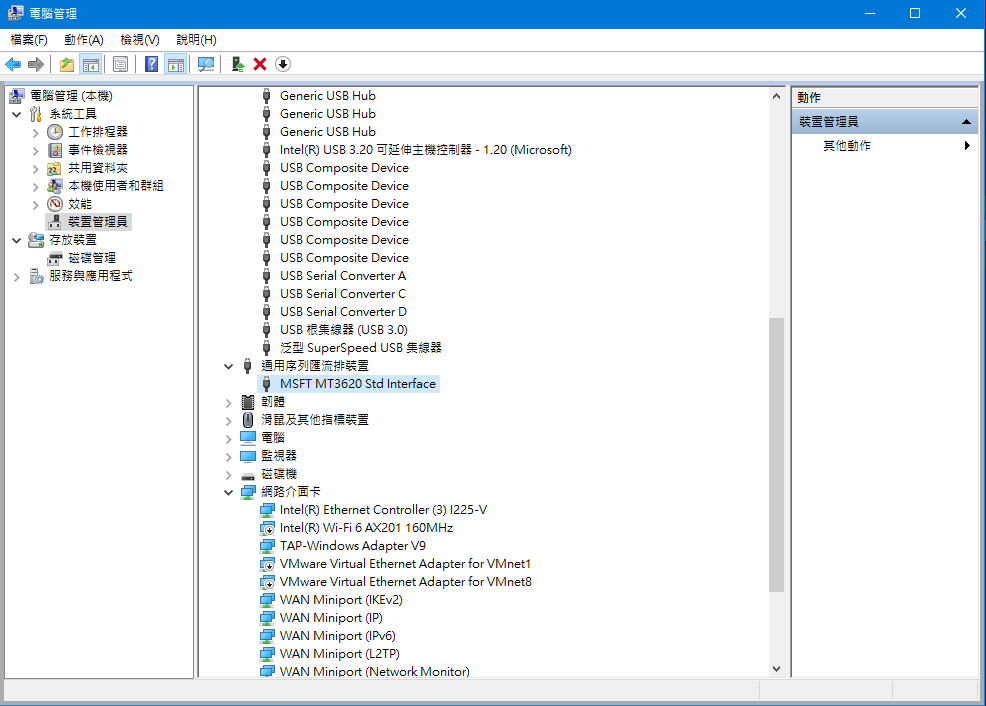
P.S:
An Azure internet of things security solution including hardware, operating system, and cloud components.
Hi,
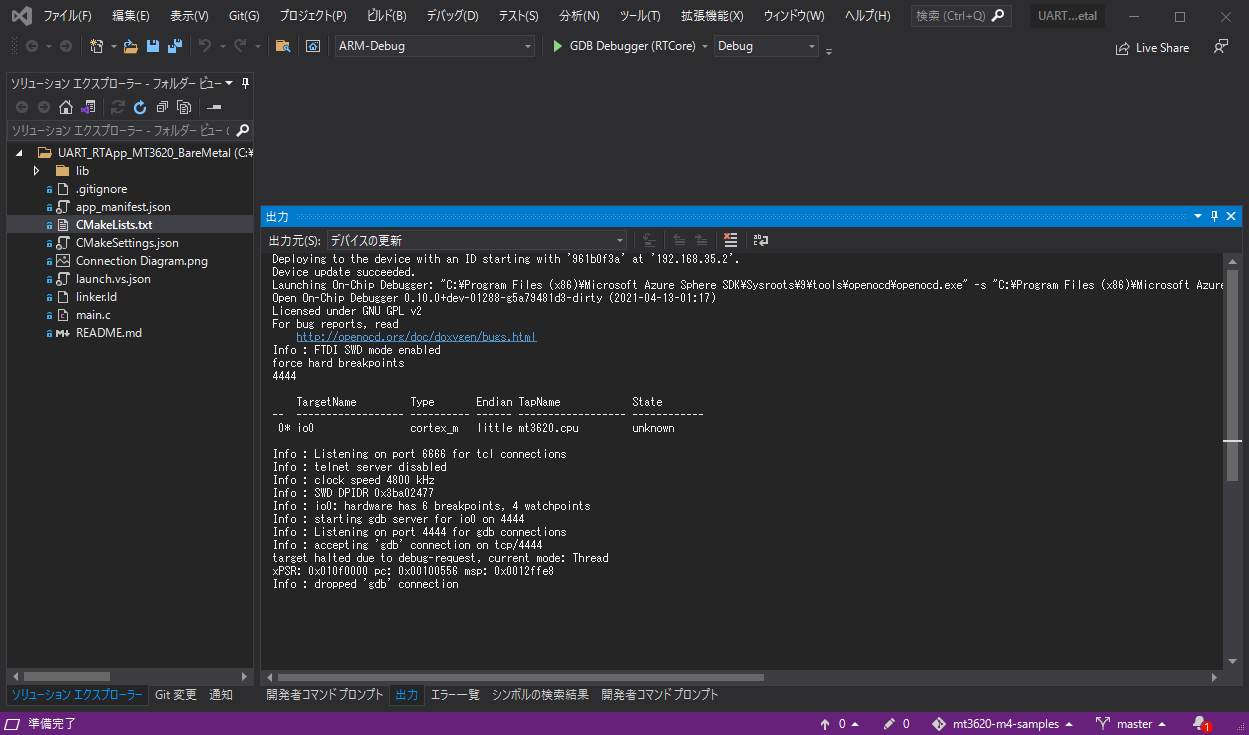
FYI
I tried my environment. It is working.
Hi,
Thanks for providing the setup environment, I found that the problem is my hardware setup, which is replied to above, after the SWD interface is connected, the sample works fine.
Answer accepted by question author

Hi @Frank Hsieh ,
Can you confirm that before trying this sample you successfully Build and run the HelloWorld RTApp application with Visual Studio ? When we complete this tutorial it helps us confirm that the setup to build a sample application for the real-time cores on an Azure Sphere device is correct.
Thanks!
Hi,
Thanks for your comment, after checking the mt3620-mcu-program-debug-interface, I found that I forgot to connect the SWD interface, which is needed for RT core debugging.
After connecting the SWD interface, the sample is working.
Thanks for confirming @Frank Hsieh , glad to have helped unblock you :). Can you please accept the answer if it helped?
Remember: