' cx='32' cy='32' r='32' /%3E%3Ctext x='50%25' y='55%25' dominant-baseline='middle' text-anchor='middle' fill='%23FFF' %3EP%3C/text%3E%3C/svg%3E)
' cx='32' cy='32' r='32' /%3E%3Ctext x='50%25' y='55%25' dominant-baseline='middle' text-anchor='middle' fill='%23FFF' %3EYM%3C/text%3E%3C/svg%3E)
Hi,If you can share your errorlog for more information
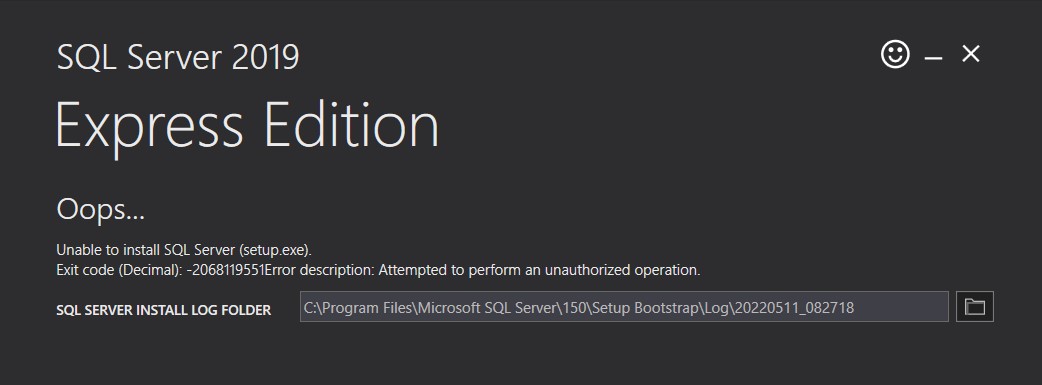
This error means that your account does not have sysadmin privileges on system where you are installing SQL Server express.
There is anti virus running on system which is blocking registry access. Disable any antivirus/security software and firewall
For win11, we are aware of at least one issue that many users have seen with SQL 2019 not working when installing on Windows 11 or SQL 2019 no longer working when the OS is upgraded to Windows 11
You can try to install SQL on a secondary drive (if able) that is a separate physical disk from the system’s C: drive, creating a VHD to use for the SQL Server installation, or enabling TF1800 first