Azure
A cloud computing platform and infrastructure for building, deploying and managing applications and services through a worldwide network of Microsoft-managed datacenters.

This browser is no longer supported.
Upgrade to Microsoft Edge to take advantage of the latest features, security updates, and technical support.
' cx='32' cy='32' r='32' /%3E%3Ctext x='50%25' y='55%25' dominant-baseline='middle' text-anchor='middle' fill='%23FFF' %3ESM%3C/text%3E%3C/svg%3E)
Hi guy's
We having an issue with upgrading/migrate our current Azure ad connect version 1.4.18 from a server 2012 R2 to last version of Azure-ad connect on a server 2019.
What we did was export the configuration of the current AD connect server with MigrateSettings.ps1 to a json file and use this json file on the server 2019 to install the Azure-ad connect and select both options staging mode and start the sync after configuration is done but configuration at the last moment come up with this error. I have no idea what is means
I check the current domain and forest fuctional level is at server 2008 R2
*[ERROR] System.Exception: Failed to set the connector. *
at Microsoft.DirectoryServices.MetadirectoryServices.UI.WebServices.MMSWebService.SetMaData(String maGuid, String maData)
at Microsoft.DirectoryServices.MetadirectoryServices.Config.ImportMIISServerConfig.ImportMAs(String forestName, String forestId, String maConfigurationPath)
at Microsoft.Online.Deployment.Types.Providers.SyncDataProvider.ImportADDSConnector(ConnectorAdapterBase addsConnector)
at Microsoft.Online.Deployment.PSModule.Tasks.AADSync.ConfigureAADSyncTask1.CreateNewConnectors(TContext context) at Microsoft.Online.Deployment.PSModule.Tasks.AADSync.ConfigureAADSyncTask1.ConfigureSyncEngine(TContext context)
at Microsoft.Online.Deployment.PSModule.Tasks.AADSync.ConfigureAADSyncTask`1.Execute()
at Microsoft.Online.Deployment.Framework.Workflow.WorkflowTask.ExecuteWrapper()
Exception Data (Raw): Microsoft.Online.Deployment.Framework.Workflow.WorkflowTaskException: The task 'Configure AAD Sync' has failed. ---> System.Exception: Failed to set the connector. \
at Microsoft.DirectoryServices.MetadirectoryServices.UI.WebServices.MMSWebService.SetMaData(String maGuid, String maData)
Any suggestion?
UPDATE:
Just removed the AD connect on the new server and ran it again and get the same error, and in the log see this:
[13:23:51.320] [ 4] [ERROR] ExecuteADSyncConfiguration: configuration failed. Skipping export of synchronization policy. resultStatus=Failed
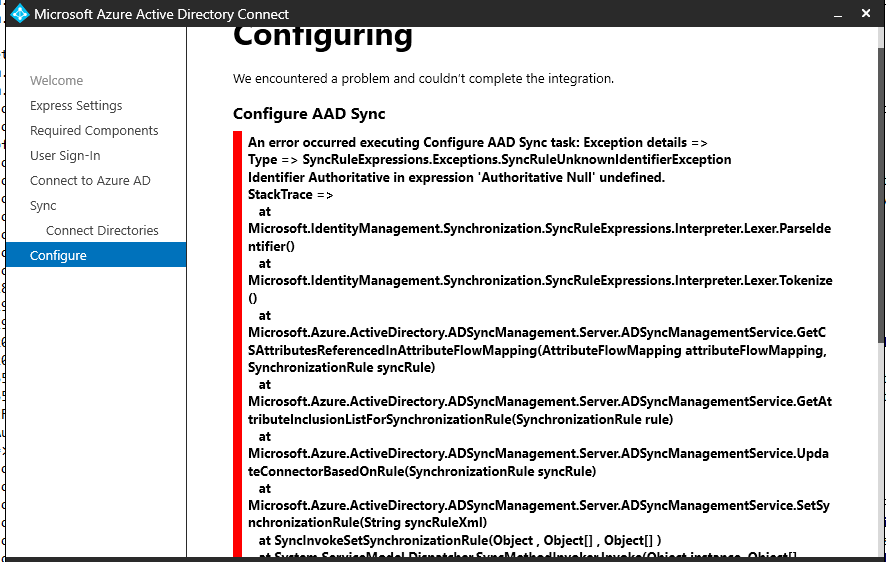
[13:23:51.365] [ 4] [ERROR] PerformConfigurationPageViewModel: We encountered a problem and couldn’t complete the integration.
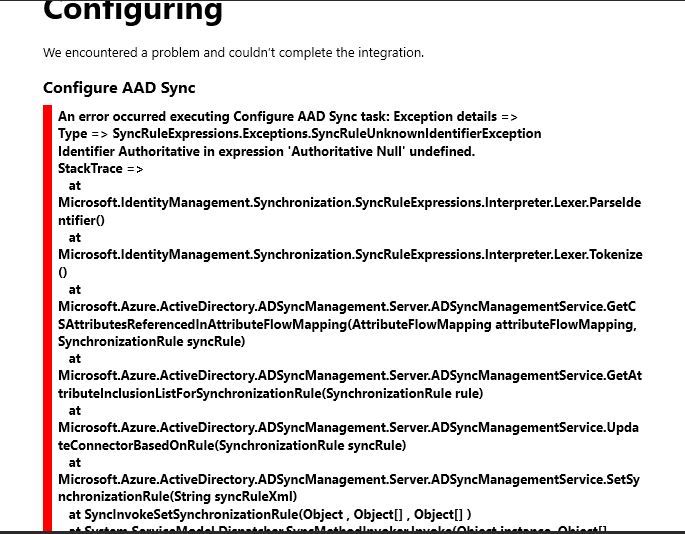
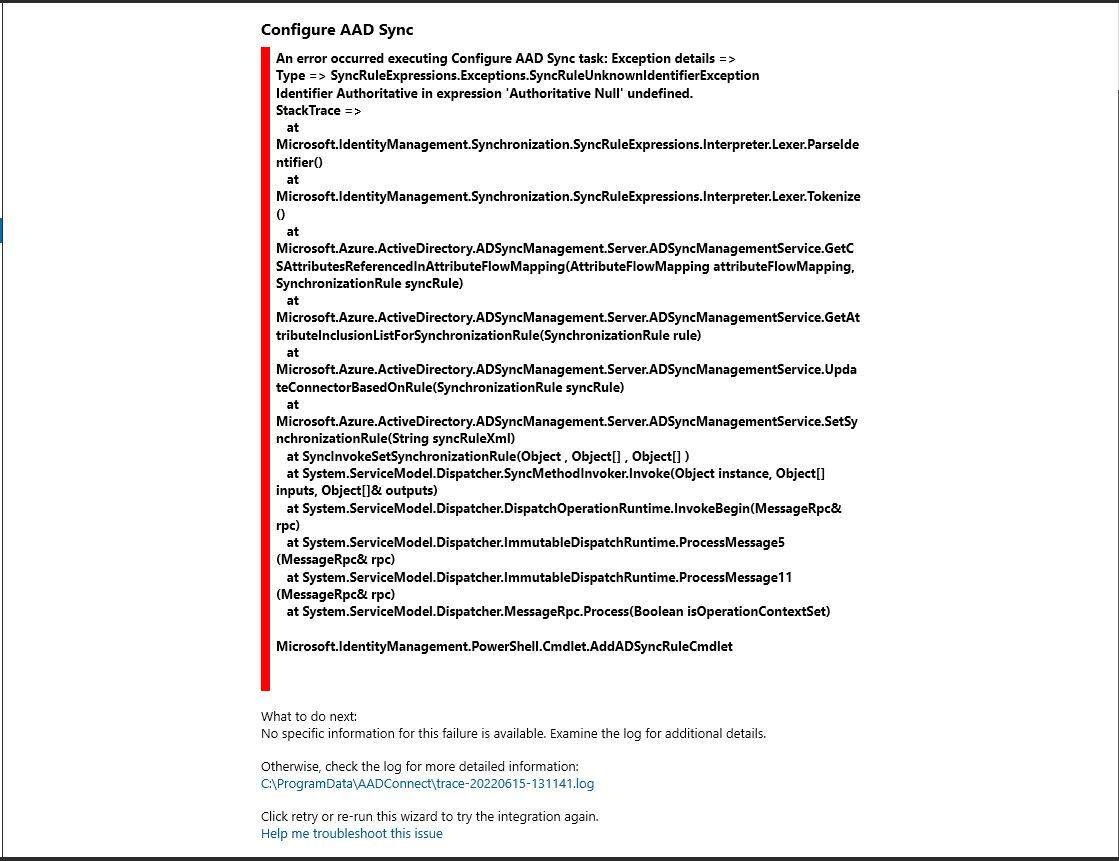
[13:23:51.365] [ 4] [ERROR] PerformConfigurationPageViewModel: An error occurred executing Configure AAD Sync task: Exception details =>
Type => SyncRuleExpressions.Exceptions.SyncRuleUnknownIdentifierException
Identifier Authoritative in expression 'Authoritative Null' undefined.

' cx='32' cy='32' r='32' /%3E%3Ctext x='50%25' y='55%25' dominant-baseline='middle' text-anchor='middle' fill='%23FFF' %3EA%3C/text%3E%3C/svg%3E)
Hi @Shahin Mortazave , I'm looking into this but it looks like your pictures didn't load correctly. Would you mind fixing that so I can look at them?
Thank you,
James
Hi @James Hamil Thank you for your reply, I have upload the picture one more time as attachment.
Please let me know if you need the install logs so I can upload that as well for you.
Hi @James Hamil I wonder if you had the time to look at the error message?
Thanks
Hi @Shahin Mortazave , have you tried changing the source anchor? This user had success with changing from mS-DS-ConsistencyGuid to the mail attribute.
If this doesn't work I'll most likely need to open a support ticket for you so we can look into your environment. Please let me know.
Best,
James
Hi @James Hamil thanks for your reply,
where can I check what is the source anchor? we simply export the configration from the old server and try to importing it to the new server!
Thanks