SQL Server Integration Services
A Microsoft platform for building enterprise-level data integration and data transformations solutions.
This browser is no longer supported.
Upgrade to Microsoft Edge to take advantage of the latest features, security updates, and technical support.
' cx='32' cy='32' r='32' /%3E%3Ctext x='50%25' y='55%25' dominant-baseline='middle' text-anchor='middle' fill='%23FFF' %3EN%3C/text%3E%3C/svg%3E)
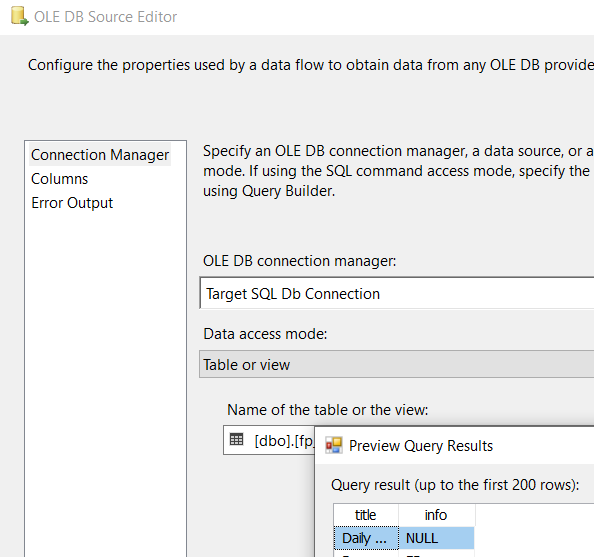
i want to export a whole table without column name into excel, however, i add a "OLE DB Source" as a source and create SQL server connection and select the table name. ( there are 2 columns when i preview)
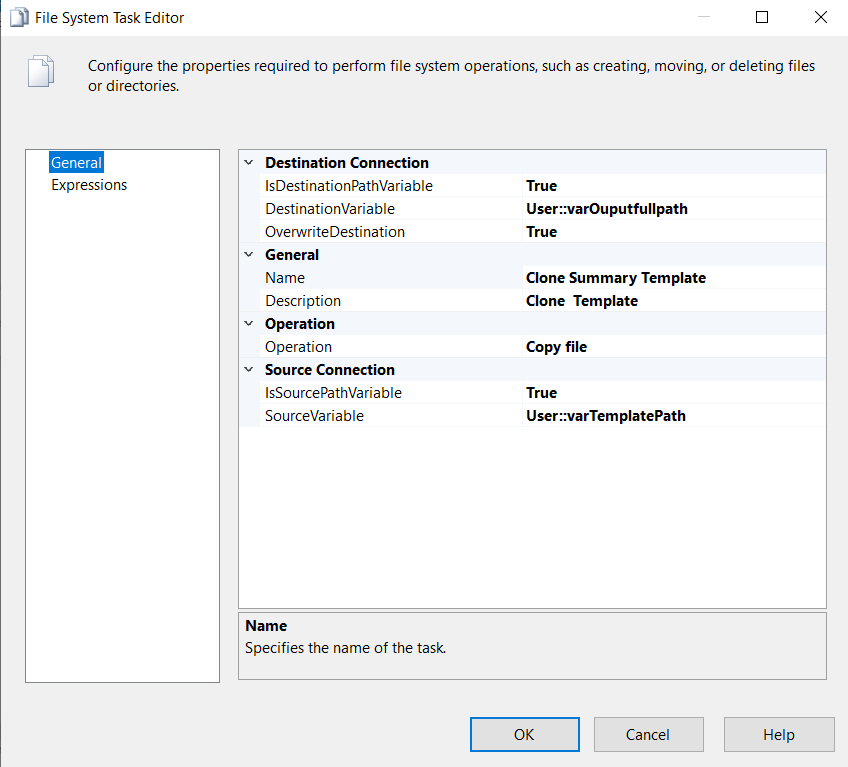
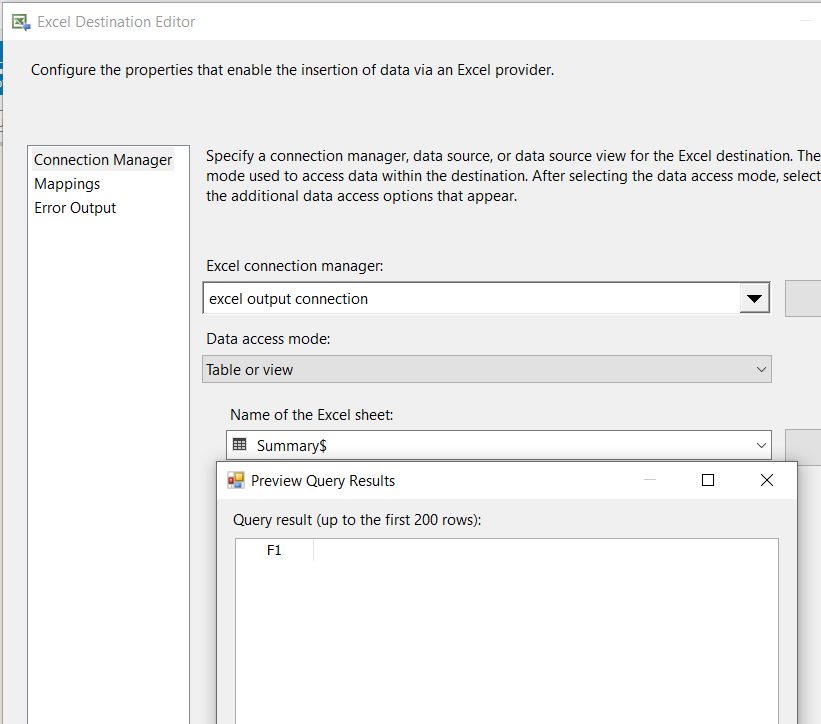
after that, i create a "Excel destination" and create a excel connection with setting up the outputpath from variable. and then select "Table or view" in Data access mode, when i preview the data, there is only 1 column
how to setup the output object (Excel destination), so that there are 2 columns (same as source from "OLE DB source")?
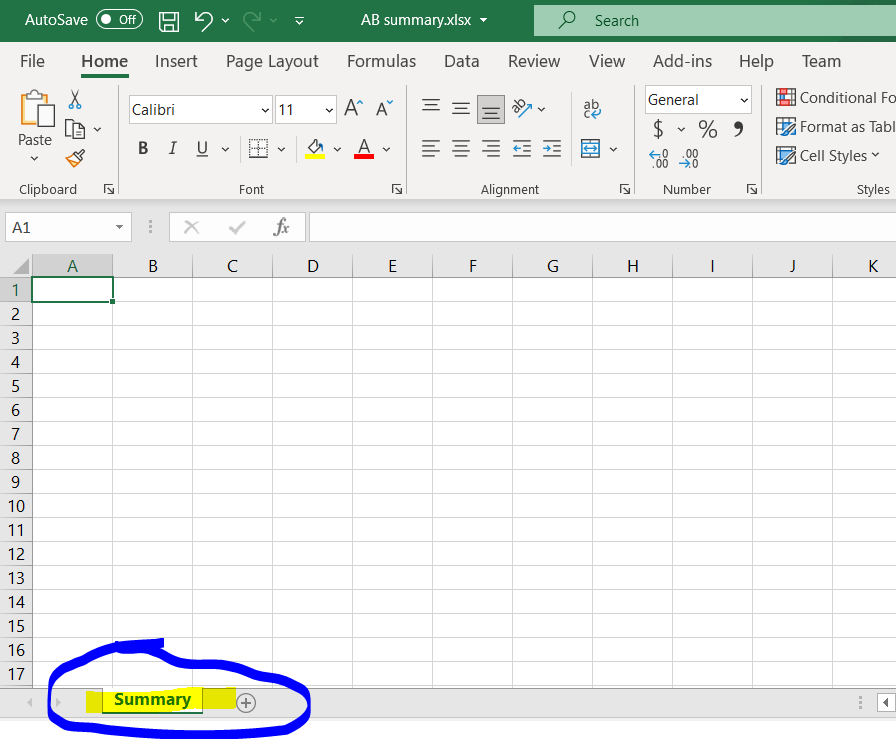
template is blank and only rename the worksheet as summary
there are 2 column in OLD source
in excel destination, there is only 1 column, how to make it same as source to display 2 columns without column name.
' cx='32' cy='32' r='32' /%3E%3Ctext x='50%25' y='55%25' dominant-baseline='middle' text-anchor='middle' fill='%23FFF' %3EYK%3C/text%3E%3C/svg%3E)
It seems that your source table 2nd column has just the NULL values.
That's why there is no 2nd column in the target MS Excel file.
of course, there is value in second column, that why I ask why there is only 1 column in destination while 2 column exists in source.
Please issue the following query, and share its outcome:
SELECT TOP(10) *
FROM <sourceTable>; --change it to your real table name
how?do you mean I need to select "sql command" and type sql instead of choosing table in Old source?
can you show me the screen where to input sql statements ? output object to set?
how to make the no. of column in source and destination are same.

Hi @nononame2021 ,
After you choose the excel connection manager, you may click new to create the excel sheet name and column name.

If I misunderstand your issue, please incorrect me.
Regards,
Zoe
If the answer is the right solution, please click "Accept Answer" and kindly upvote it. If you have extra questions about this answer, please click "Comment".
Note: Please follow the steps in our documentation to enable e-mail notifications if you want to receive the related email notification for this thread.
i am using SQL task execute to create summary table, but when i rerun the SSIS, it will cause error about the summary table already exists.
how to overwrite the summary table so i can run infinitely.
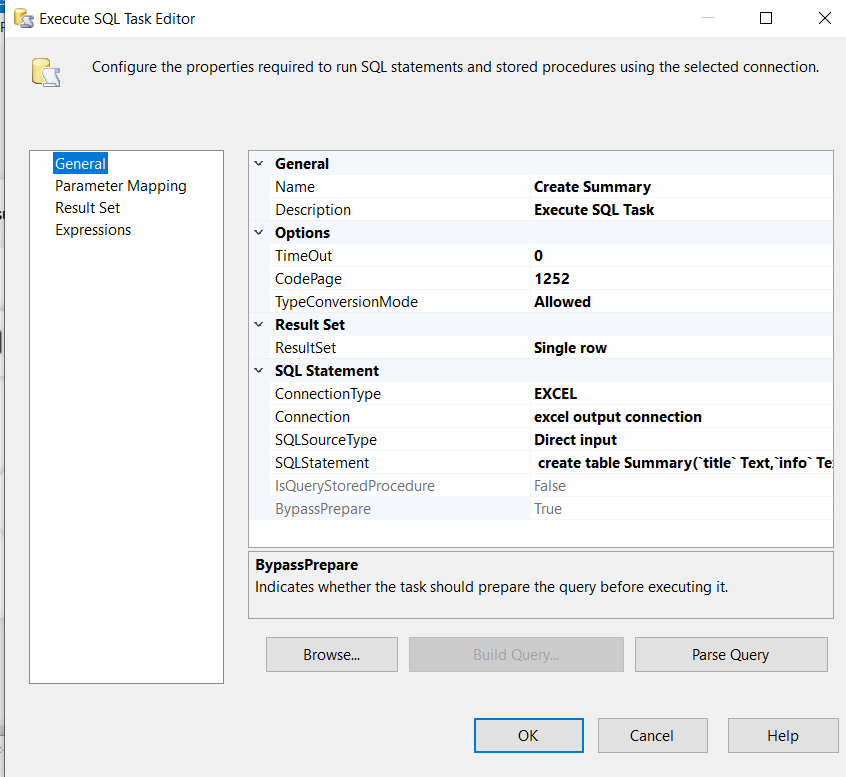
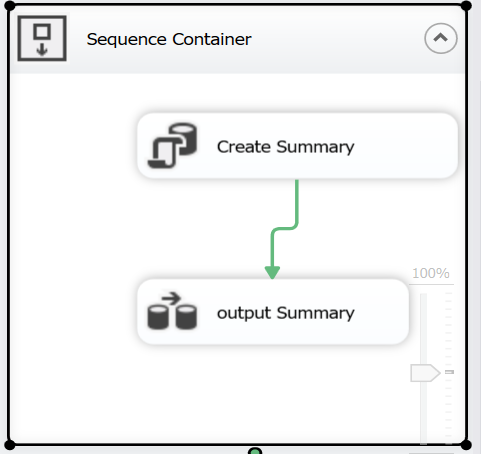
You need to change the table name every time you run the package to avoid the issue or do not use the SQL task execute, just create the sheet in excel destination.
how to create sheet in excel destination? can it be re-run to replace the file when run twice?
can you show me how to setup the "Excel Connection Manager 1", need to physically create a excel and place to the output path, right?
and need to setup the excel output path right?
how to set the excel output connection, I need to create a excel physically and place to excel filepath, right?
create excel and set the excel file path in excel output connection?
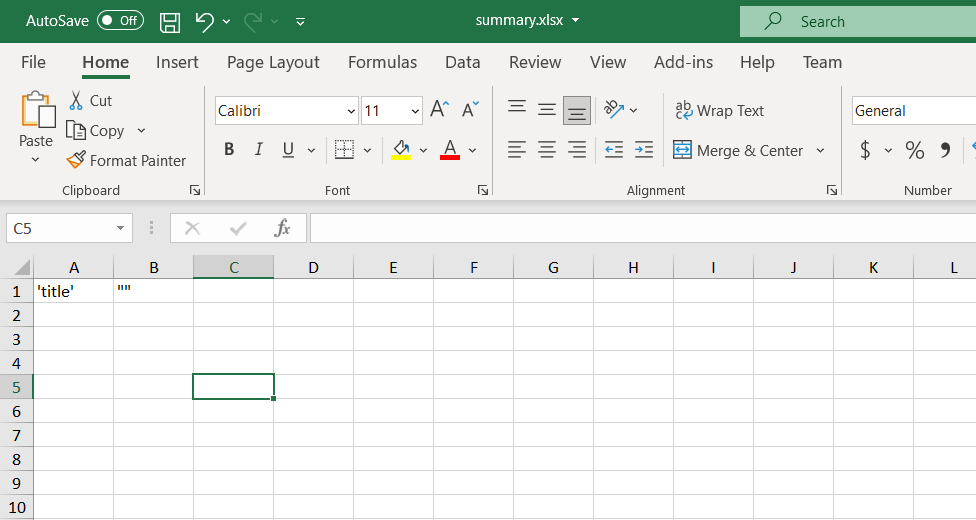
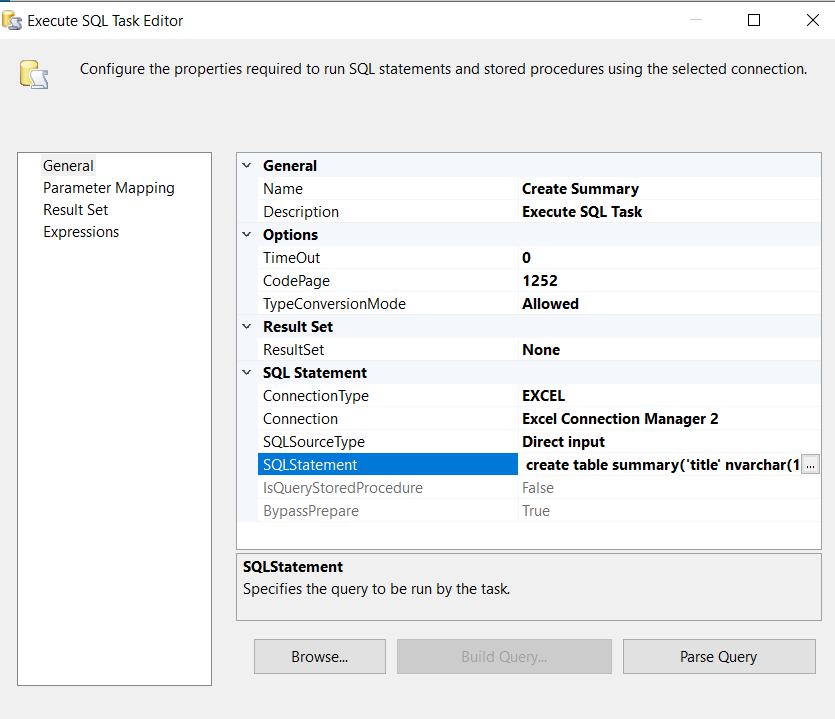
how to create table without column name, i want to export a blank excel. how to do ?
create table summary(
'title' nvarchar(100)
, "" nvarchar(100)
)
it will show the column name in excel
Hi @nononame2021 ,
You can not create the excel sheet without the column name in the Execute SQL Task.
how can i select the excel sheet without the first row and then export by SSIS?