SQL Server Integration Services
A Microsoft platform for building enterprise-level data integration and data transformations solutions.
This browser is no longer supported.
Upgrade to Microsoft Edge to take advantage of the latest features, security updates, and technical support.
' cx='32' cy='32' r='32' /%3E%3Ctext x='50%25' y='55%25' dominant-baseline='middle' text-anchor='middle' fill='%23FFF' %3EN%3C/text%3E%3C/svg%3E)
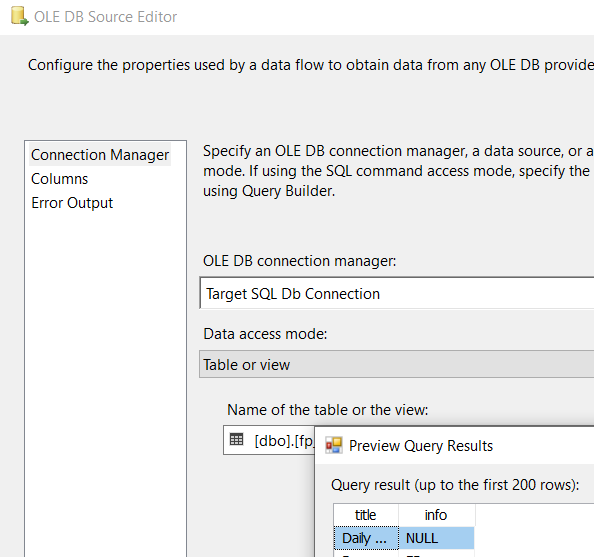
i want to export a whole table without column name into excel, however, i add a "OLE DB Source" as a source and create SQL server connection and select the table name. ( there are 2 columns when i preview)
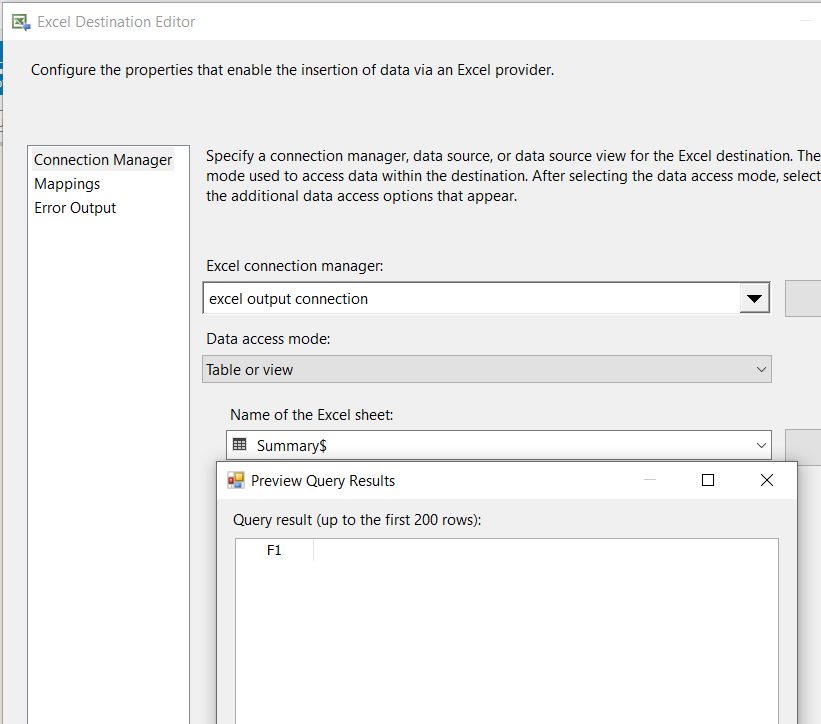
after that, i create a "Excel destination" and create a excel connection with setting up the outputpath from variable. and then select "Table or view" in Data access mode, when i preview the data, there is only 1 column
how to setup the output object (Excel destination), so that there are 2 columns (same as source from "OLE DB source")?
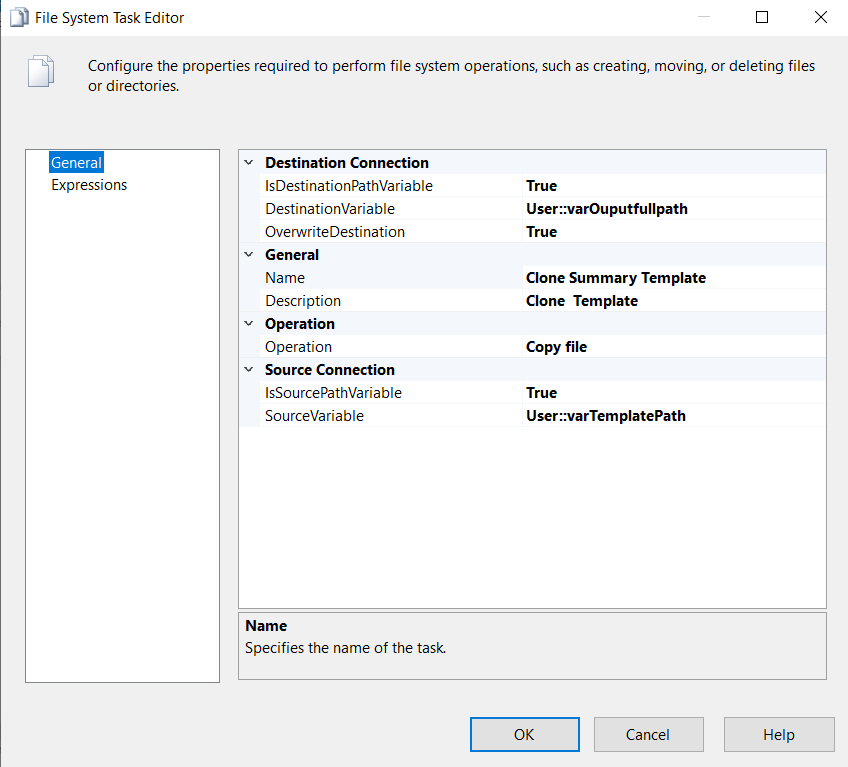
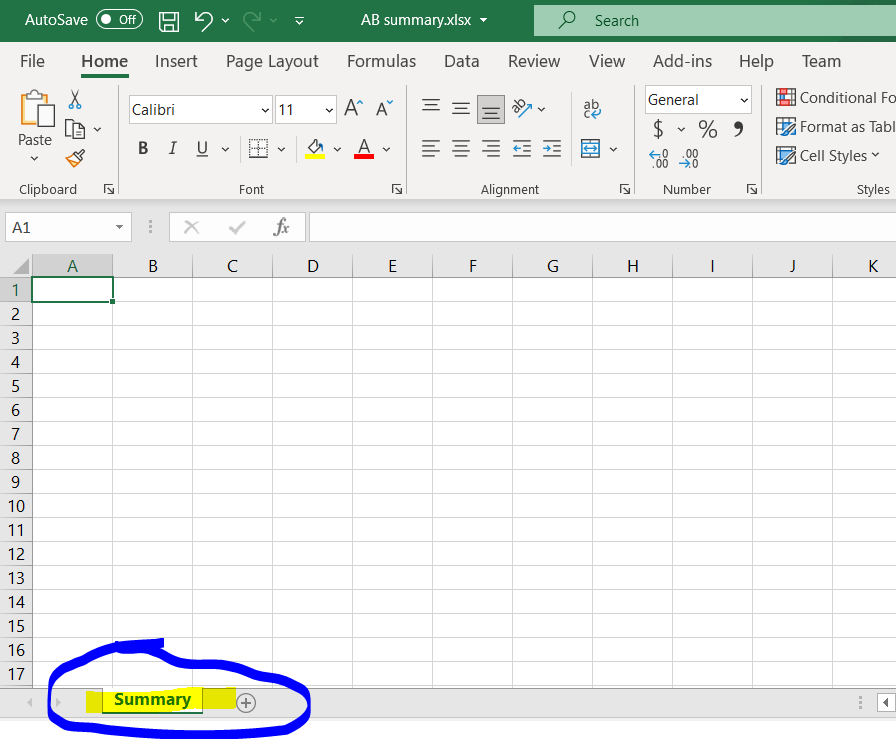
template is blank and only rename the worksheet as summary
there are 2 column in OLD source
in excel destination, there is only 1 column, how to make it same as source to display 2 columns without column name.
how to remove the first row after i export the excel.

In short you cannot delete an entire row using SSIS. You may be able to use excel automation or vb.net in excel itself to accomplish this task.
Or use script task, see here.