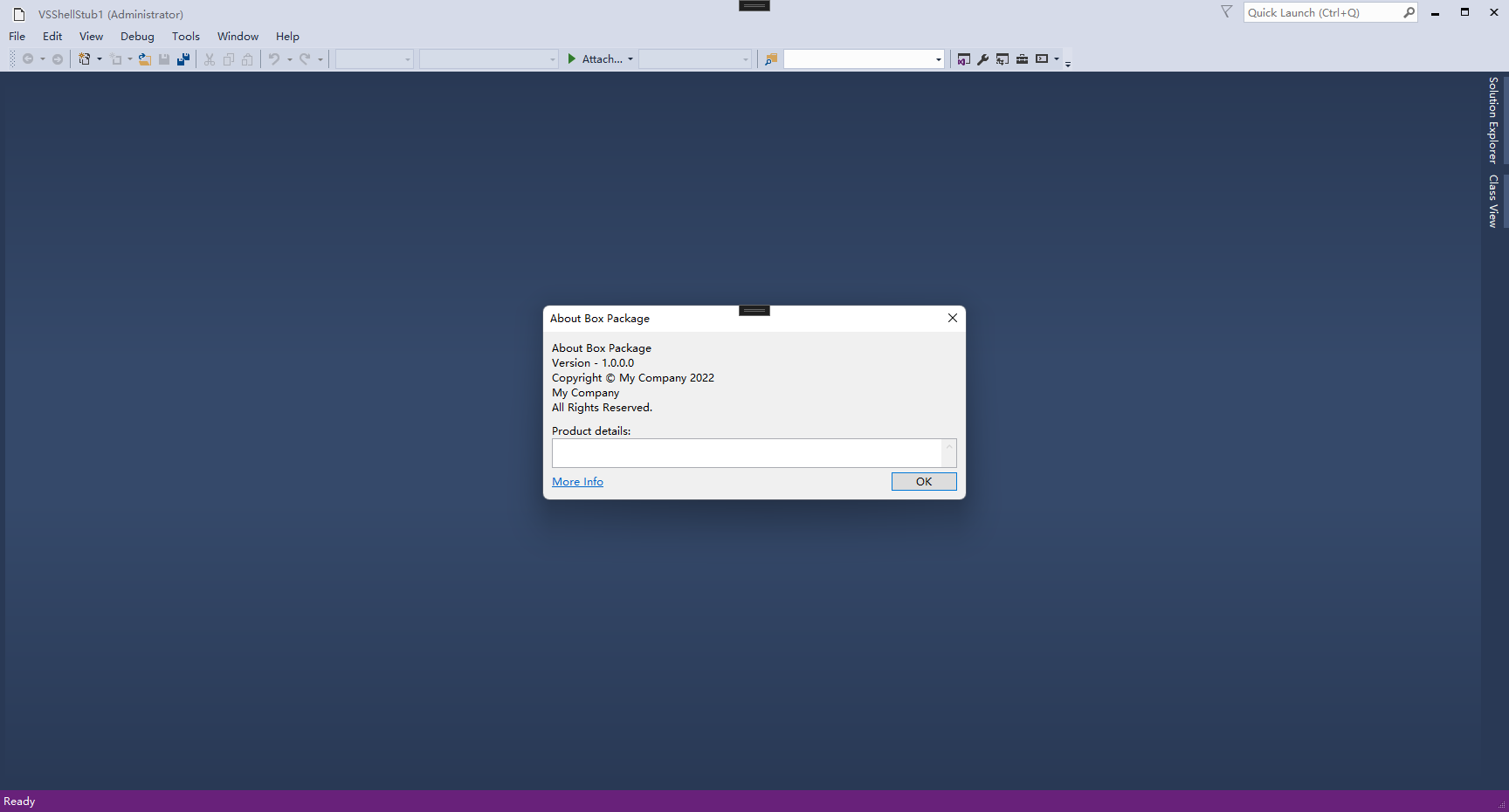
VS 2015 Isolated Shell application when build in VS2022 results in build errors.
Error Detail:
2>C:\Program Files (x86)\MSBuild\Microsoft\VisualStudio\v14.0\VSSDK\Microsoft.VsSDK.Common.targets(126,5): error VSSDK1000: Failed to load 'C:\Program Files (x86)\Microsoft Visual Studio 14.0\VSSDK\VisualStudioIntegration\Tools\bin\VSCT.exe' Assembly. Could not load file or assembly 'file:///C:\Program Files (x86)\Microsoft Visual Studio 14.0\VSSDK\VisualStudioIntegration\Tools\bin\VSCT.exe' or one of its dependencies. An attempt was made to load a program with an incorrect format.
Steps to reproduce:
- Create an Isolated Shell application project in VS2015.
- Build the project. it builds fine.
- Change the reference of shell dlls to use specific version and build the project.
- Open same project in VS2022 and build it. We get the above error.
Need support to fix this error.
Thanks in advance..
' cx='32' cy='32' r='32' /%3E%3Ctext x='50%25' y='55%25' dominant-baseline='middle' text-anchor='middle' fill='%23FFF' %3EHN%3C/text%3E%3C/svg%3E)
' cx='32' cy='32' r='32' /%3E%3Ctext x='50%25' y='55%25' dominant-baseline='middle' text-anchor='middle' fill='%23FFF' %3ETS%3C/text%3E%3C/svg%3E)
' cx='32' cy='32' r='32' /%3E%3Ctext x='50%25' y='55%25' dominant-baseline='middle' text-anchor='middle' fill='%23FFF' %3EE%3C/text%3E%3C/svg%3E)