Azure Data Factory
An Azure service for ingesting, preparing, and transforming data at scale.
This browser is no longer supported.
Upgrade to Microsoft Edge to take advantage of the latest features, security updates, and technical support.
' cx='32' cy='32' r='32' /%3E%3Ctext x='50%25' y='55%25' dominant-baseline='middle' text-anchor='middle' fill='%23FFF' %3ESB%3C/text%3E%3C/svg%3E)
while publishing from master the Global parameters does not appear in the ARMTemplateParametersForFactory.json
I have checked in the option "Include Global Parameters in ARM template"
but still I have this issue and my arm-template-parameters-definition.json has the below as well
"Microsoft.DataFactory/factories": {
"properties": {
"globalParameters": {
"*": {
"value": "="
}
}
},
An Azure service for ingesting, preparing, and transforming data at scale.
Answer accepted by question author

Hi @S B R Vamsi Manda ,
Welcome to Microsoft Q&A platform and thankyou for posting your query.
Looking at the query, it seems you are having issue with the Global parameter which is not reflecting in your ARM template even after enabling the Include Global Parameters in ARM template option in ADF workspace. Please let me know if my understanding is incorrect.
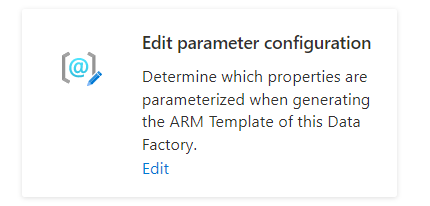
Probably you are trying to view the Default parameterization template in the below option .
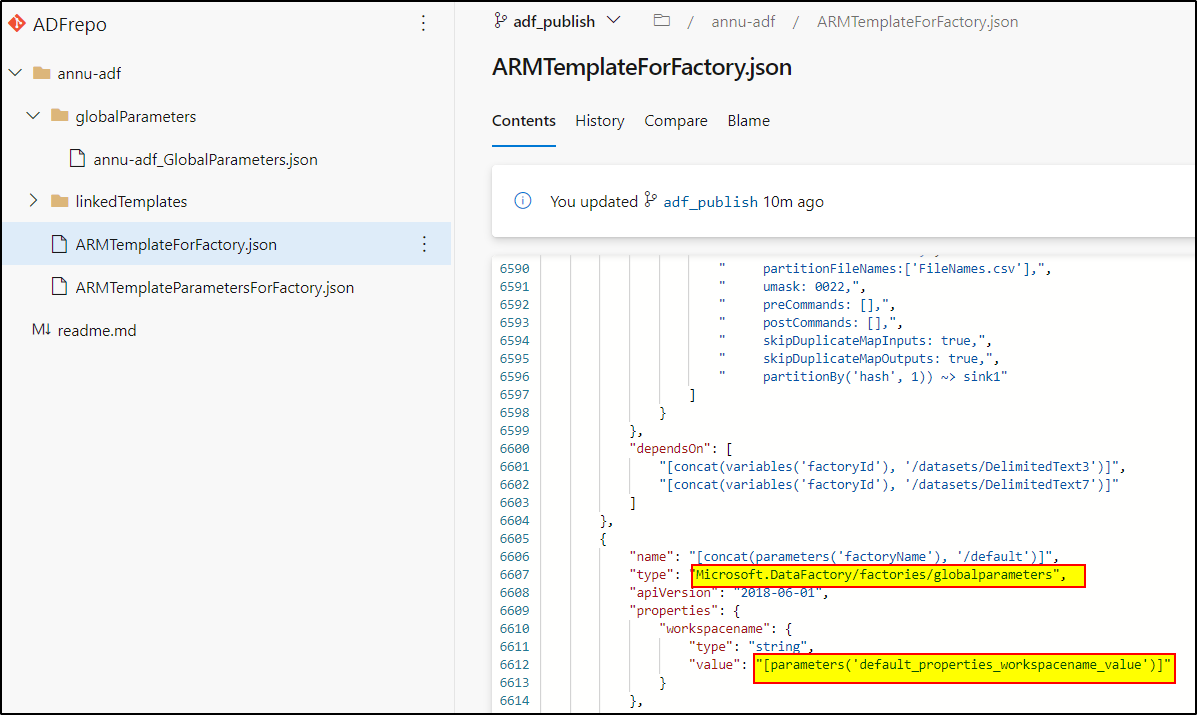
You need to check either the exported ARM template or the GIT repo.
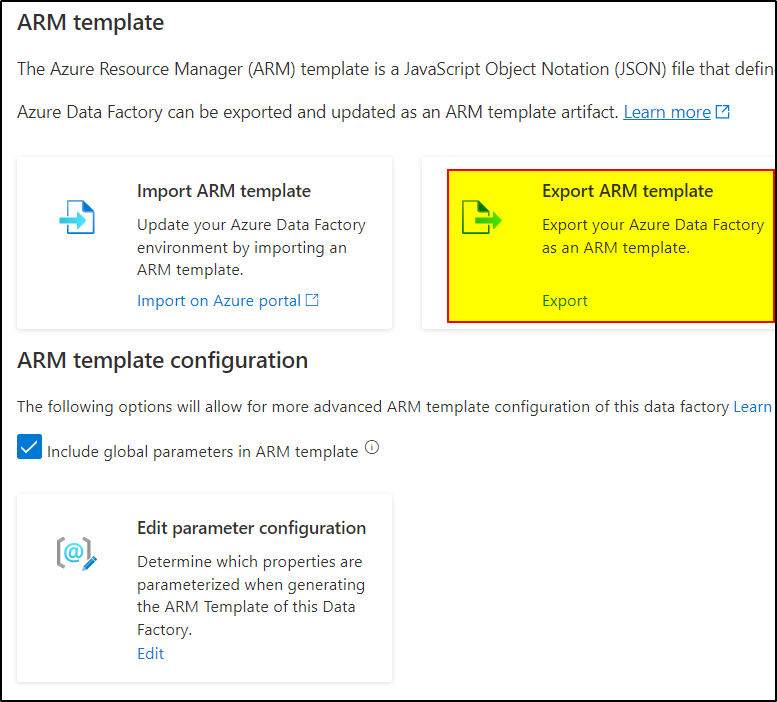
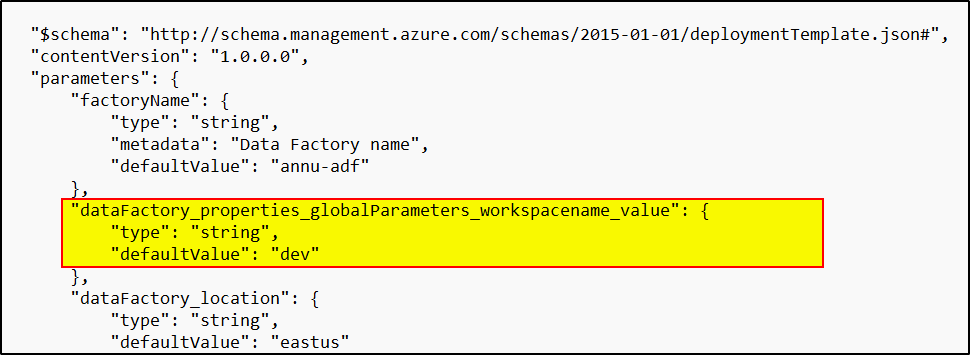
I tried to create a GP and included it in the ARM template, it' properly reflecting in the ARM .json file in GIT repo in my case.
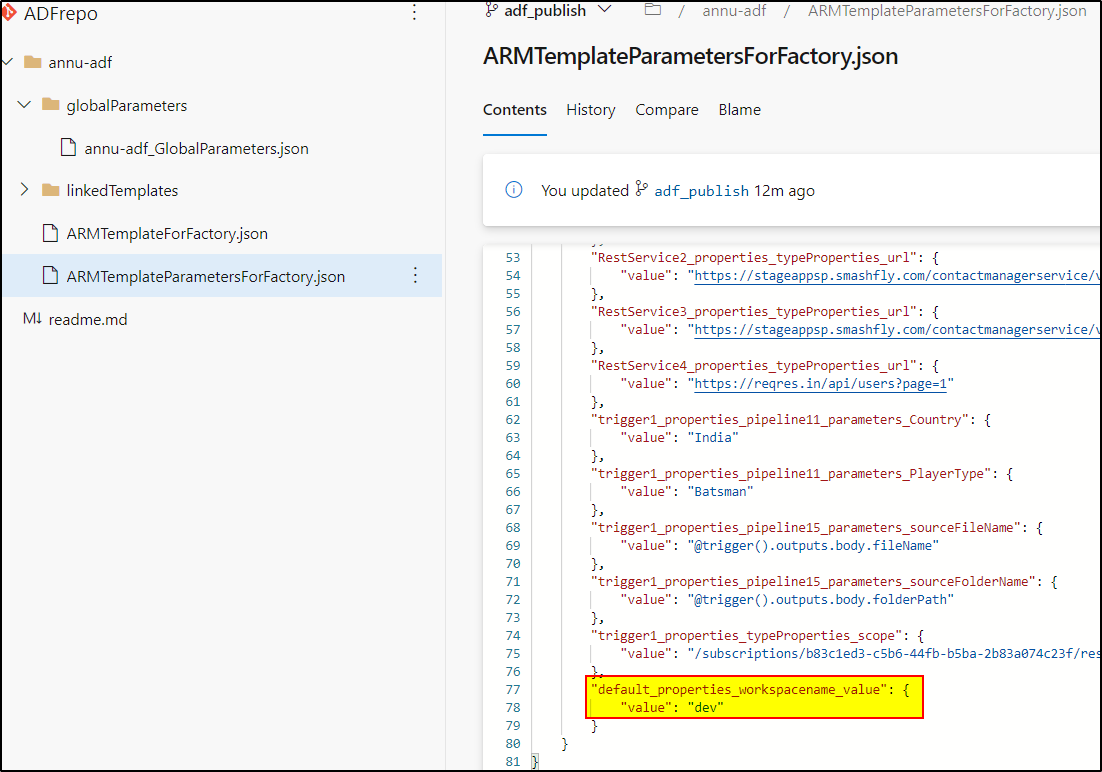
Hope this will help. Please let us know if any further queries.
 or upvote
  button whenever the information provided helps you.
Hi @S B R Vamsi Manda ,
Just checking in to see if you got a chance to see previous response. If the suggested response helped you, please click Accept Answer and kindly upvote the same. If you have extra questions about this answer, please do Comment.
' cx='32' cy='32' r='32' /%3E%3Ctext x='50%25' y='55%25' dominant-baseline='middle' text-anchor='middle' fill='%23FFF' %3EPY%3C/text%3E%3C/svg%3E)
Hi, I have exactly the same issue. I've got some parameters in ARMTemplateParametersForFactory.json, but I cannot get new parameters I have just added to appear there at all after publishing. Branch adf_publish only shows the "old" parameters.
Hi @Petri Ylitalo ,
The above issue posted by @S B R Vamsi Manda is related to Global parameters . Kindly create a new thread for your issue. Thanks .
Hi @AnnuKumari-MSFT ,
My issue is also related to global parameters. These are the steps I have done:
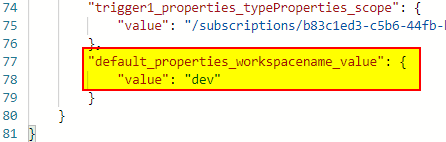
I have also tried to set "Include global parameters in ARM template" on and off, always save + publish all in between changes, but this didn't help. Is there some way to "reset" the adf_publish branch or what should be done to fix this?