Note
Access to this page requires authorization. You can try signing in or changing directories.
Access to this page requires authorization. You can try changing directories.
Applies to:  Azure SQL Database
Azure SQL Managed Instance
Azure Synapse Analytics
SQL Server on Azure VM
SQL Server enabled by Azure Arc
Azure SQL Database
Azure SQL Managed Instance
Azure Synapse Analytics
SQL Server on Azure VM
SQL Server enabled by Azure Arc
Advanced Threat Protection for Azure SQL Database, Azure SQL Managed Instance, Azure Synapse Analytics, SQL Server on Azure VMs, and SQL Server enabled by Azure Arc detects anomalous activities that indicate unusual and potentially harmful attempts to access or exploit databases.
Advanced Threat Protection is part of the Microsoft Defender for SQL offering, which is a unified package for advanced SQL security capabilities. You can access and manage Advanced Threat Protection through the central Microsoft Defender for SQL portal.
Overview
Advanced Threat Protection provides a new layer of security. It enables you to detect and respond to potential threats as they occur by providing security alerts on anomalous activities. You receive an alert upon suspicious database activities, potential vulnerabilities, and SQL injection attacks, as well as anomalous database access and query patterns. Advanced Threat Protection integrates alerts with Microsoft Defender for Cloud, which include details of suspicious activity and recommend action on how to investigate and mitigate the threat. Advanced Threat Protection makes it simple to address potential threats to the database without the need to be a security expert or manage advanced security monitoring systems.
For a full investigation experience, enable auditing, which writes database events to an audit log in your Azure storage account. To enable auditing, see Auditing for Azure SQL Database and Azure Synapse or Auditing for Azure SQL Managed Instance.
Alerts
Advanced Threat Protection detects anomalous activities that indicate unusual and potentially harmful attempts to access or exploit databases. For a list of alerts, see the Alerts for SQL Database and Azure Synapse Analytics in Microsoft Defender for Cloud.
Explore detection of a suspicious event
You receive an email notification when the system detects anomalous database activities. The email provides information on the suspicious security event, including the nature of the anomalous activities, database name, server name, application name, and the event time. In addition, the email provides information on possible causes and recommended actions to investigate and mitigate the potential threat to the database.
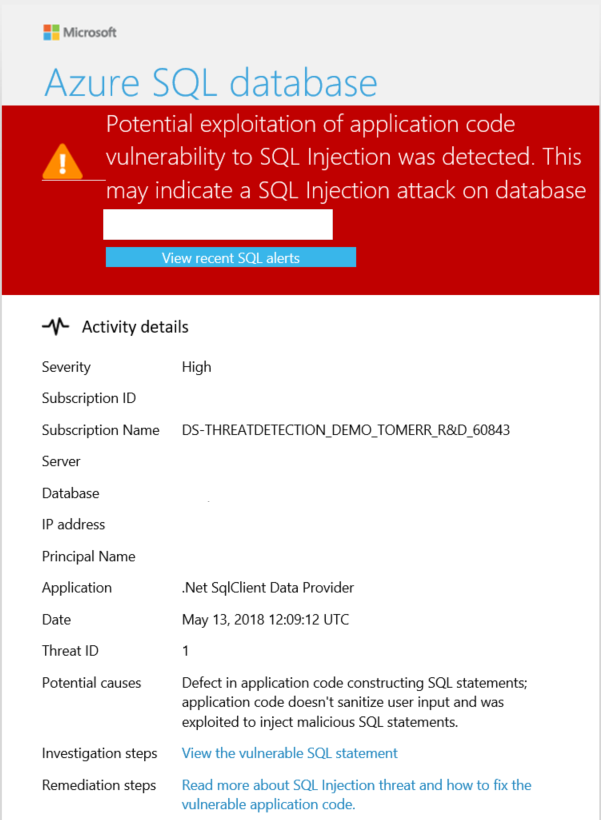
Select the View recent SQL alerts link in the email to launch the Azure portal and show the Microsoft Defender for Cloud alerts page. This page provides an overview of active threats detected on the database.
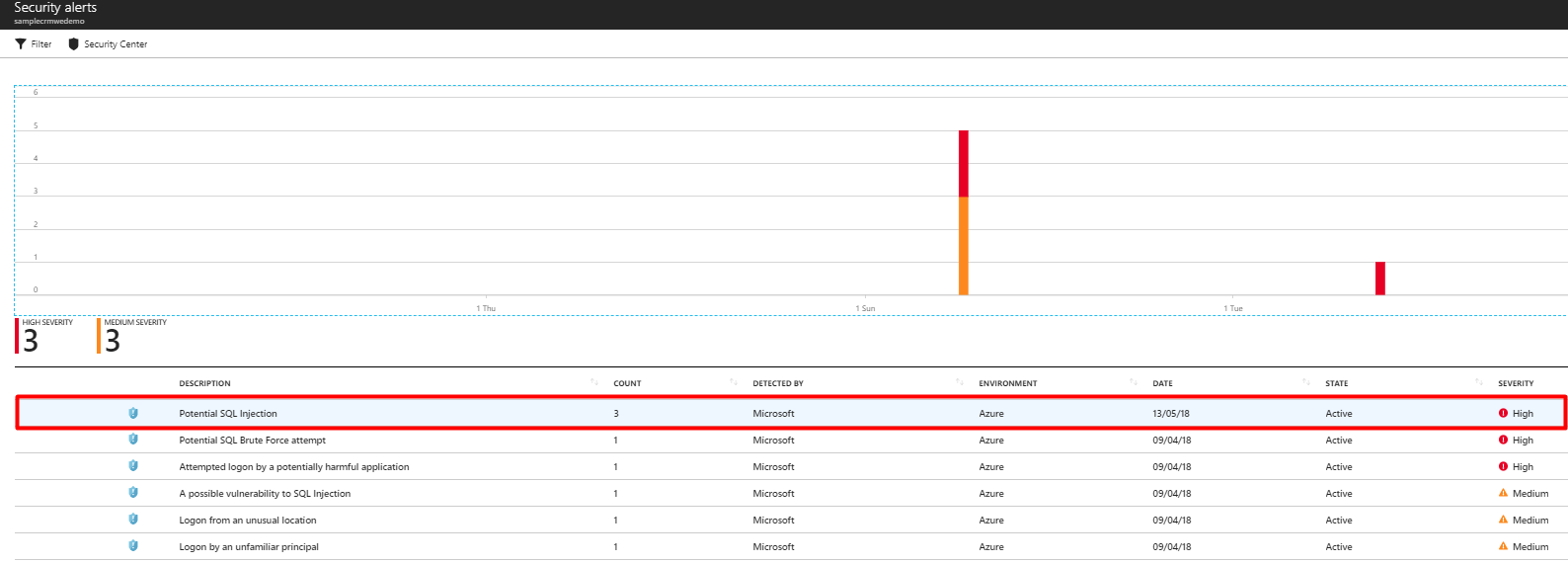
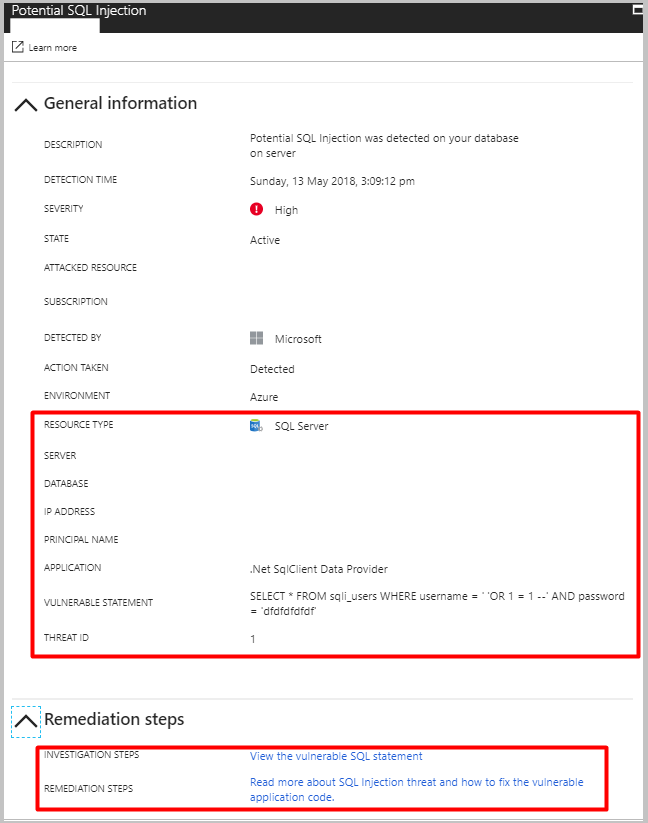
Select a specific alert to get additional details and actions for investigating this threat and remediating future threats.
For example, SQL injection is one of the most common Web application security issues on the Internet that bad actors use to attack data-driven applications. They take advantage of application vulnerabilities to inject malicious SQL statements into application entry fields, breaching or modifying data in the database. For SQL Injection alerts, the alert's details include the vulnerable SQL statement that was exploited.
Explore alerts in the Azure portal
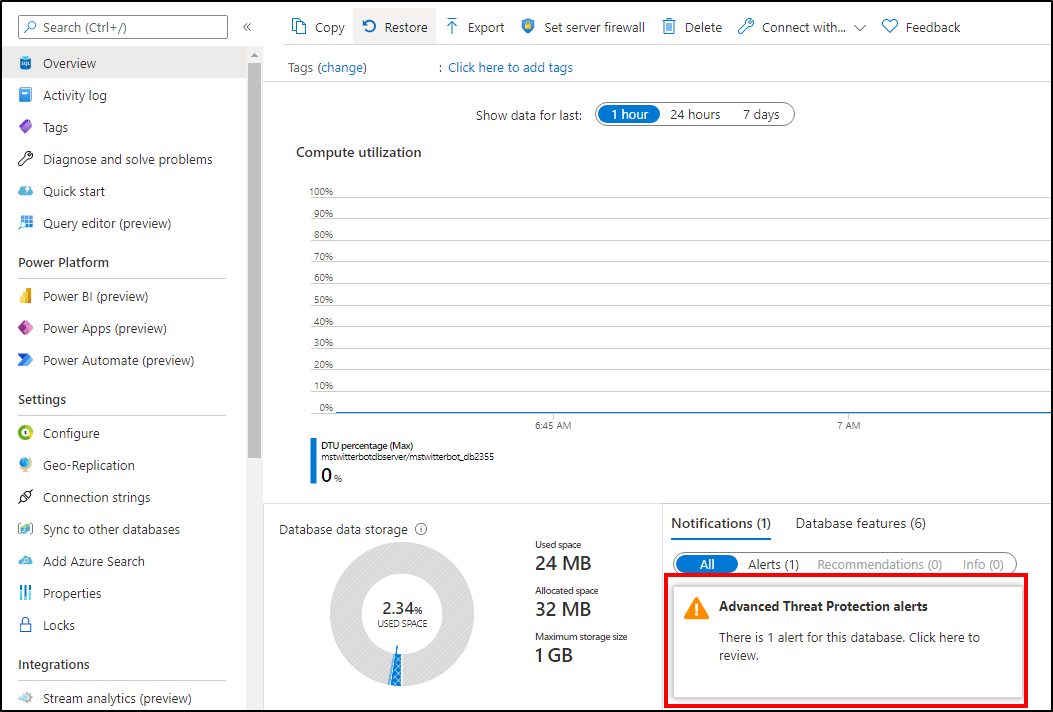
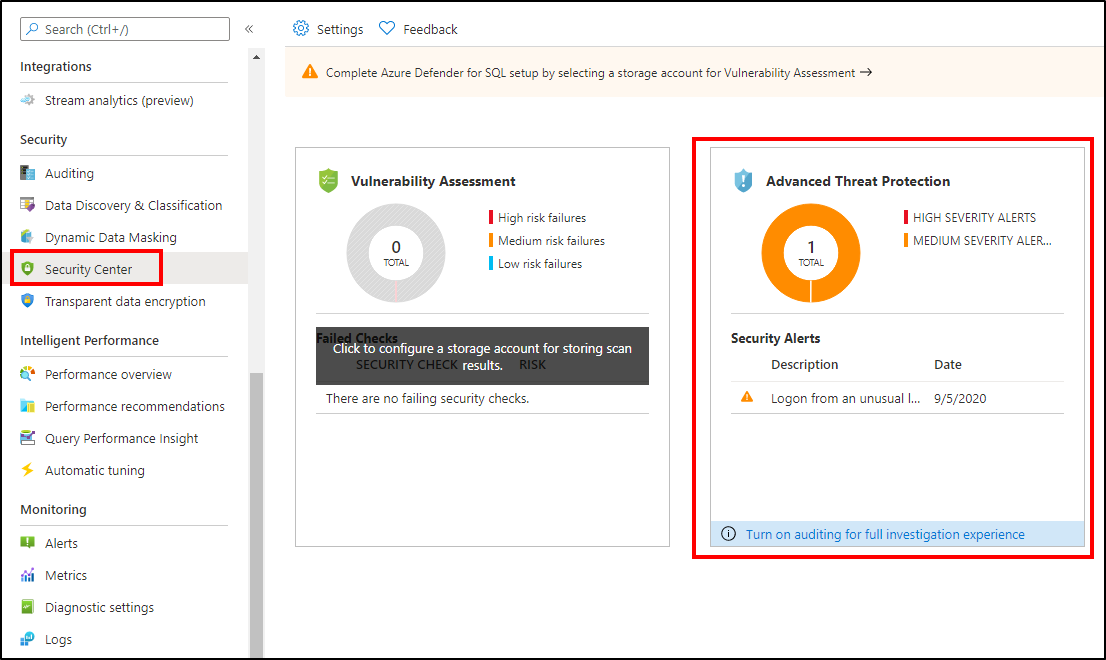
Advanced Threat Protection integrates its alerts with Microsoft Defender for Cloud. Live SQL Advanced Threat Protection tiles within the database and SQL Microsoft Defender for Cloud blades in the Azure portal track the status of active threats.
Select Advanced Threat Protection alert to launch the Microsoft Defender for Cloud alerts page and get an overview of active SQL threats detected on the database.