Note
Access to this page requires authorization. You can try signing in or changing directories.
Access to this page requires authorization. You can try changing directories.
The pages in this section explain the purpose and function of notable workspace settings. Azure Databricks workspace administrators can access the workspace settings by clicking their username in the top bar of the Azure Databricks workspace and selecting Settings.
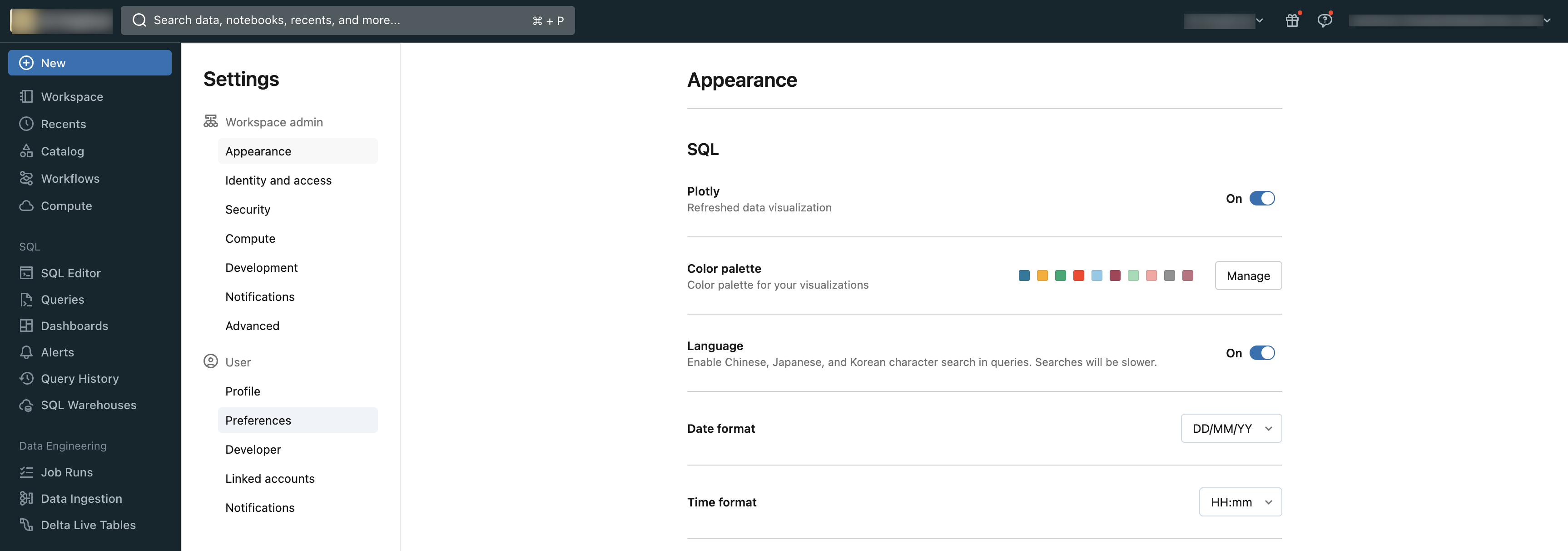
Available settings
For a complete list of available settings, see Available account and workspace settings.
This section includes the following pages:
- Manage workspace base environments
- Configure default package repositories
- Manage Azure Databricks previews
- Manage workspace appearance settings
- Manage workspace email settings
- Default access mode for jobs compute
- Manage notification destinations
- Auto-enable deletion vectors
- Purge workspace storage
- Configure notebook result storage location
- Manage access to notebook features
- Disable the upload data UI
- Manage the DBFS file browser
- Enforce user isolation cluster types on a workspace
- Restrict workspace admins
- Default storage in Databricks
- SQL warehouse admin settings
- Data access configurations
- Enable the web terminal
- Workspace access for Azure Databricks personnel