Note
Access to this page requires authorization. You can try signing in or changing directories.
Access to this page requires authorization. You can try changing directories.
Features
Pull request link added to git push output
When you push a new branch to Azure Repos, the git push output now includes a direct link to create a pull request. This makes it faster to open a PR right after pushing, without needing to navigate to the web UI manually.
Example output:
remote:
remote: Create a pull request for 'my-branch' on Azure DevOps by visiting:
remote:   https://dev.azure.com/org/project/_git/repo/pullrequestcreate?sourceRef=my-branch&targetRef=main
remote:
Next steps
Note
These features will roll out over the next two to three weeks.
Head over to Azure DevOps and take a look.
How to provide feedback
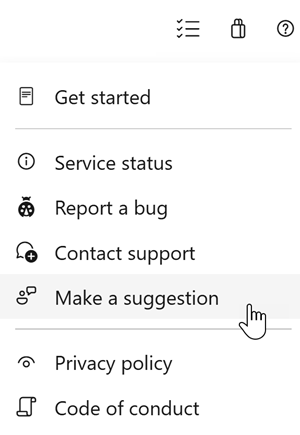
We would love to hear what you think about these features. Use the help menu to report a problem or provide a suggestion.
You can also get advice and your questions answered by the community on Stack Overflow.