Note
Access to this page requires authorization. You can try signing in or changing directories.
Access to this page requires authorization. You can try changing directories.
This article describes the code editor for Visual Studio.
Code editor
Use the code editor in Microsoft Visual Studio to write the X++ code for your applications. The X++ language is fully integrated into the Visual Studio environment. As you write your X++ code, you see the familiar features of the Visual Studio Code editor. For example, IntelliSense is displayed to help you write the code. You can also navigate to methods and classes in the code editor by using the navigation drop-down menus at the top of the code editor window.
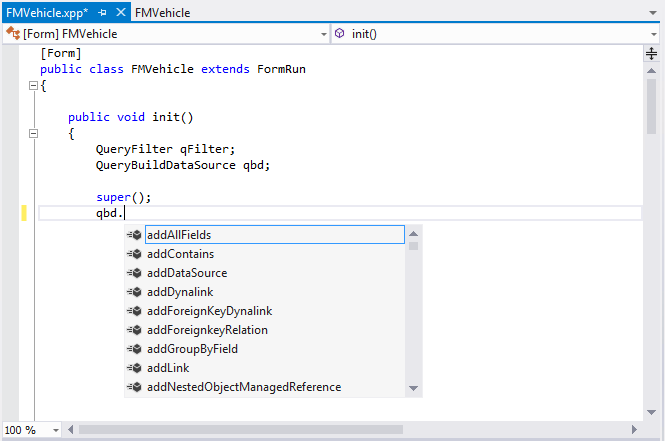
Other features, such as collapsible sections, are also available.
Opening the element designer
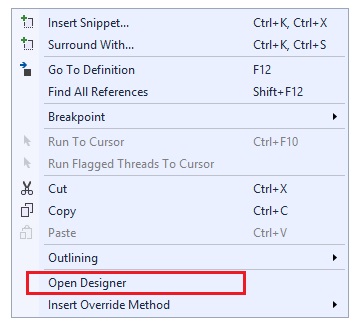
You can open the element designer that corresponds to the current X++ source code by right-clicking in the code editor and then selecting Open Designer.