Note
Access to this page requires authorization. You can try signing in or changing directories.
Access to this page requires authorization. You can try changing directories.
The variable library is a new item type in Microsoft Fabric. By using the variable library, you can define and manage variables at the workspace level. Use these variables across various workspace items, such as pipelines, notebooks, shortcut for lakehouse, and more. It provides a unified and centralized way to manage configurations, reducing the need for hardcoded values and simplifying your CI/CD processes. It's easier to manage configurations across different environments.
How to use variable library with Apache Airflow jobs
How to create a variable library
To create a variable library, see Create and use a variable library.
Use variable library variables in your Apache Airflow job
After you create a variable library with one or more variables, you can reference those variables from your Apache Airflow job’s environment configuration settings. Your DAGs access the selected variables as Airflow variables.
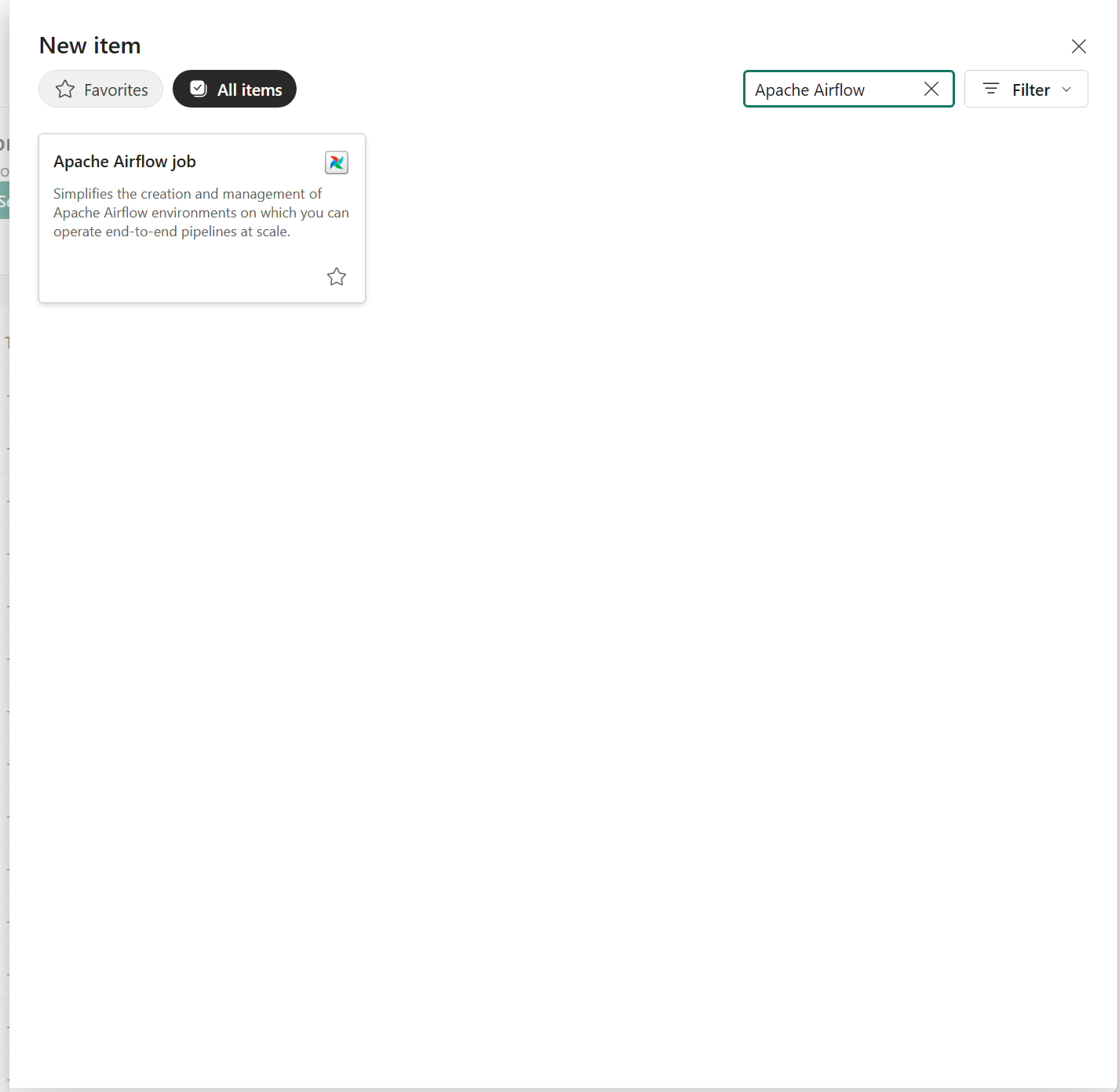
To use a variable library variable in your Apache Airflow job, create an Apache Airflow job or open an existing one.
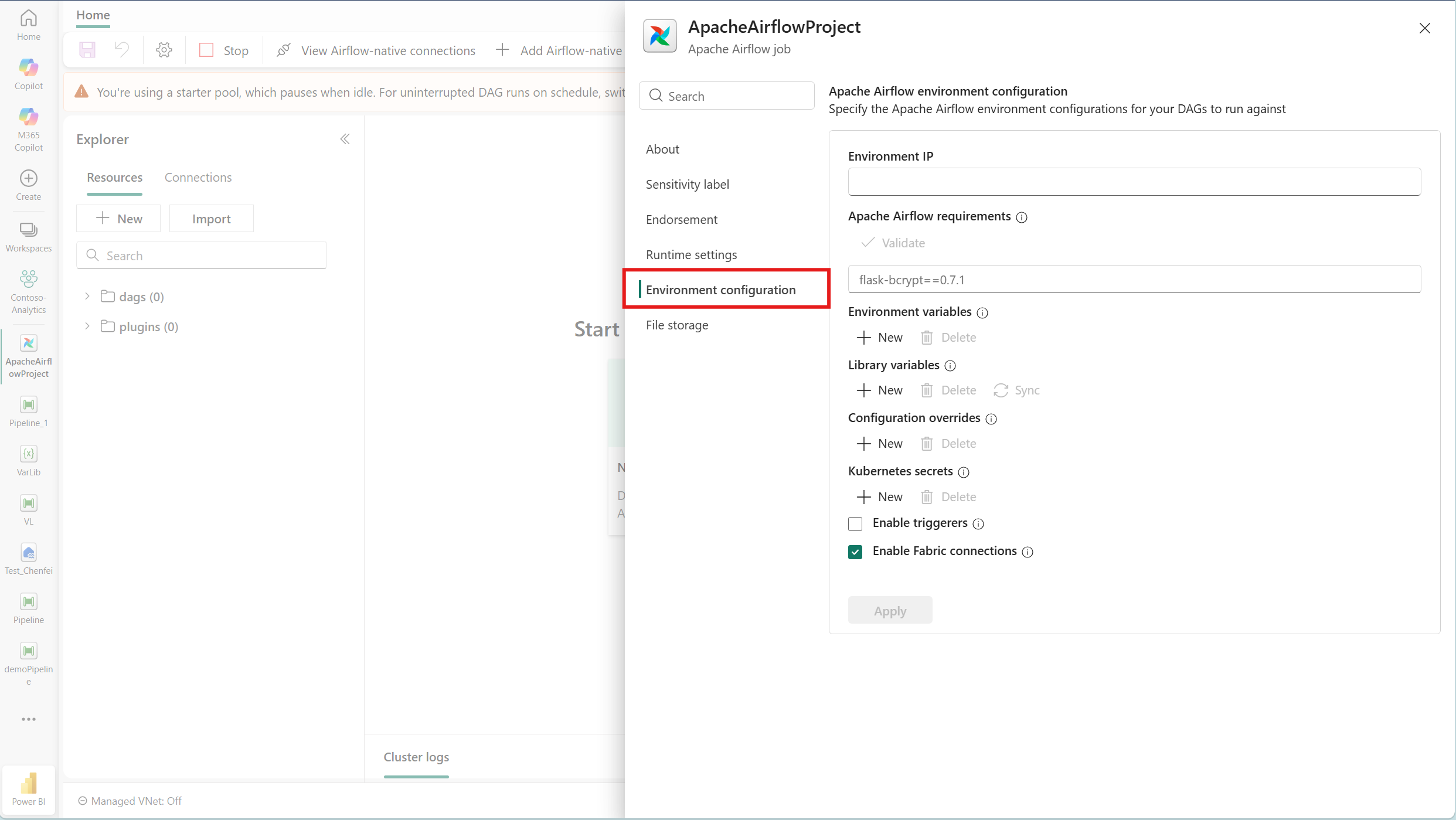
In your Apache Airflow job, go to the Home ribbon and select Settings. In the flyout that opens, select the Environment configuration tab.

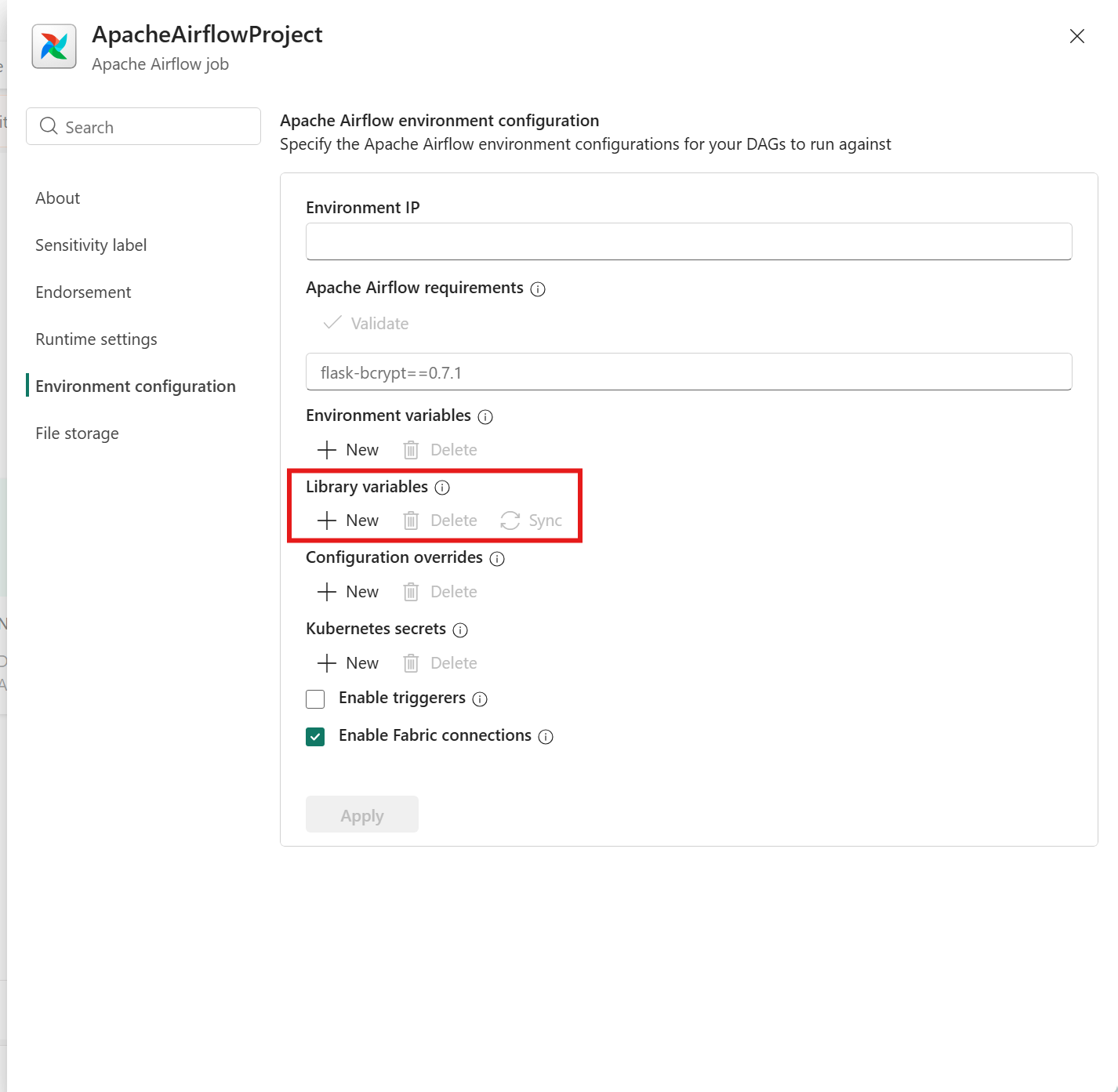
Under Library variables, select + New to open the variable picker. Browse the Variable libraries in the left pane or use the search box to select a variable. Select Select variable.
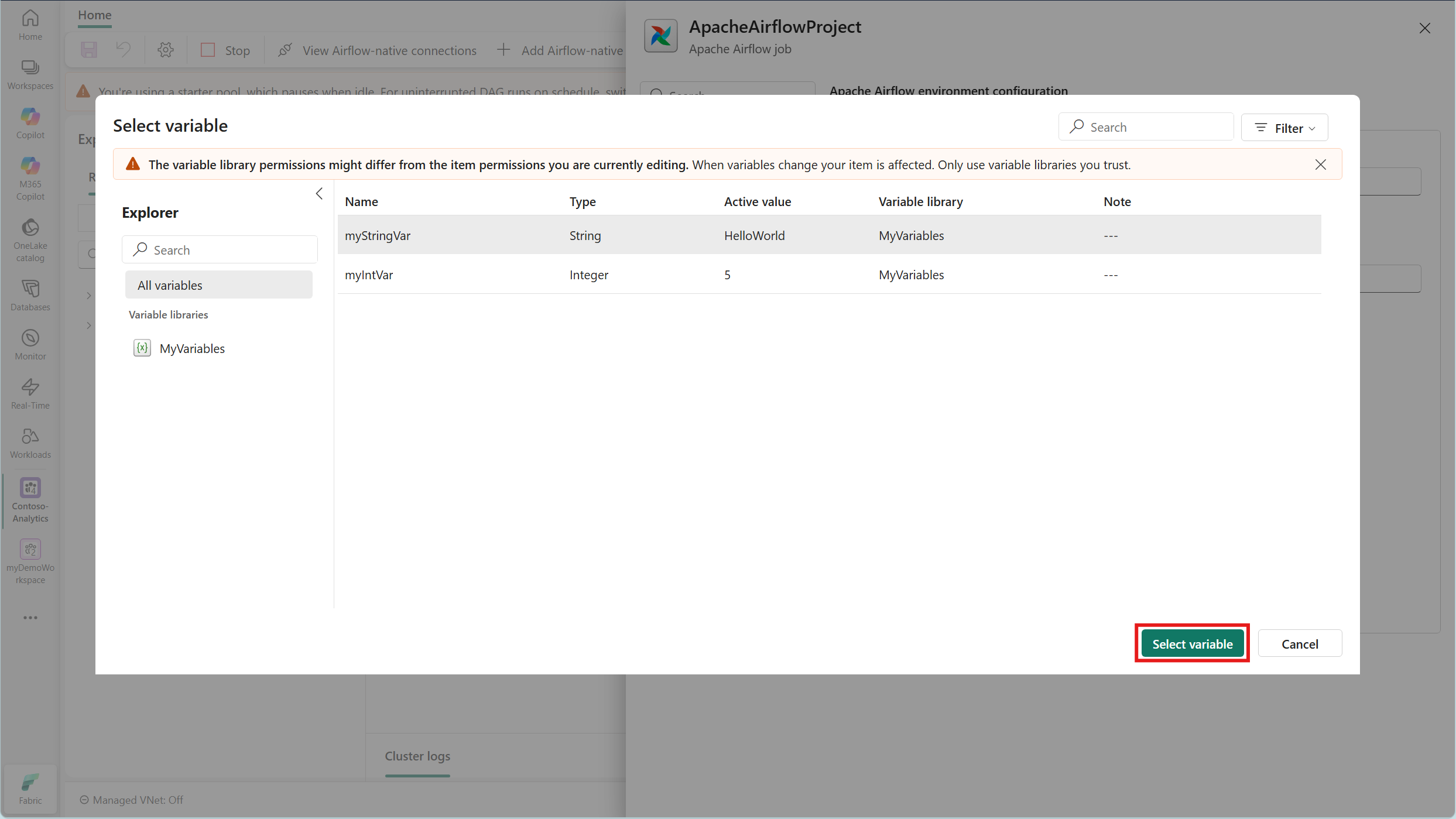
Select Apply to save the environment configuration. Your DAGs can now access the selected variables through the standard Airflow Variable API, such as
Variable.get("<variable_name>").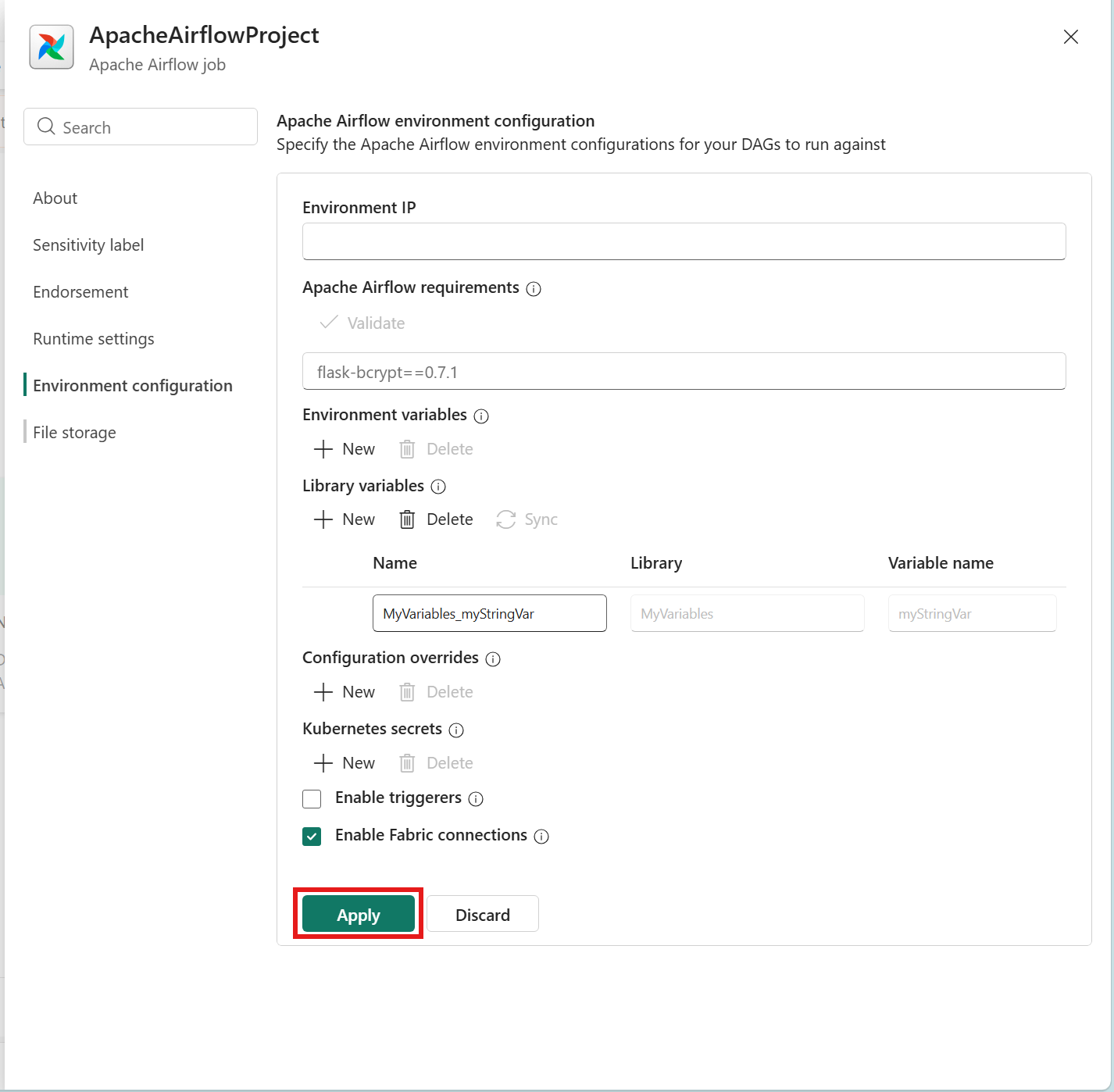
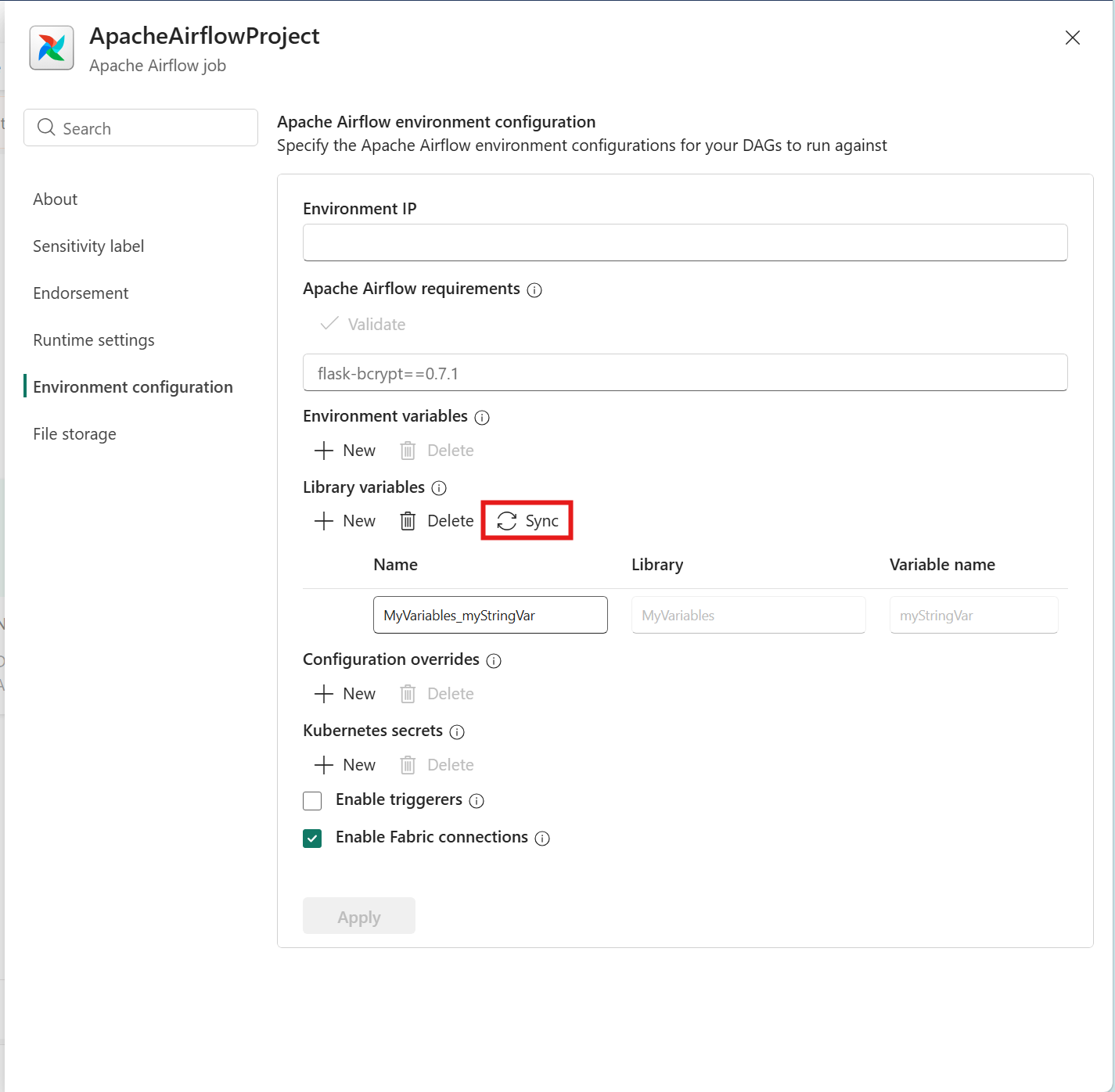
To change the value of a variable in your Variable library, use Sync Library variables from the ribbon if values change in the source library or in the Environment configuration tab in the Settings.

Known limitations
The following known limitations apply to the integration of the variable library in Apache Airflow jobs in Data Factory:
- If you change the value of your library variables, your Apache Airflow job doesn't automatically reflect these changes. Use the Sync Library variables button to update the variable values.