Note
Access to this page requires authorization. You can try signing in or changing directories.
Access to this page requires authorization. You can try changing directories.
If your team already maintains a dbt project in a GitHub repository, you can connect it to a Microsoft Fabric dbt job and run it there. Your dbt project stays in the GitHub repository and Fabric pulls the code and handles execution. You don't need to copy or rewrite anything.
- GitHub stores your dbt project code.
- Fabric runs dbt commands and displays the results.
When to use this feature
This feature is a good fit if:
- You have an existing dbt project in a GitHub repository.
- You don't want to duplicate dbt code into Fabric.
- You want Fabric to handle execution and monitoring of dbt runs.
Note
Currently, you can't write or edit dbt models in the Fabric UI. Fabric only supports running dbt commands from a connected GitHub repository.
Prerequisites
Before you start, make sure you have:
- An existing dbt project stored in a GitHub repository
- Access to a Microsoft Fabric workspace with permission to create items
- A classic GitHub personal access token (PAT) with access to the repository
Fabric uses the PAT to securely read your dbt project from GitHub.
Connect and run a GitHub dbt project
To run a dbt project from GitHub in Fabric, follow these steps:
Create a dbt job connected to GitHub
Open your Fabric workspace.
Select + New item.
Select dbt job.
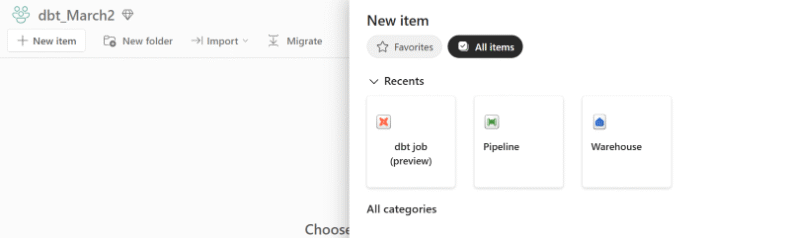
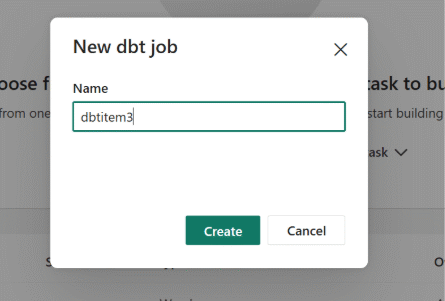
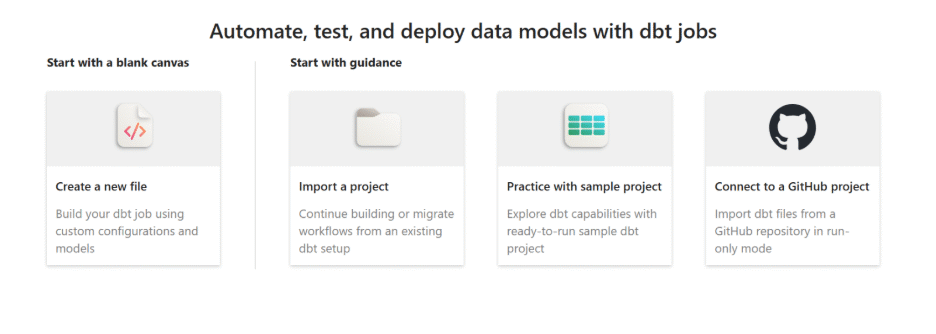
Select Connect to a GitHub project.
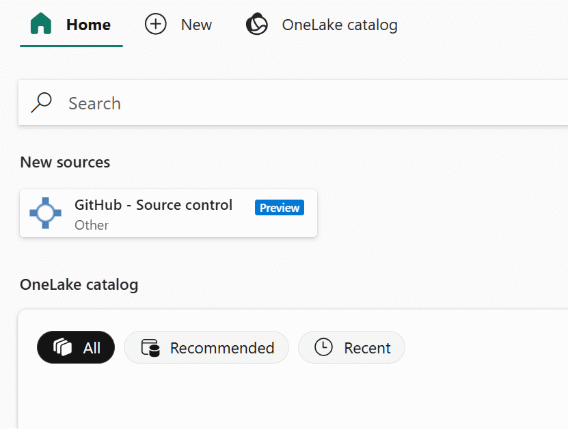
From the list of available sources, select GitHub - Source Control under the New Sources category.
Configure connection settings
Provide the following details to create a connection between Fabric and GitHub:
Repository name or URL - the GitHub repository that contains your dbt project. For example:
https://github.com/a/dbtjob_CICDConnection name - a friendly name to identify this connection.
Classic PAT - Fabric uses this token to securely access the repository.
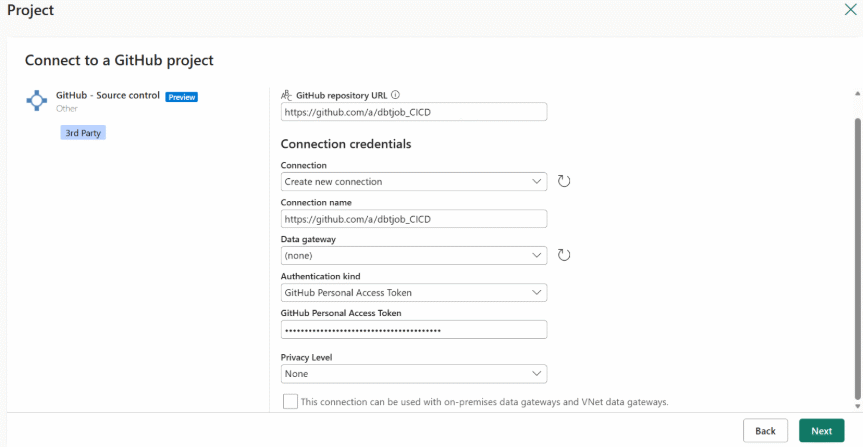
After you enter the connection details:
Select the branch to use (for example,
main). Fabric pulls dbt code from this branch each time the job runs.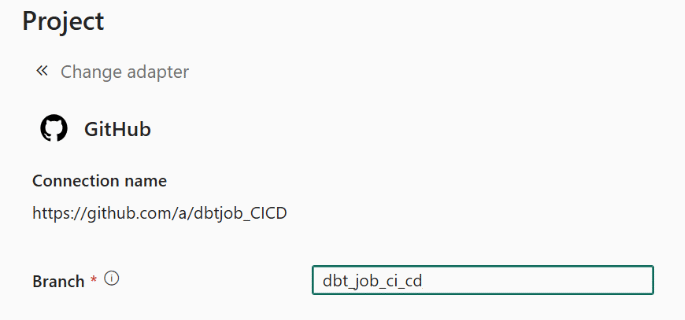
Select the adapter. The adapter determines which data platform dbt runs against.
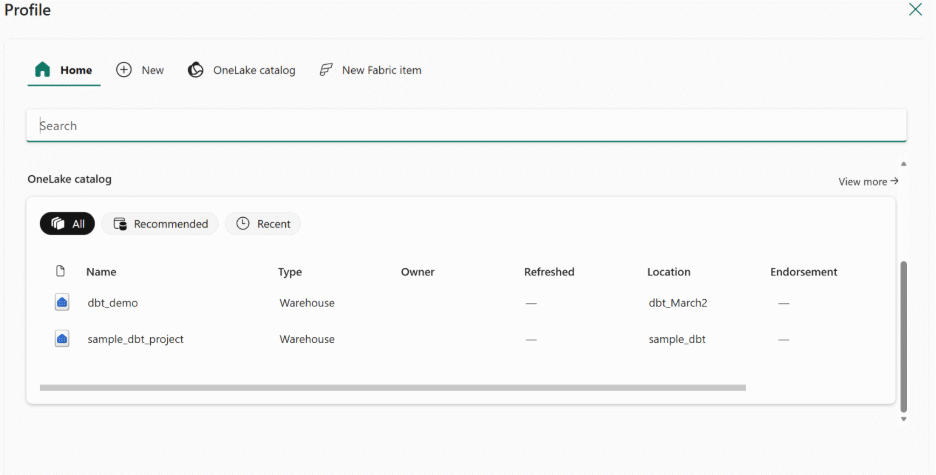
Run the dbt job
Save the dbt job.
Select Run.
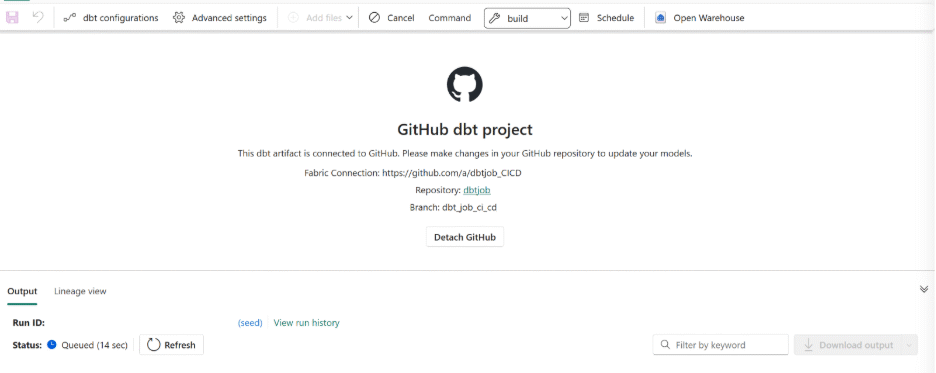
When the job runs, Fabric:
- Pulls the dbt project from the selected GitHub branch.
- Runs the configured dbt commands.
- Captures logs and execution status in the Fabric UI.
Use the logs to verify the run and troubleshoot any failures.
Known limitations
- Currently, dbt projects connected through GitHub can't be authored or modified in the Fabric UI. Fabric only supports running dbt commands.