Note
Access to this page requires authorization. You can try signing in or changing directories.
Access to this page requires authorization. You can try changing directories.
Important
Custom skills in declarative agents are in preview for organizations that are part of the Microsoft Frontier Preview. For more information, see Explore AI Early Access in Microsoft 365.
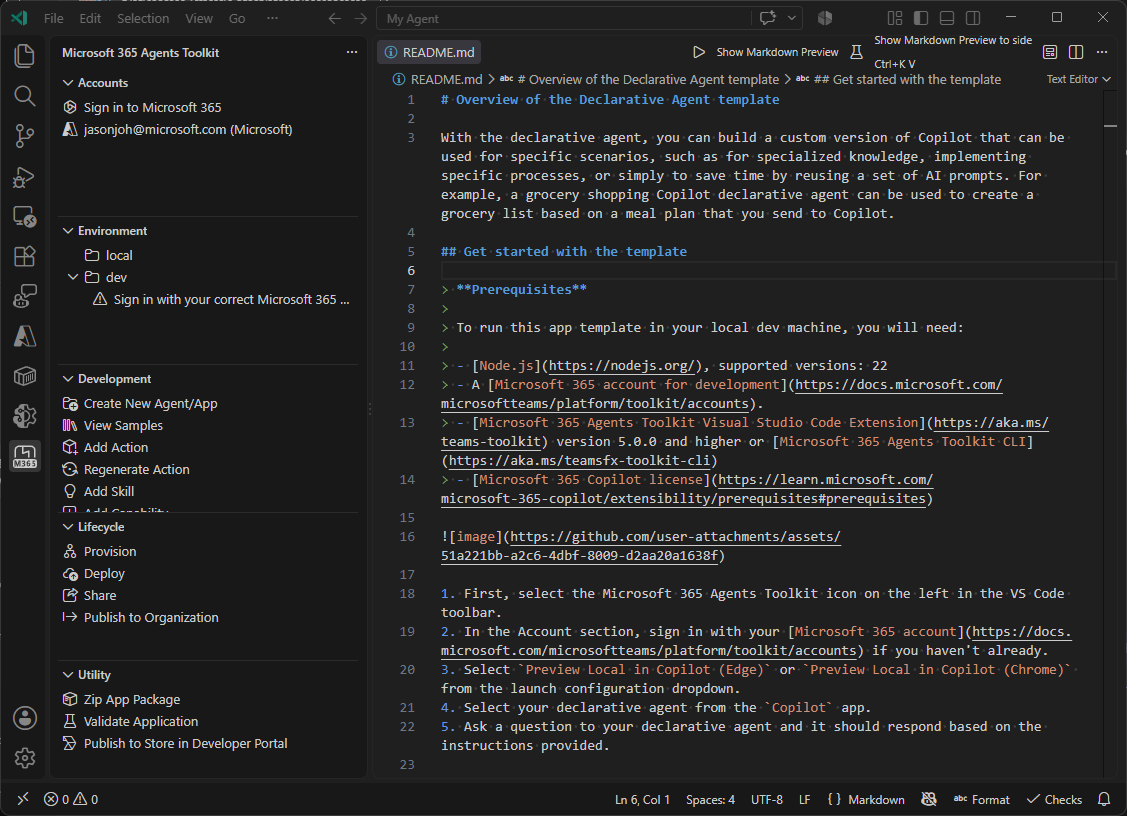
A custom skill is a modular, reusable component that you add to a declarative agent to package instructions, resources, and scripts for a specific task. This article describes how to add a custom skill to a declarative agent by using the Microsoft 365 Agents Toolkit (ATK) command-line interface (CLI) or the Visual Studio Code extension.
To learn what custom skills are, why to use them, and the full support matrix, supported file types, sandbox behavior, and governance, see Custom skills in declarative agents.
Important
This guide assumes you completed the Create declarative agents using Microsoft 365 Agents Toolkit tutorial. Adding a custom skill requires declarative agent manifest version 1.9. If your using an agent created with an older version of the Agents Toolkit, you might need to update the version of your agent manifest.
Prerequisites
Enable agent skills
Agent skills support is controlled by the TEAMSFX_AGENT_SKILLS environment variable. Set it before you launch the CLI or Visual Studio Code.
Windows (PowerShell) - To persist the variable across sessions, add it to your user environment variables:
[System.Environment]::SetEnvironmentVariable("TEAMSFX_AGENT_SKILLS", "true", "User")macOS or Linux - Set the variable:
export TEAMSFX_AGENT_SKILLS=trueTo persist the variable, add the
exportline to your~/.bashrc,~/.zshrc, or equivalent shell profile.
If you set the variable after you install the Visual Studio Code extension, restart Visual Studio Code completely.
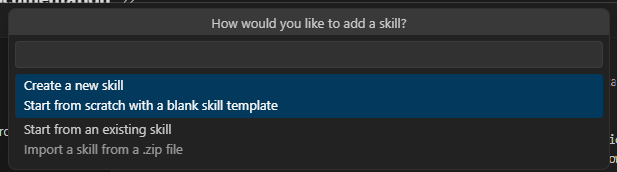
Add a skill to your agent
In your existing project, add a skill. To create a new skill, provide a name and description:
atk add skill --name skill-name --description descriptionTo add an existing skill folder, use the
--fromoption:atk add skill --from PATH_TO_SKILLProvision the declarative agent to make it available in your environment:
atk provision --env local
Limits and known issues
In the Agents Toolkit, you add a skill as a directory (you can't use .zip), and the complete app package is limited to 10 MB. You can add up to eight skills per agent, with a maximum directory depth of three and up to 400 files across the skill directory. For the full support matrix and known issues, see Custom skills in declarative agents.