Note
Access to this page requires authorization. You can try signing in or changing directories.
Access to this page requires authorization. You can try changing directories.
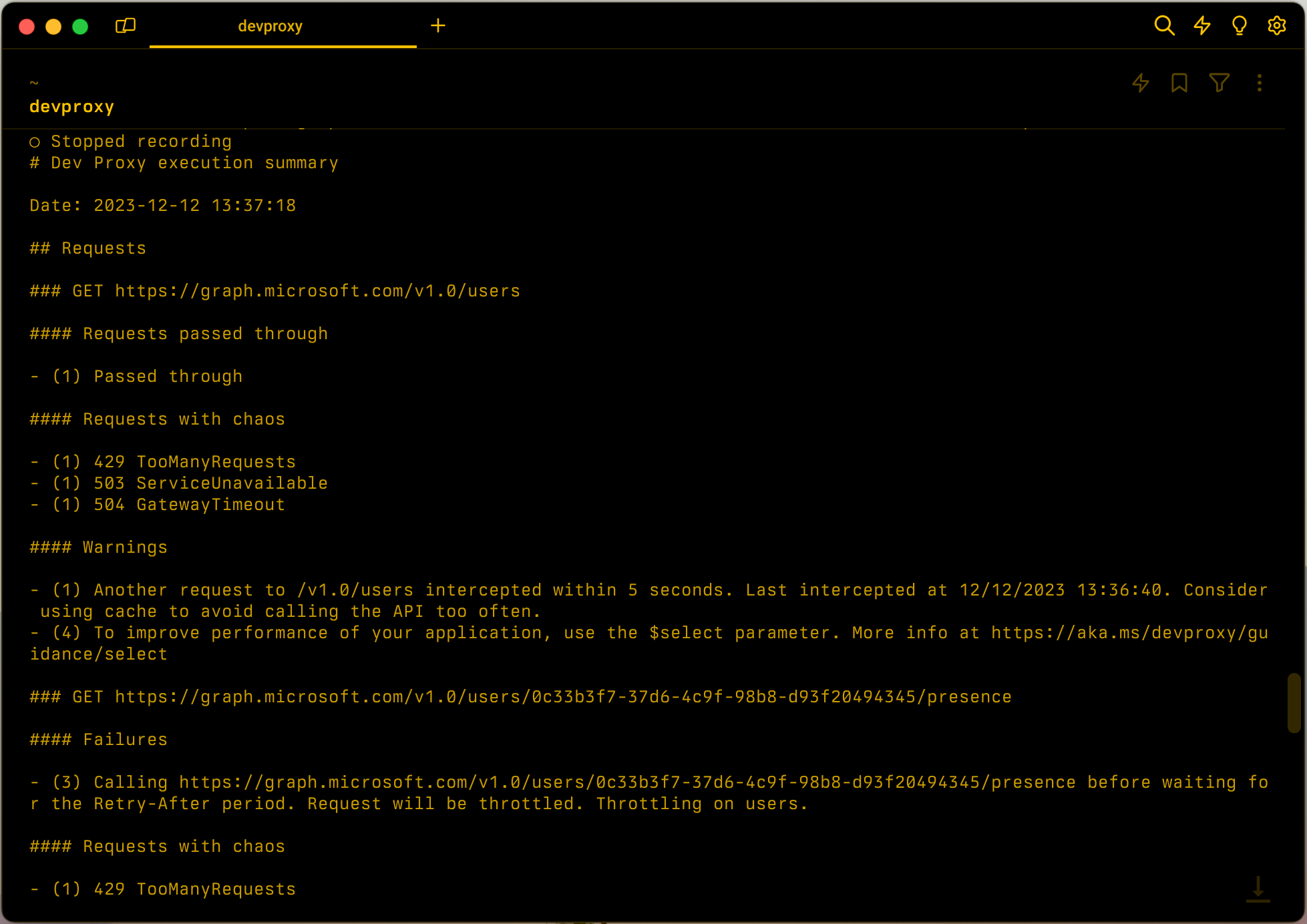
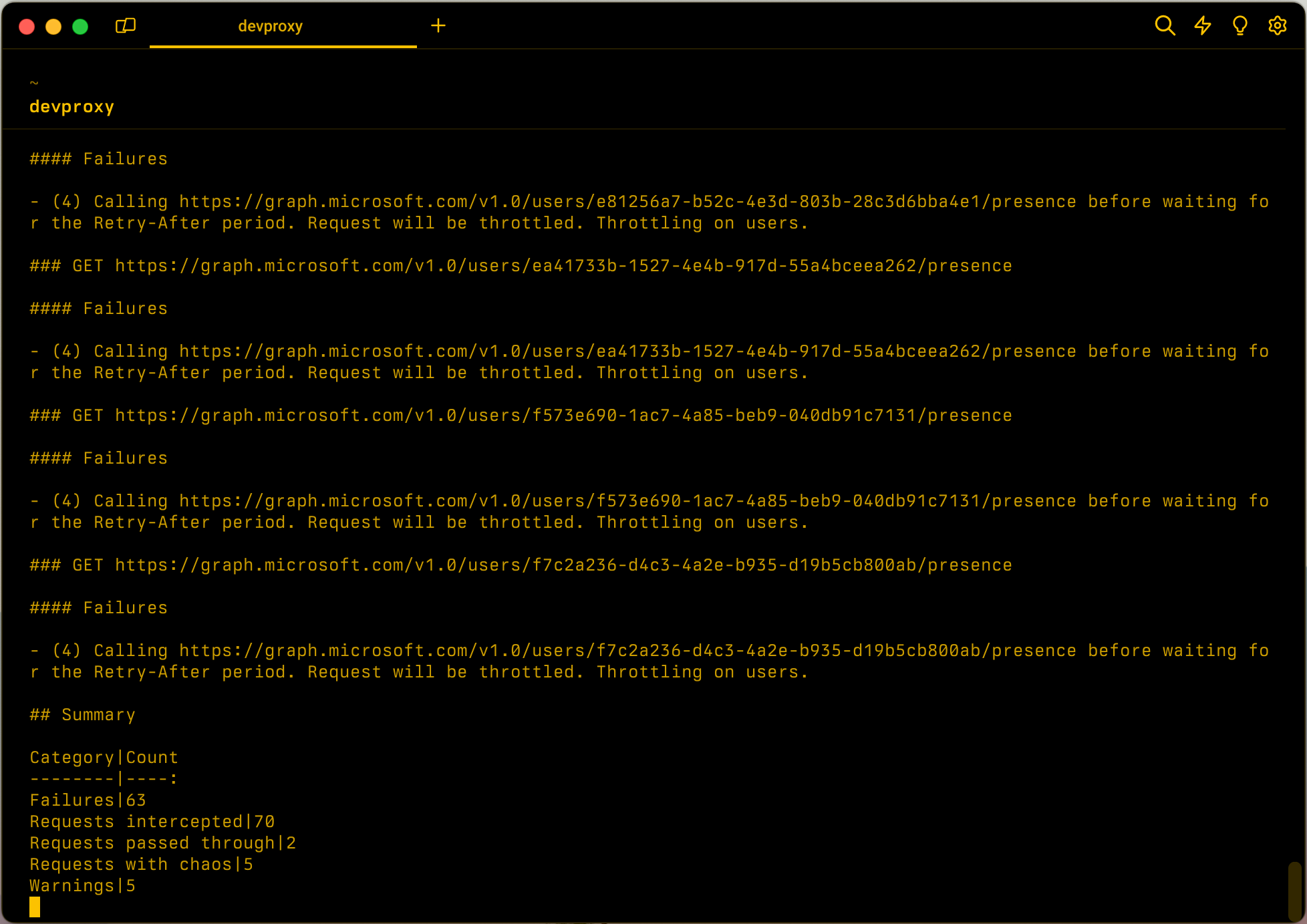
Creates a summary of the requests that pass through the proxy.
Tip
Use a reporter plugin in your configuration to save the summary to a file.
Configuration example
{
  "$schema": "https://raw.githubusercontent.com/dotnet/dev-proxy/main/schemas/v3.3.1/rc.schema.json",
  "plugins": [
    {
      "name": "ExecutionSummaryPlugin",
      "enabled": true,
      "pluginPath": "~appFolder/plugins/DevProxy.Plugins.dll",
      "configSection": "executionSummaryPlugin"
    }
  ],
  "executionSummaryPlugin": {
    "$schema": "https://raw.githubusercontent.com/dotnet/dev-proxy/main/schemas/v3.3.1/executionsummaryplugin.schema.json",
    "groupBy": "url"
  }
}
Configuration properties
| Property | Description | Default |
|---|---|---|
groupBy |
How proxy should group the information in the summary. Available options: url, messageType |
url |
Command line options
| Name | Description | Default |
|---|---|---|
--summary-group-by |
How proxy should group the information in the summary. Available options: url, messageType |
url |
Next step
Collaborate with us on GitHub
The source for this content can be found on GitHub, where you can also create and review issues and pull requests. For more information, see our contributor guide.
