Note
Access to this page requires authorization. You can try signing in or changing directories.
Access to this page requires authorization. You can try changing directories.
Day Zero updates (also known as out of box updates) are available for Teams devices (Teams Rooms on Windows, Teams Rooms on Android, Teams panels, and Teams phones) to ensure that devices are automatically updated to supported Teams releases prior to attempting sign in. This process is intended to make onboarding new Teams devices more seamless while also improving security and supportability as devices will be on current releases at first setup.
How day zero updates work
Teams Rooms on Windows
When a new or re-imaged Teams Rooms on Windows device is connected to power and network, the Teams Rooms Out of Box Experience (OOBE) runs. Prior to presenting the option to login the OOBE will display a splash screen which states Updating Teams Room, do not power off the device. The device might restart a few times during the update. This update process can take anywhere from a few minutes to a few hours depending on the number of updates which need to occur, you will want to leave the device alone while the device updates.
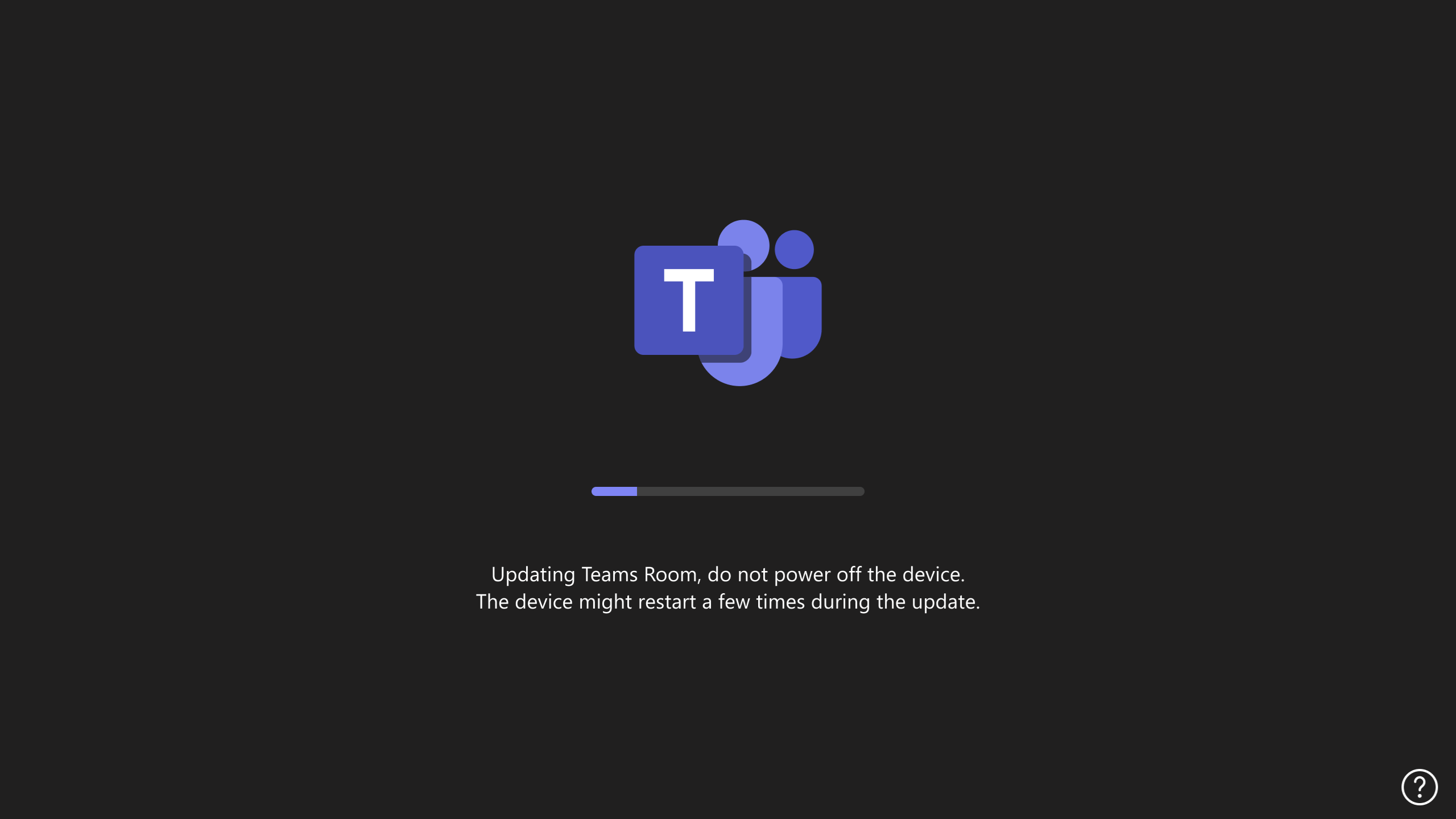
In the background, the Teams Rooms on Windows device is downloading and installing one version prior to current of the Teams Rooms on Windows application (Release Notes for Teams Rooms on Windows) and is updating Windows to the latest feature version supported by that application release (Teams Rooms on Windows Supported Versions).
Requirements for this process to work:
- A certified Teams Rooms on Windows device
- The device must start with Teams Rooms on Windows application version 4.19.82.0 or later to kick off day zero updates
Teams Rooms on Android, Teams panel, & Teams phone
When a new or factory reset Teams Rooms on Android, Teams panel, or Teams phone device is connected to power and network, the Teams Rooms Out of Box Experience (OOBE) runs. As soon as a device displays the option to login, it also checks for any available updates to the device, if an update is available, within a few minutes a prompt will display a splash screen which states The system will start to update with a 2 minute count down before the update starts automatically. This update process can take anywhere from a few minutes to a few hours depending on the number of updates which need to occur, you will want to leave the device alone while the device updates.
In the background, the Teams Android device is downloading and installing the latest certified firmware and any new applications (view release notes for: Teams Rooms on Android, Teams panels, Teams phone, or management apps).
Requirements for this process to work:
- A certified Teams Rooms on Android, Teams panel or Teams phone device
- The device must already have Teams Admin Agent version 1.0.0.202507210031 or later to kick off day zero updates
Frequently Asked Questions
Can the day zero update feature be skipped?
No. day zero updates are there to ensure supportability and security of devices, they can’t be skipped.
Does Microsoft’s day zero update implementation impact anything a Teams device manufacturer may have built?
No. The manufacturer day zero update process runs first so the Teams device will already be updated to the latest prior to the Microsoft day zero update logic checking for updates.
Do government cloud-based devices behave differently?
No. Because the Teams device is not yet signed in, there is no difference in functionality regardless of the cloud the device will access after updating.
What URLs are required for day zero updates?
The same URLs required for device functionality day to day are used to perform the day zero update mechanism. See Teams Device Security for more information.