Note
Access to this page requires authorization. You can try signing in or changing directories.
Access to this page requires authorization. You can try changing directories.
Important
As of October 2026, this content is archived and no longer maintained. Information on this page may not reflect the latest product plans, features, or guidance. For current roadmap information across Dynamics 365, Power Platform, Dataverse, Microsoft 365, and Copilot, visit the roadmap. Continue to use Microsoft Learn for authoritative product guidance and documentation.
| Enabled for | Public preview | Early access | General availability |
|---|---|---|---|
| Users, automatically | - |  Aug 12, 2024 |
Oct 1, 2024 |
Business value
Users working with charts get modern dialogs that are faster and more accessible.
Feature details
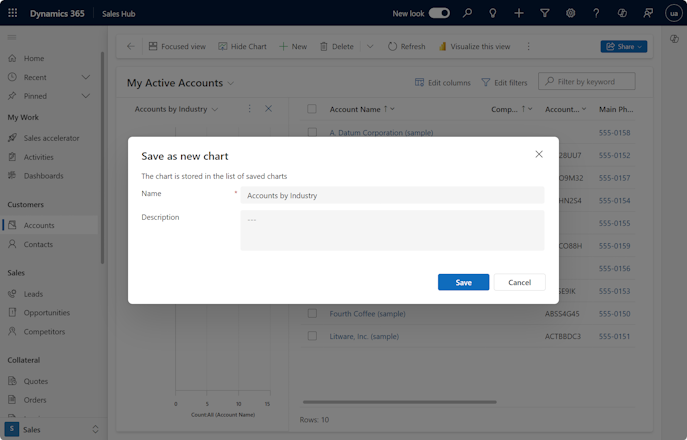
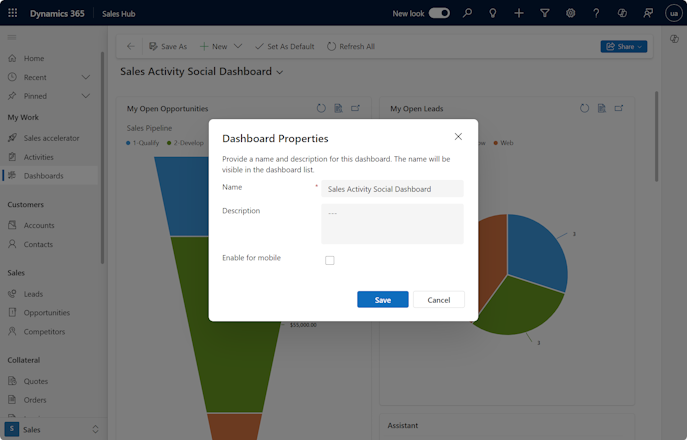
With the 2024 release wave 2, you modernize the chart dialogs for Assign, Share, Save As, and the dashboard Save As. These dialogs replace the classic web client dialogs. Users get a faster and more consistent experience.
When users use a personal chart on a view page, the chart pane's context menu includes extra commands. The Assign and Share commands let users reassign ownership of the personal chart or share the personal chart with other users.
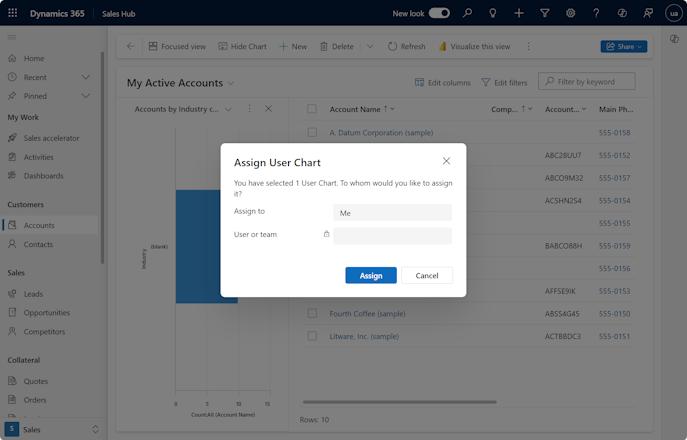
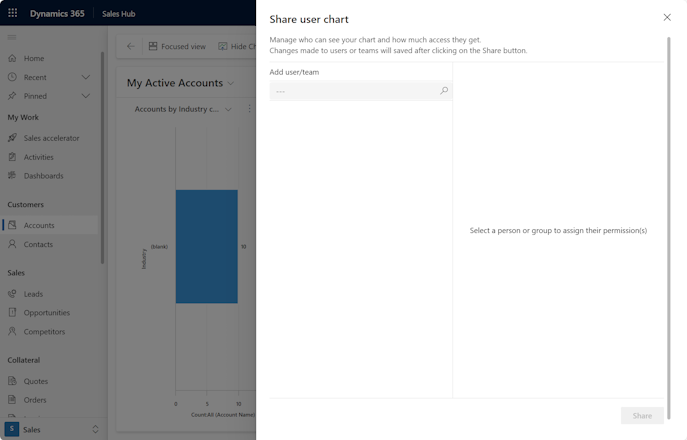
For any chart on the view page, select Save as in the chart pane's context menu to create a new personal chart.
For any standard dashboard, select Save as in the dashboard command bar to create a new personal dashboard.
Geographic areas
Visit the Explore Feature Geography report for Microsoft Azure areas where this feature is planned or available.
Language availability
Visit the Explore Feature Language report for information on this feature's availability.