Märkus.
Juurdepääs sellele lehele nõuab autoriseerimist. Võite proovida sisse logida või kausta vahetada.
Juurdepääs sellele lehele nõuab autoriseerimist. Võite proovida kausta vahetada.
Note
This tutorial is part of a series. For the previous section, see Introduction to the real-time intelligence tutorial.
In this part of the tutorial, you set up the environment. Specifically, you create an eventhouse that automatically creates a child KQL database.
Create an eventhouse
Browse to the workspace in which you want to create your tutorial resources. You must create all resources in the same workspace.
Select + New item.
In the Filter by item type search box, enter Eventhouse.
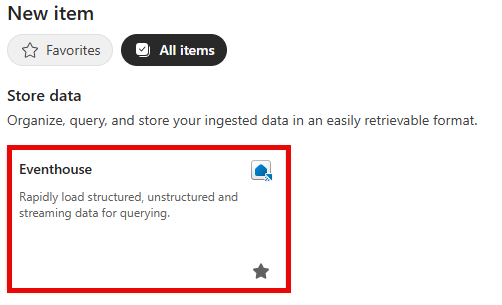
Select the Eventhouse item.
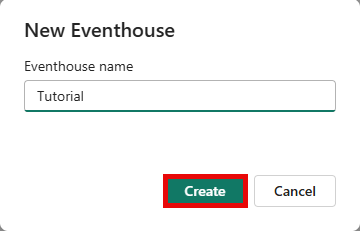
Enter Tutorial as the eventhouse name and click Create. The Eventhouse and a KQL database are created simultaneously with the same name.
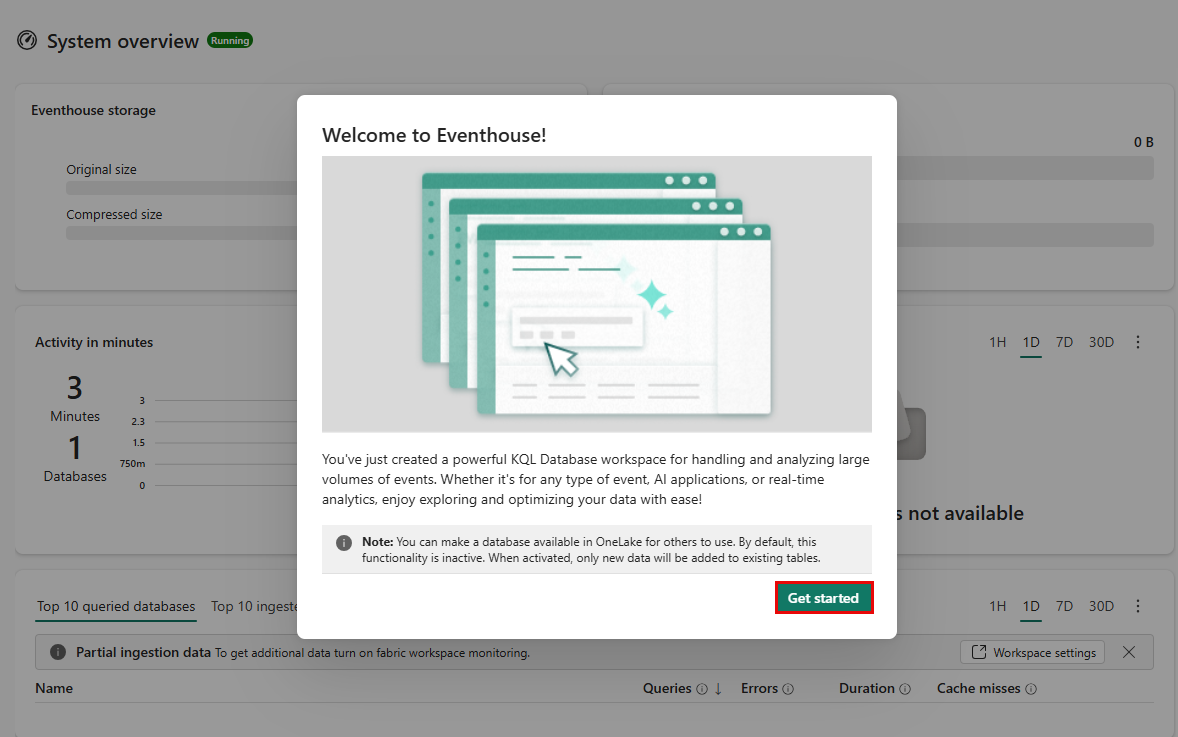
When provisioning is complete, click Get started in the welcome window.
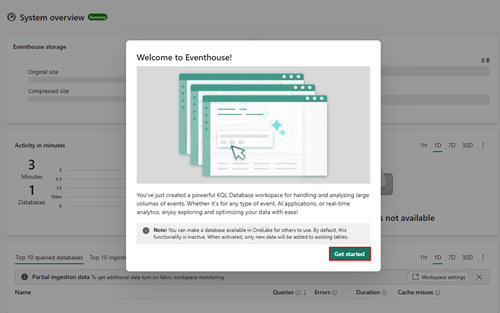
The eventhouse System overview page is shown.
Related content
For more information about tasks in this tutorial, see: