Muistiinpano
Tämän sivun käyttö edellyttää valtuutusta. Voit yrittää kirjautua sisään tai vaihtaa hakemistoa.
Tämän sivun käyttö edellyttää valtuutusta. Voit yrittää vaihtaa hakemistoa.
Use the WebAudio tool to monitor the graph of WebAudio nodes that get created when a webpage uses the WebAudio API.
To open the WebAudio tool:
To open DevTools, right-click the webpage, and then select Inspect. Or, press Ctrl+Shift+I (Windows, Linux) or Command+Option+I (macOS). DevTools opens.
In DevTools, on the main toolbar, click the More Tools (
 ) button, and then select WebAudio.
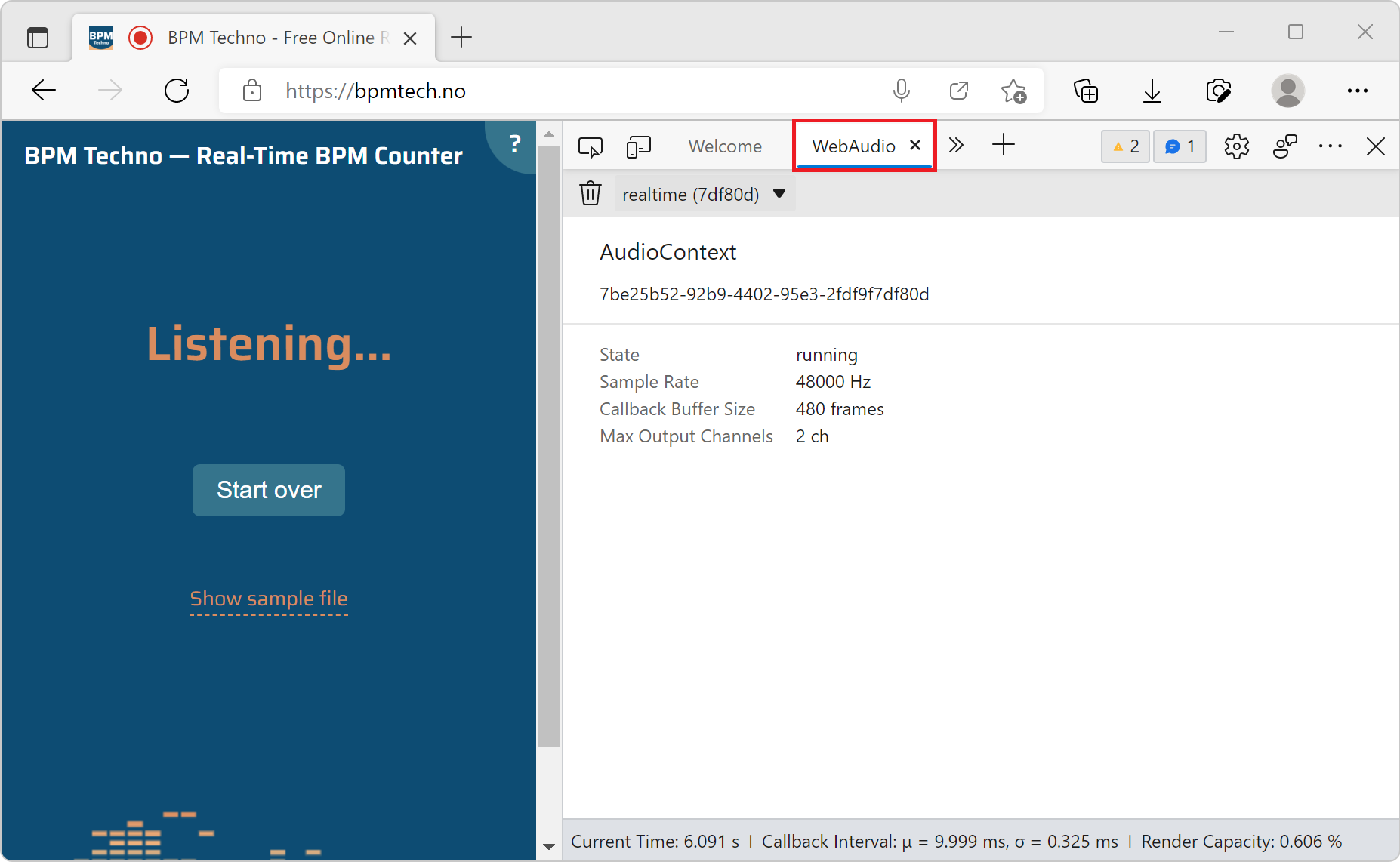
Go to a webpage that uses the WebAudio API, such as https://bpmtech.no.
Data about the page is displayed: