Note
Ang pag-access sa pahinang ito ay nangangailangan ng pahintulot. Maaari mong subukang mag-sign in o magpalit ng mga direktoryo.
Ang pag-access sa pahinang ito ay nangangailangan ng pahintulot. Maaari mong subukang baguhin ang mga direktoryo.
Note
Device group creation is supported in Defender for Endpoint Plan 1 and Plan 2.
Set up the device groups similar to Group policy organizational unite (OUs), Microsoft Endpoint Configuration Manager's device collection, and Intune's device groups.
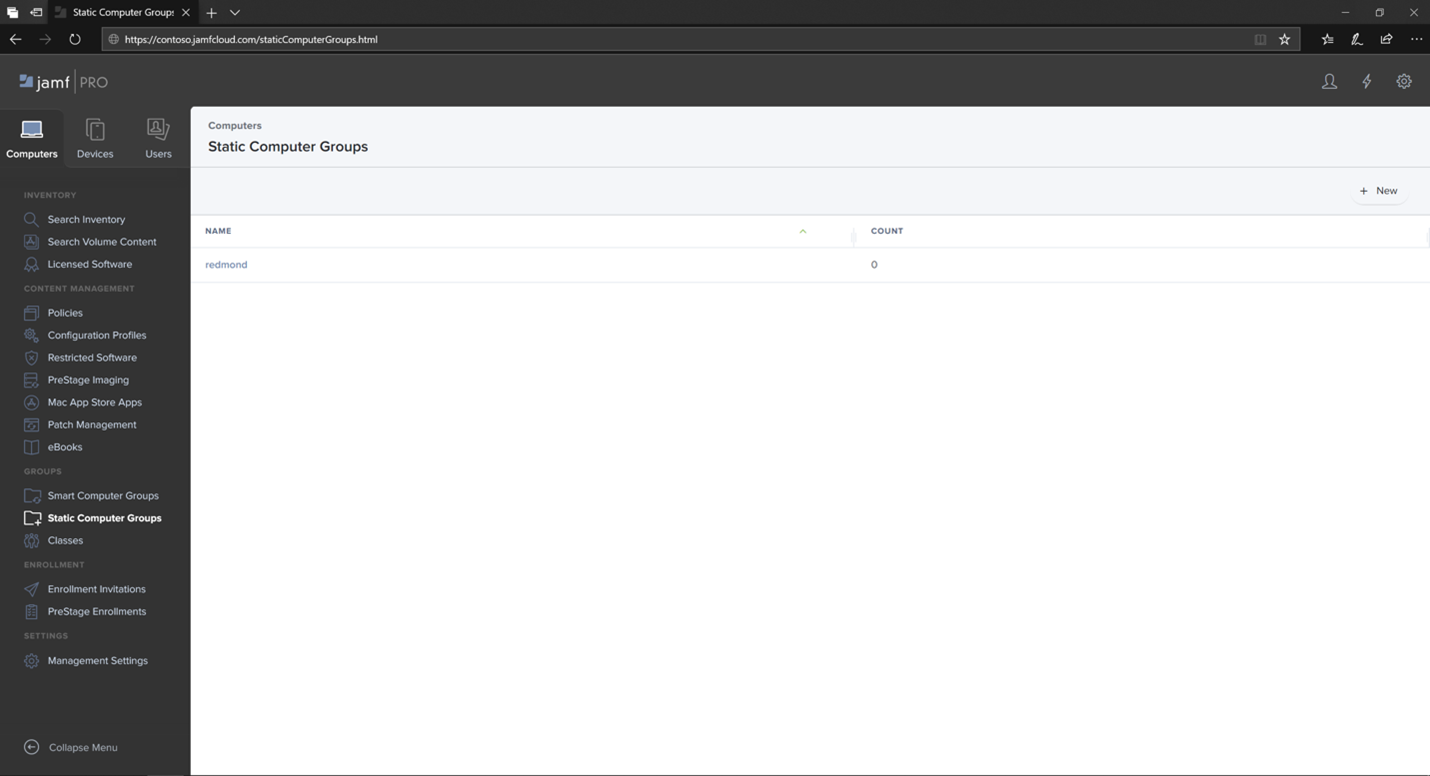
Navigate to Static Computer Groups.
Select New.
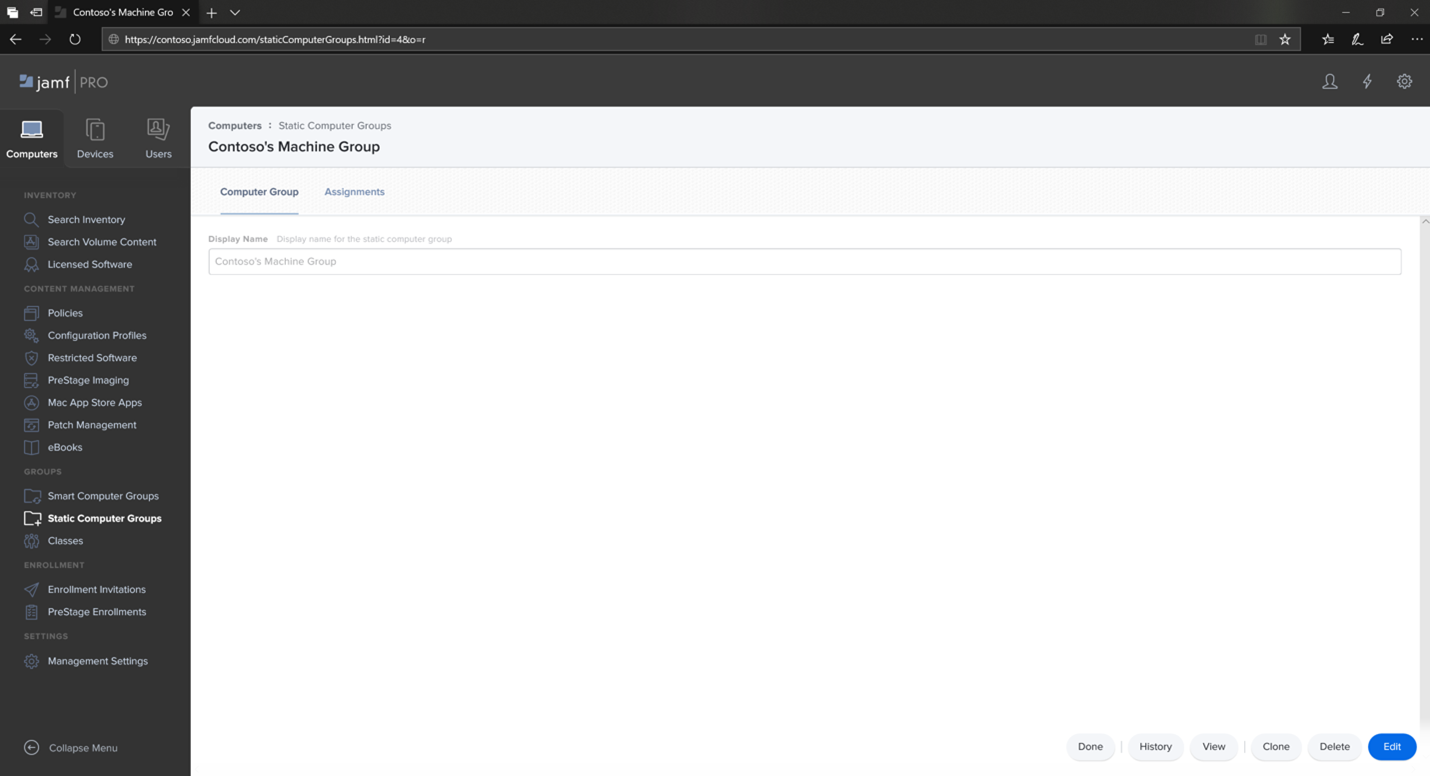
Provide a display name and select Save.
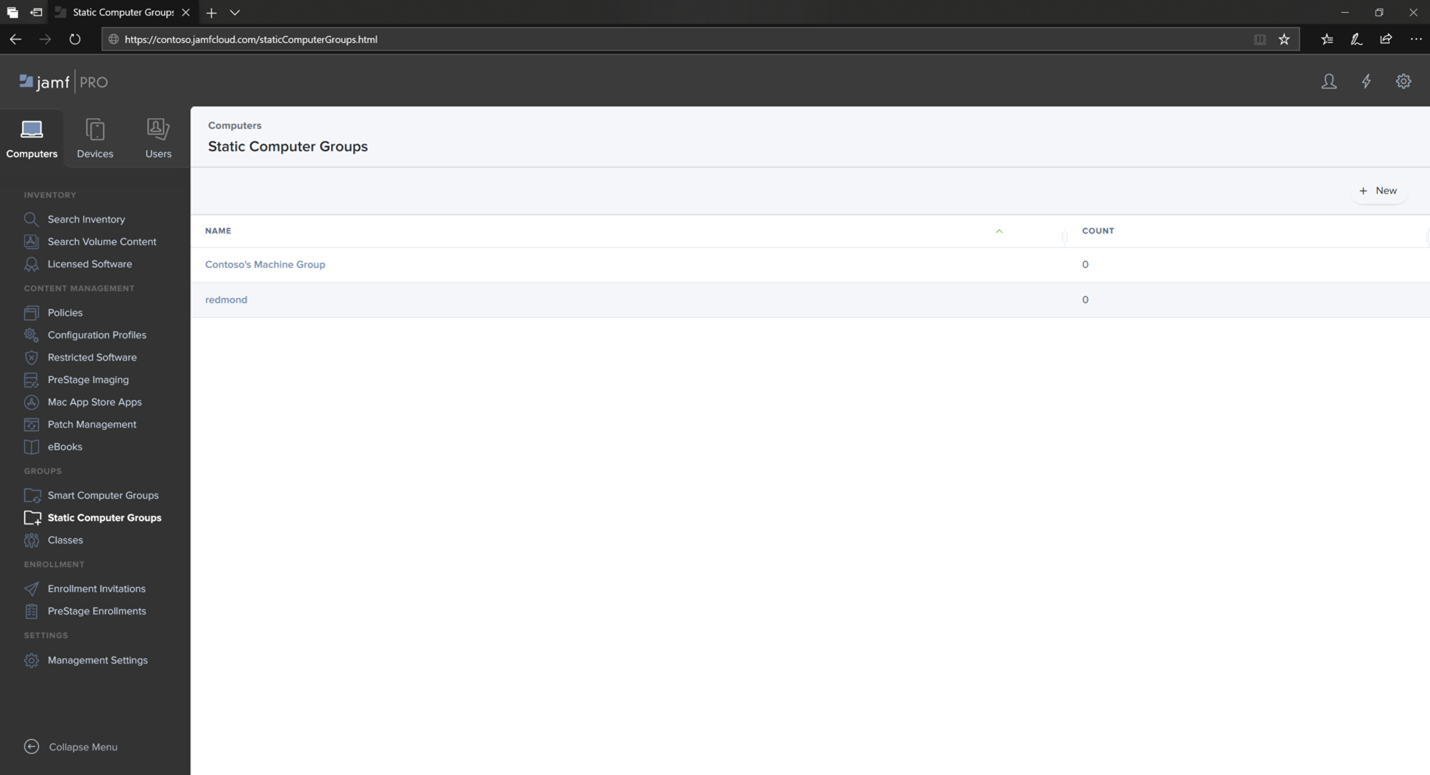
Now you see the Contoso's Machine Group under Static Computer Groups.
Note
You aren't required to use static groups. It's often more convenient and flexible to use, for example, JAMF Pro's smart groups instead.
Next step
Tip
Do you want to learn more? Engage with the Microsoft Security community in our Tech Community: Microsoft Defender for Endpoint Tech Community.