Note
Ang pag-access sa pahinang ito ay nangangailangan ng pahintulot. Maaari mong subukang mag-sign in o magpalit ng mga direktoryo.
Ang pag-access sa pahinang ito ay nangangailangan ng pahintulot. Maaari mong subukang baguhin ang mga direktoryo.
In this tutorial, you delete the resources you created in the previous tutorials to avoid unnecessary consumption of capacity. You can delete individual items or remove the entire workspace.
Delete individual items
To clean up specific items without removing the entire workspace, go to your workspace and delete the items you no longer need.
Select your workspace from the navigation menu to open the workspace item view.
Select the ... (ellipsis) menu next to the item you want to delete, and then select Delete.
You can delete any of the items you created in this tutorial, including:
- The wwilakehouse lakehouse (and its associated SQL analytics endpoint)
- The semantic model you created for reporting
- Any notebooks you used for data preparation and transformation
- The data pipeline you created for data ingestion
Delete the workspace
If you created a workspace specifically for this tutorial, you can delete the entire workspace and all its contents at once.
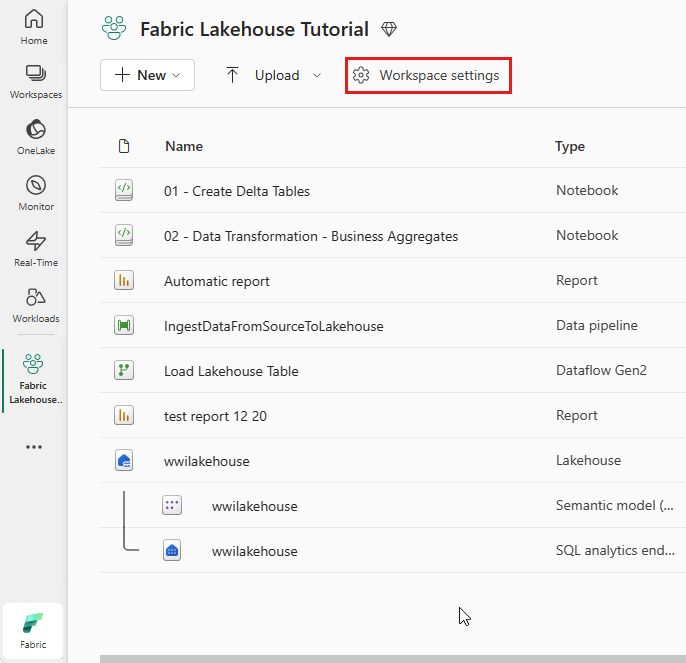
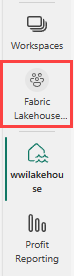
Select your workspace from the navigation menu to open the workspace item view.
Select Workspace settings.

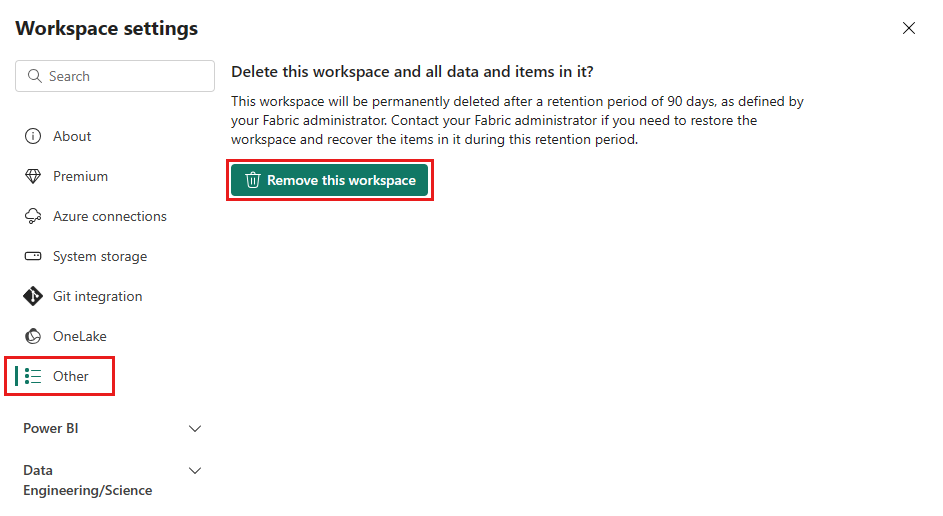
Select Other and Remove this workspace.
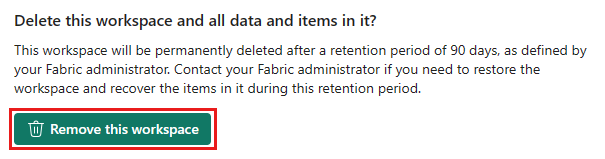
When the warning appears, select Delete.