Note
Kailangan ng pahintulot para ma-access ang page na ito. Maaari mong subukang mag-sign in o magpalit ng mga direktoryo.
Ang pag-access sa pahinang ito ay nangangailangan ng pahintulot. Maaari mong subukang baguhin ang mga direktoryo.
Generates HTTP file from the intercepted requests and responses.
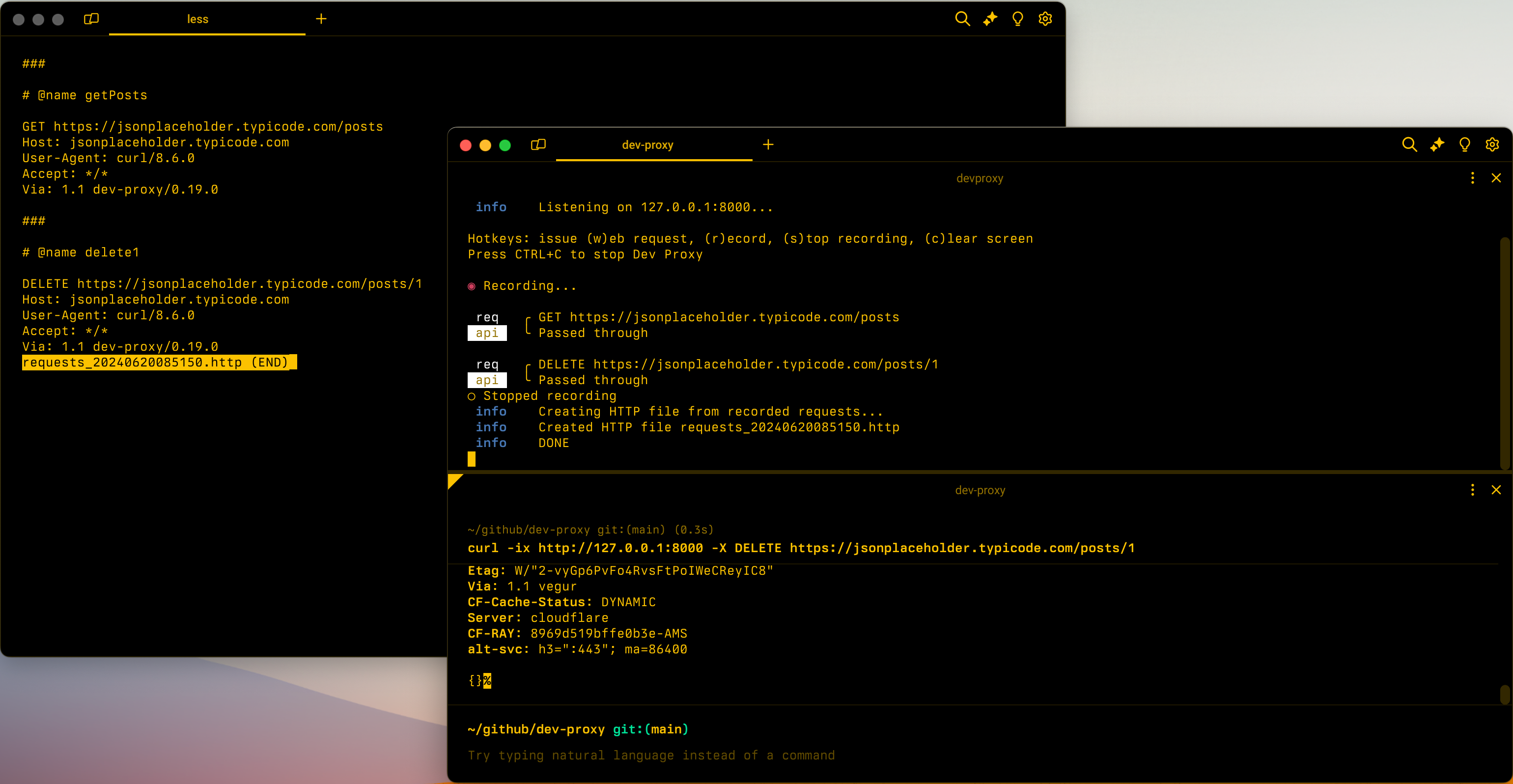
Configuration example
{
  "$schema": "https://raw.githubusercontent.com/dotnet/dev-proxy/main/schemas/v2.3.0/rc.schema.json",
  "plugins": [
    {
      "name": "HttpFileGeneratorPlugin",
      "enabled": true,
      "pluginPath": "~appFolder/plugins/DevProxy.Plugins.dll",
      "configSection": "httpFileGeneratorPlugin"
    }
  ],
  "httpFileGeneratorPlugin": {
    "$schema": "https://raw.githubusercontent.com/dotnet/dev-proxy/main/schemas/v2.3.0/httpfilegeneratorplugin.schema.json",
    "includeOptionsRequests": false
  }
}
Configuration properties
| Property | Description | Default |
|---|---|---|
includeOptionsRequests |
Determines whether to include OPTIONS requests in the generated HTTP file |
false |
Command line options
None
Remarks
When the plugin generates the HTTP file, it extracts authorization information such as bearer tokens and API keys from request headers and query string parameters. It replaces the actual values with placeholders and stores them in variables for easier management.
For example, for the following request:
GET https://jsonplaceholder.typicode.com/posts?api-key=123
The plugin generates the following HTTP file:
@jsonplaceholder_typicode_com_api_key = api-key

###

# @name getPosts

GET https://jsonplaceholder.typicode.com/posts?api-key={{jsonplaceholder_typicode_com_api_key}}
Host: jsonplaceholder.typicode.com
User-Agent: curl/8.6.0
Accept: */*
Via: 1.1 dev-proxy/0.27.0
The plugin creates variables for each combination of hostname and request header/query string parameter. If multiple requests use the same combination, the plugin reuses the variable.
Makipagtulungan sa amin sa GitHub
Ang pinagmulan para sa content na ito ay mahahanap sa GitHub, kung saan maaari ka ring lumikha at sumuri ng mga isyu at mga pull request. Para sa higit pang impormasyon, tingnan ang aming gabay sa contributor.
