Note
Kailangan ng pahintulot para ma-access ang page na ito. Maaari mong subukang mag-sign in o magpalit ng mga direktoryo.
Ang pag-access sa pahinang ito ay nangangailangan ng pahintulot. Maaari mong subukang baguhin ang mga direktoryo.
Simulates rate-limit behaviors.
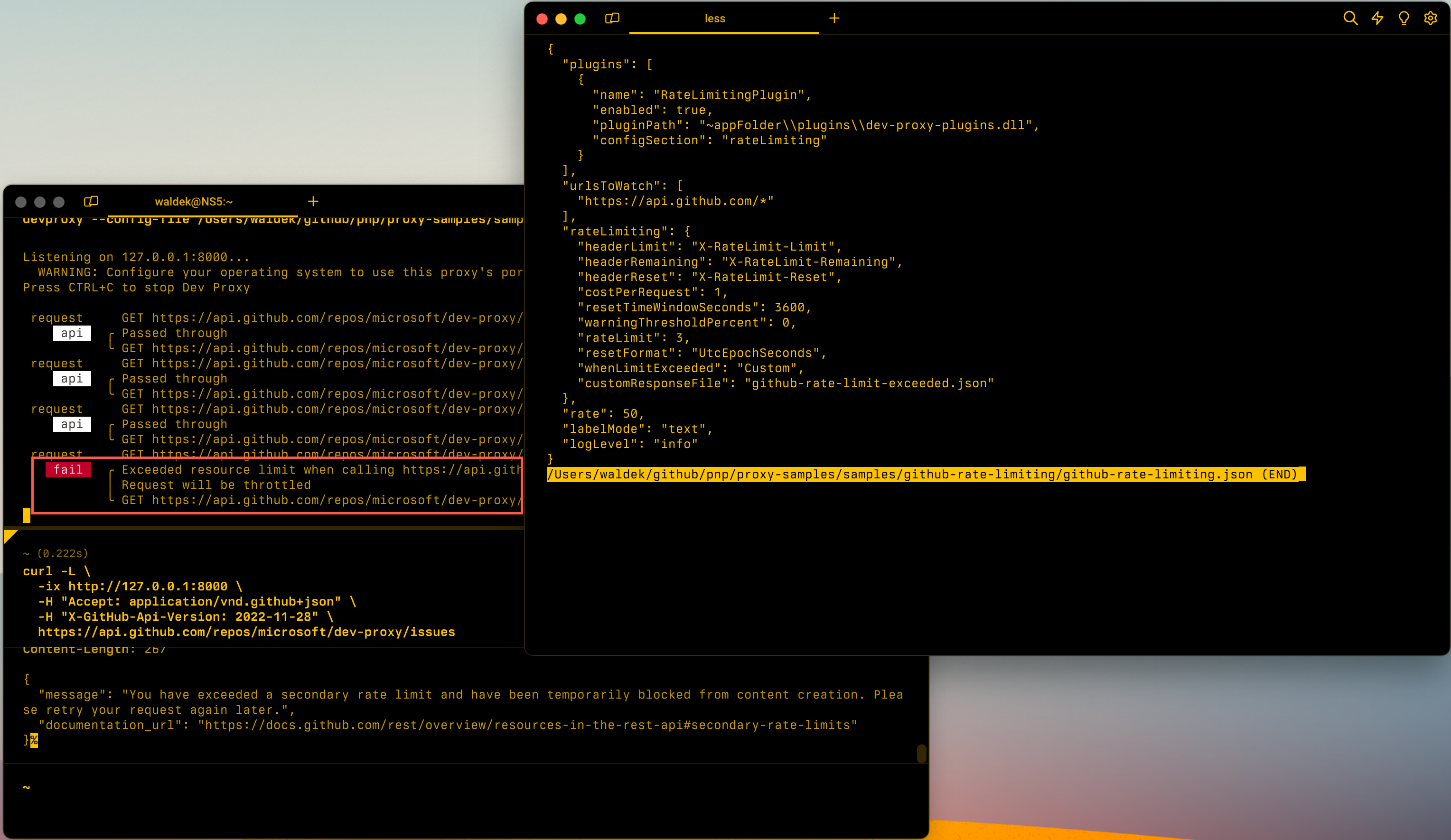
Configuration example
{
  "$schema": "https://raw.githubusercontent.com/dotnet/dev-proxy/main/schemas/v2.3.0/rc.schema.json",
  "plugins": [
    {
      "name": "RateLimitingPlugin",
      "enabled": true,
      "pluginPath": "~appFolder/plugins/DevProxy.Plugins.dll",
      "configSection": "rateLimiting"
    }
  ],
  "rateLimiting": {
    "$schema": "https://raw.githubusercontent.com/dotnet/dev-proxy/main/schemas/v2.3.0/ratelimitingplugin.schema.json",
    "costPerRequest": 2,
    "rateLimit": 120
  }
}
Configuration properties
| Property | Description | Default |
|---|---|---|
headerLimit |
Name of the response header that communicates the rate-limiting limit | RateLimit-Limit |
headerRemaining |
Name of the response header that communicates the remaining number of resources before the reset | RateLimit-Remaining |
headerReset |
Name of the response header that communicates the time remaining until the reset | RateLimit-Reset |
headerRetryAfter |
Name of the response header that communicates the retry-after period | Retry-After |
costPerRequest |
How many resources does a request cost | 2 |
resetTimeWindowSeconds |
How long in seconds until the next reset | 60 |
warningThresholdPercent |
The percentage of use that's when exceeded starts returning rate limiting response headers | 80 |
rateLimit |
Number of resources for a time window | 120 |
whenLimitExceeded |
The behavior the plugin should use when limit is exceeded. Use Throttle or Custom. |
Throttle |
resetFormat |
The format used to determine when the rate limit resets. Use SecondsLeft or UtcEpochSeconds. |
SecondsLeft |
customResponseFile |
File containing a custom error response used when limit is exceeded. | rate-limit-response.json |
Command line options
None
Next step
Makipagtulungan sa amin sa GitHub
Ang pinagmulan para sa content na ito ay mahahanap sa GitHub, kung saan maaari ka ring lumikha at sumuri ng mga isyu at mga pull request. Para sa higit pang impormasyon, tingnan ang aming gabay sa contributor.
