Note
Kailangan ng pahintulot para ma-access ang page na ito. Maaari mong subukang mag-sign in o magpalit ng mga direktoryo.
Ang pag-access sa pahinang ito ay nangangailangan ng pahintulot. Maaari mong subukang baguhin ang mga direktoryo.

This article describes how to start a kernel mode session with WinDbg.
The process is similar to how it was done with previous versions of WinDbg. Select the tab for the type of transport that you're using, fill in the required fields, and select OK.
Note
Local kernel debugging requires WinDbg to start with elevated privileges.
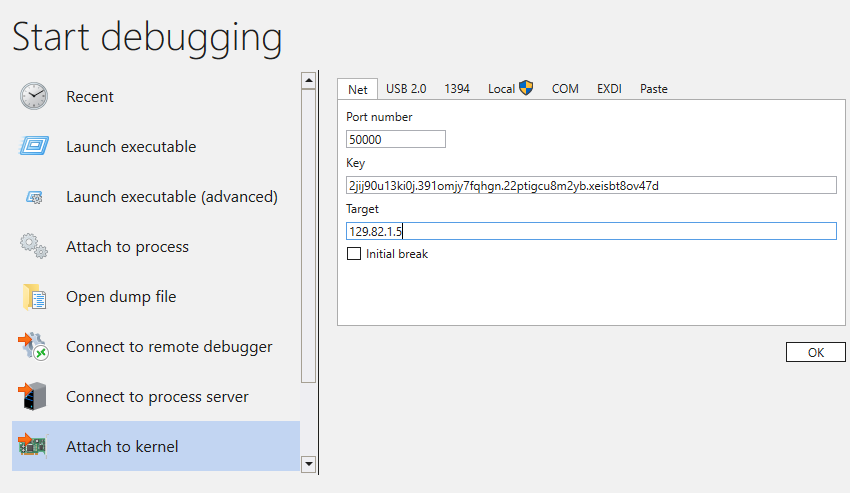
On the Paste tab, you can paste in custom connection strings.
If you aren't familiar with how to set up a debugger kernel-mode session, see Get started with WinDbg (kernel mode).