Note
Kailangan ng pahintulot para ma-access ang page na ito. Maaari mong subukang mag-sign in o magpalit ng mga direktoryo.
Ang pag-access sa pahinang ito ay nangangailangan ng pahintulot. Maaari mong subukang baguhin ang mga direktoryo.
The dscv3 command of winget represents Microsoft Desired State Configuration version 3 (DSC v3) command-based resource implementation.
Usage
winget dscv3 [<command>] [<options>]
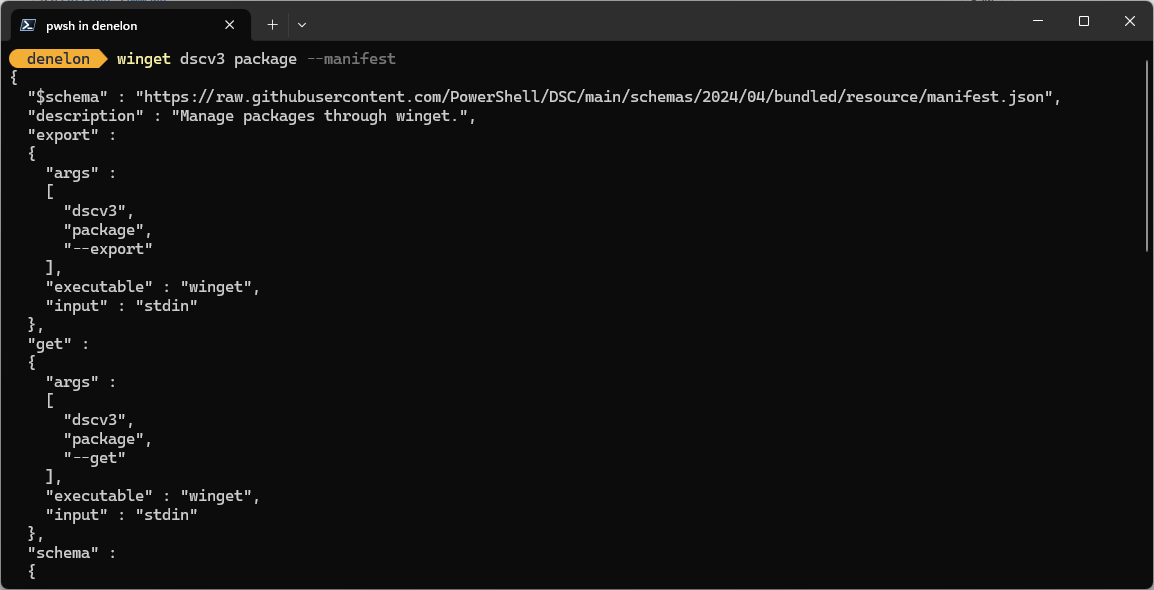
sub-commands
The following sub-commands are available.
| Argument | Description |
|---|---|
package |
Manages package state. |
source |
Manages source configuration. |
user-settings-file |
Manages user settings file. |
admin-settings |
Manages administrator settings. |
Options
The options allow you to customize the install experience to meet your needs.
| Option | Description |
|---|---|
-m, --manifest |
Displays the resource JSON manifest. |
-o, --output |
Specifies the directory where the resource JSON file will be written. |
-?, --help |
Get additional help on this command. |
--wait |
Prompts the user to press any key before exiting. |
--logs, --open-logs |
Open the default logs location. |
--verbose, --verbose-logs |
Used to override the logging setting and create a verbose log. |
--nowarn, --ignore-warnings |
Suppresses warning outputs. |
--disable-interactivity |
Disable interactive prompts. |
--proxy |
Set a proxy to use for this execution. |
--no-proxy |
Disable the use of proxy for this execution. |
Related topics
Makipagtulungan sa amin sa GitHub
Ang pinagmulan para sa content na ito ay mahahanap sa GitHub, kung saan maaari ka ring lumikha at sumuri ng mga isyu at mga pull request. Para sa higit pang impormasyon, tingnan ang aming gabay sa contributor.

Windows developer