הערה
הגישה לדף זה מחייבת הרשאה. באפשרותך לנסות להיכנס או לשנות מדריכי כתובות.
הגישה לדף זה מחייבת הרשאה. באפשרותך לנסות לשנות מדריכי כתובות.
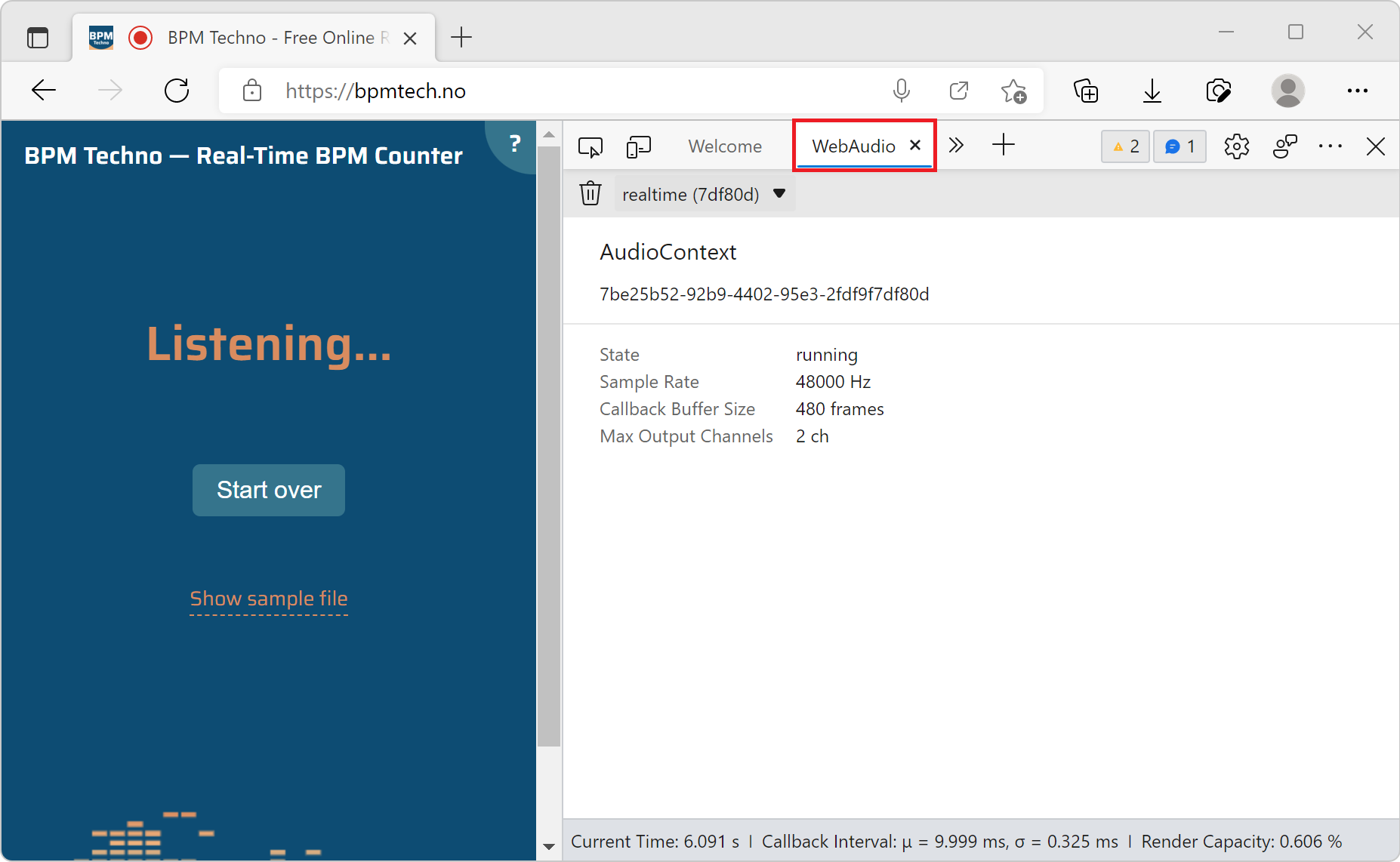
Use the WebAudio tool to monitor the graph of WebAudio nodes that get created when a webpage uses the WebAudio API.
To open the WebAudio tool:
To open DevTools, right-click the webpage, and then select Inspect. Or, press Ctrl+Shift+I (Windows, Linux) or Command+Option+I (macOS). DevTools opens.
In DevTools, on the main toolbar, click the More Tools (
 ) button, and then select WebAudio.
Go to a webpage that uses the WebAudio API, such as https://bpmtech.no.
Data about the page is displayed: