הערה
הגישה לדף זה מחייבת הרשאה. באפשרותך לנסות להיכנס או לשנות מדריכי כתובות.
הגישה לדף זה מחייבת הרשאה. באפשרותך לנסות לשנות מדריכי כתובות.
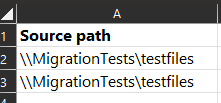
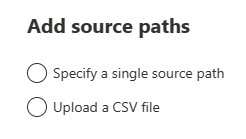
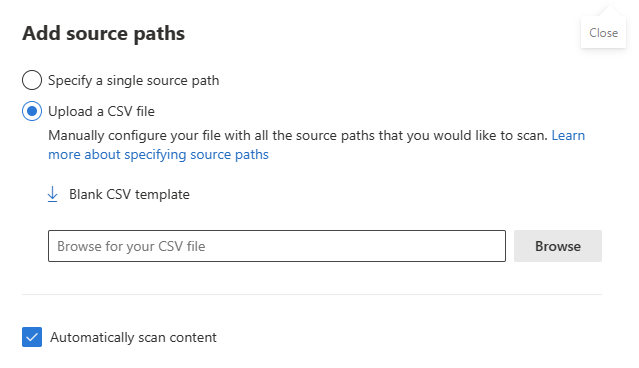
Migration Manager lets you use a comma-separated (CSV) file to bulk upload your file share sources to scan. Create the CSV file using any text editor, or an application like Excel. You can also download the blank CSV template from Migration Manager file share workflow.
- Column heading. You can optionally use the column headings in your CSV file to make your file easier to read.
- UTF-8. The encoding of the CSV file must be UTF-8.
Create and format your file
Create a single column CSV file. There's only one column, the source path.
The following example creates the CSV file using Excel.
- Start Excel.
- Enter source paths. Enter one source path per row. Required.
- Close and save as a Comma delimited (*.csv) file.