Use QR codes
You can enhance the Dive Shop canvas app by adding the ability to scan barcodes and QR codes.
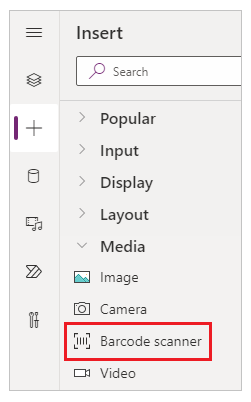
With the Barcode scanner control in Power Apps, you can use your mobile phone or device to scan a barcode from various formats.
Prerequisites
Before adding the ability to scan barcodes and QR codes, you need to meet the following prerequisites:
Make sure that you have a Power Apps license.
Before you create a new app, you need to become familiar with Power Apps basics by generating an app and then customizing that app's controls, gallery, forms, and cards.
To create an app, make sure that you've been assigned to the Environment Maker security role.
For more information, see Create a canvas app with the barcode scanner control.