Get started
Because Visual Studio Code for Education is accessible through your internet browser and doesn't require any downloads, getting started using the platform is simple. All you need to do is sign in and choose the course that you want to explore.
Sign in
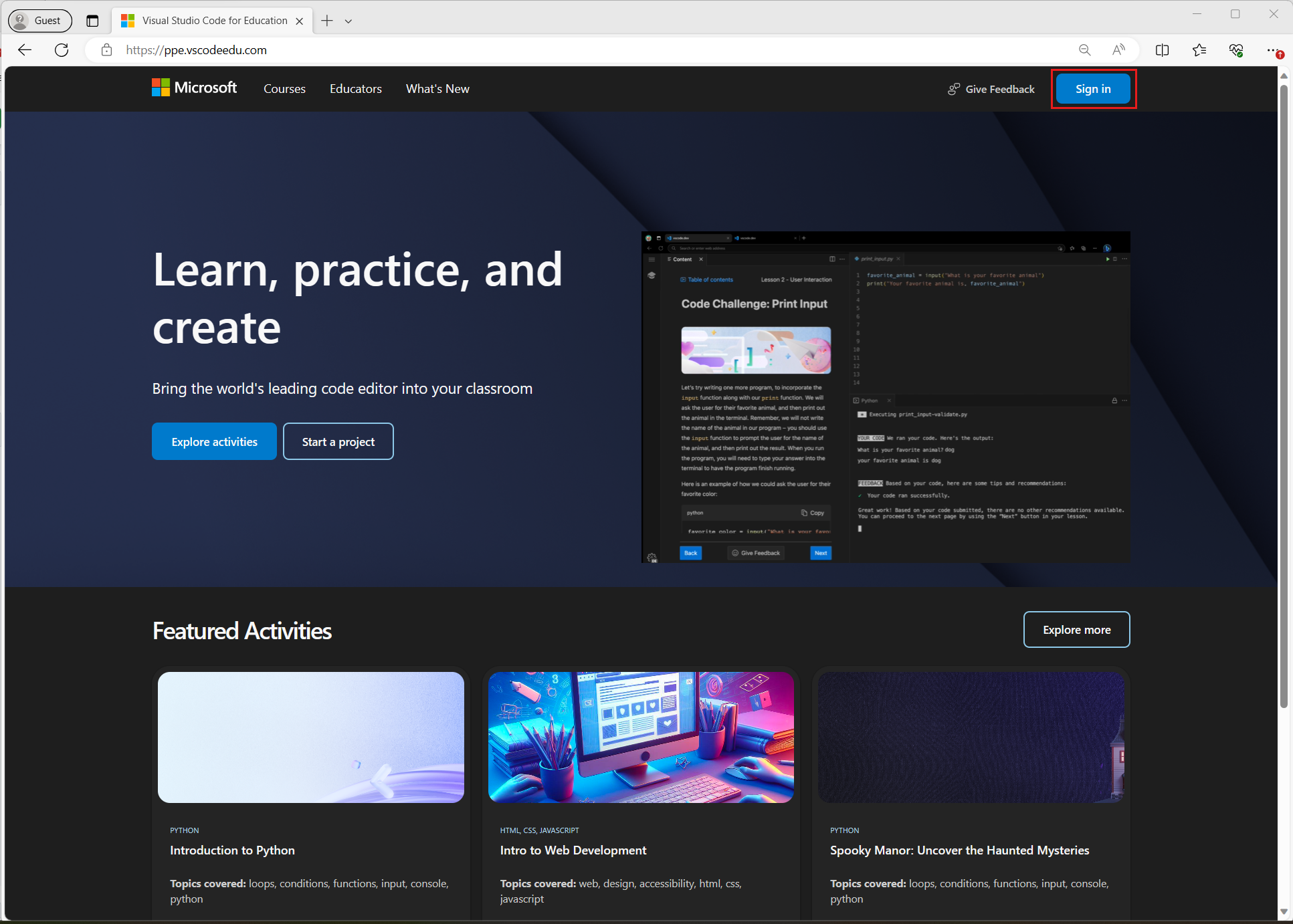
To access Visual Studio Code for Education, go to vscodeedu.com and select Sign in.
After you select Sign in, you're prompted to sign in with your Microsoft account.
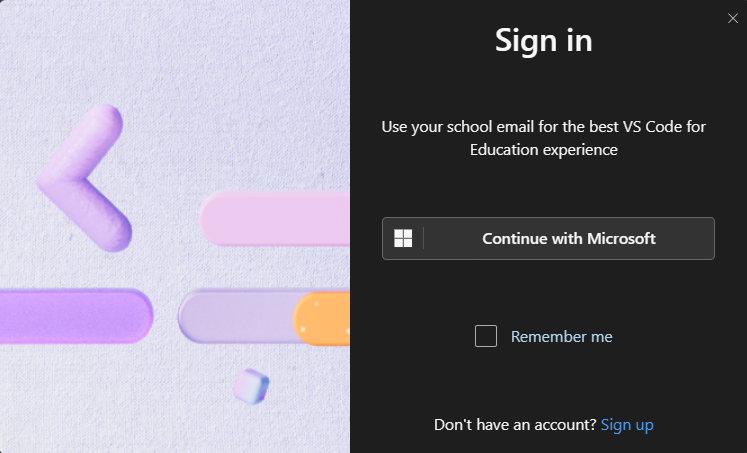
If you don't have a Microsoft account, you can create one for free.
Choose a course
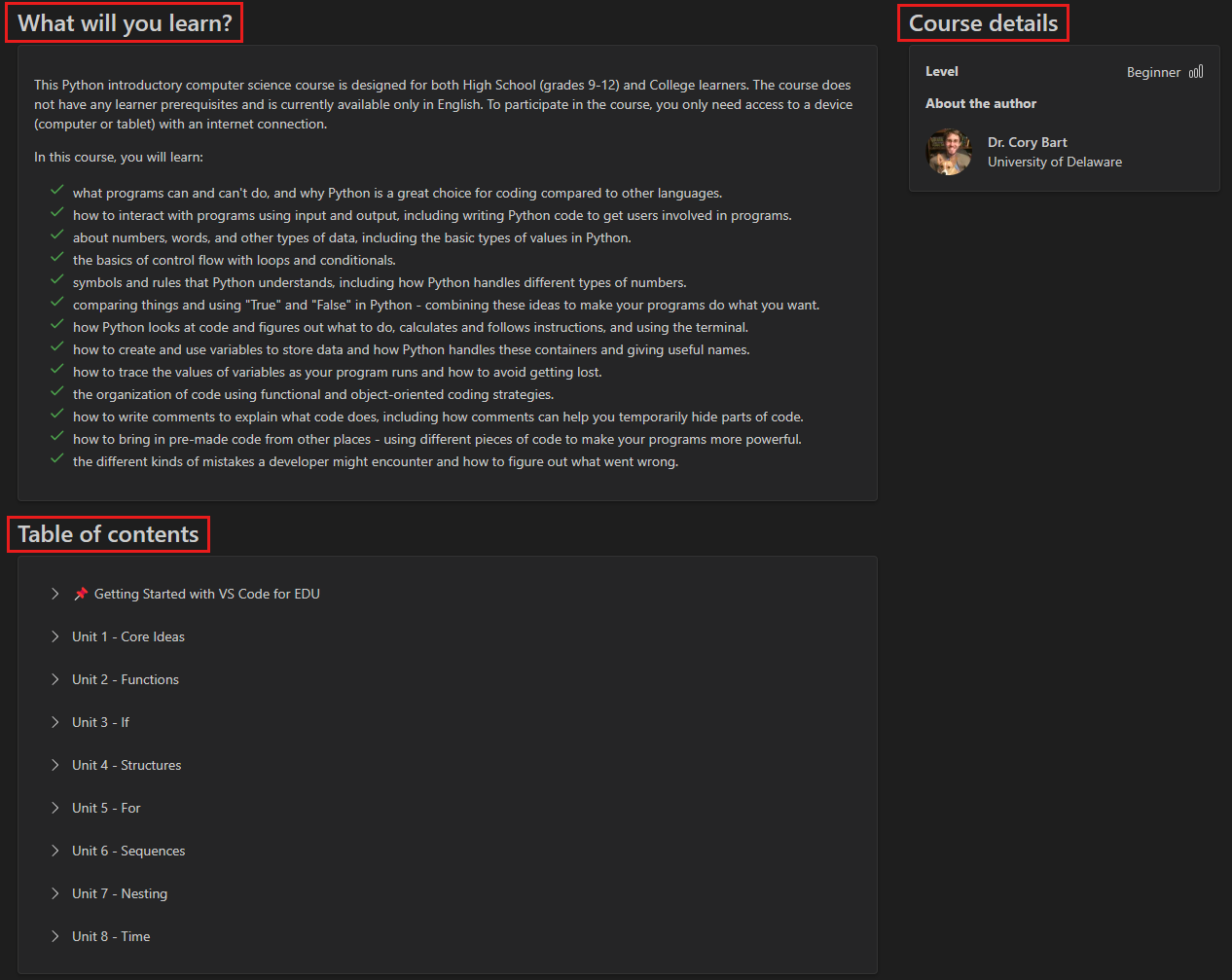
Browse the course catalog and choose a course that you want to begin. The catalog provides a preview of the course, including what you'll learn and the table of contents.
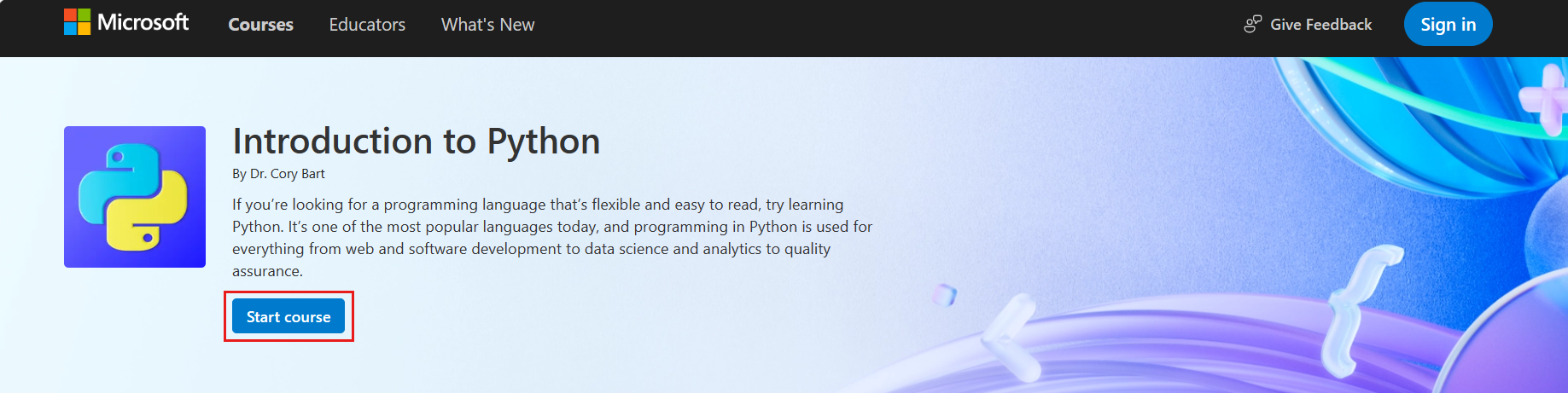
Select Start course to open the course in your browser.