Note
ამ გვერდზე წვდომა ავტორიზაციას მოითხოვს. შეგიძლიათ სცადოთ შესვლა ან დირექტორიების შეცვლა.
ამ გვერდზე წვდომა ავტორიზაციას მოითხოვს. შეგიძლიათ სცადოთ დირექტორიების შეცვლა.
This article explains how to remove the Surface Hub 2S camera and install a replacement camera or the Surface Hub Smart Camera.
| Step | Task | Illustration |
|---|---|---|
| 1. | You'll need the new camera and the 2-millimeter allen wrench. | 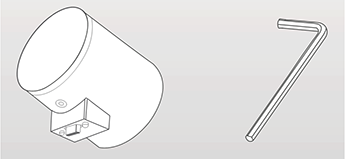 |
| 2. | Unplug the old camera from the unit. If needed, use the allen wrench to adjust the new camera. Plug the new camera into the unit. | 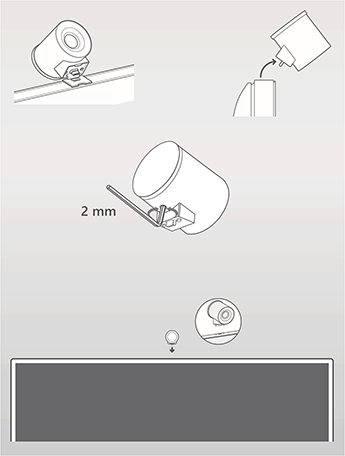 |