Note
ამ გვერდზე წვდომა ავტორიზაციას მოითხოვს. შეგიძლიათ სცადოთ შესვლა ან დირექტორიების შეცვლა.
ამ გვერდზე წვდომა ავტორიზაციას მოითხოვს. შეგიძლიათ სცადოთ დირექტორიების შეცვლა.
The dscv3 command of winget represents Microsoft Desired State Configuration version 3 (DSC v3) command-based resource implementation.
Usage
winget dscv3 [<command>] [<options>]
sub-commands
The following sub-commands are available.
| Argument | Description |
|---|---|
| package | Manages package state. |
| source | Manages source configuration. |
| user-settings-file | Manages user settings file. |
| admin-settings | Manages administrator settings. |
Options
The options allow you to customize the install experience to meet your needs.
| Option | Description |
|---|---|
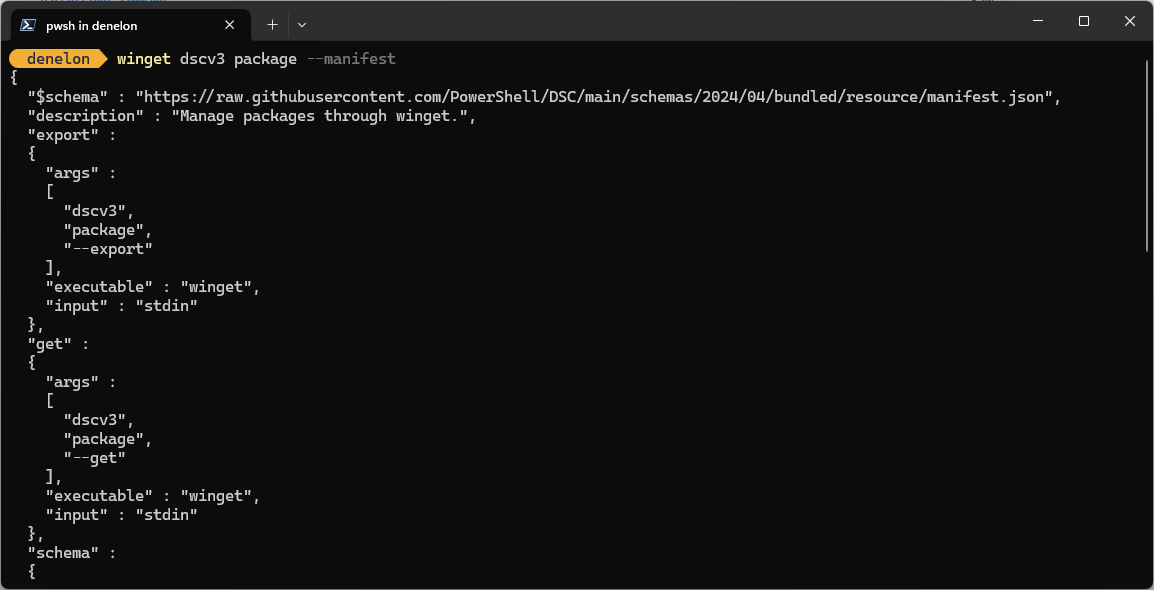
| -m, --manifest | Displays the resource JSON manifest. |
| -o, --output | Specifies the directory where the resource JSON file will be written. |
| -?, --help | Get additional help on this command. |
| --wait | Prompts the user to press any key before exiting. |
| --logs,--open-logs | Open the default logs location. |
| --verbose, --verbose-logs | Used to override the logging setting and create a verbose log. |
| --nowarn,--ignore-warnings | Suppresses warning outputs. |
| --disable-interactivity | Disable interactive prompts. |
| --proxy | Set a proxy to use for this execution. |
| --no-proxy | Disable the use of proxy for this execution. |
Related topics
ითანამშრომლეთ ჩვენთან GitHub-ზე
ამ შიგთავსის წყაროს მოძიება GitHub-ზე არის შესაძლებელი, სადაც თქვენ ასევე შეგიძლიათ პრობლემების შექმნა და განხილვა და მოთხოვნების გადმოტანა. დამატებითი ინფორმაციისთვის იხილეთ ჩვენი დამხმარე სახელმძღვანელო.

Windows developer