Nata
Norint pasiekti šį puslapį, reikalingas leidimas. Galite pabandyti prisijungti arba pakeisti katalogus.
Norint pasiekti šį puslapį, reikalingas leidimas. Galite pabandyti pakeisti katalogus.
System-wide registry settings affect all processes running on Windows. They are saved in the registry and remain effective until you change them.
To set and clear system-wide registry flags
Click the System Registry tab.
The following screen shot shows the System Registry tab in Windows Vista.
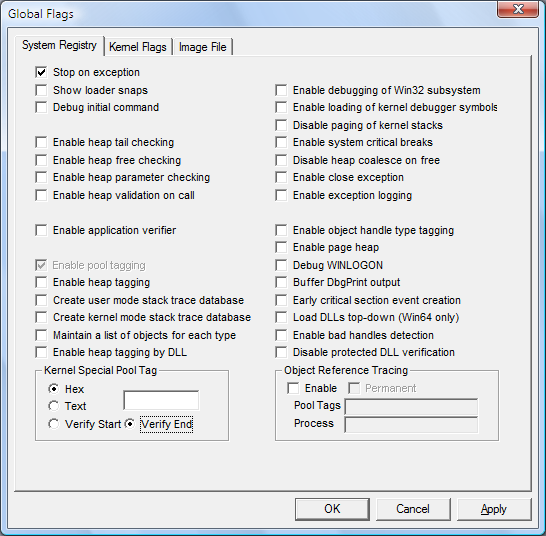
Set or clear a flag by selecting or clearing the check box associated with the flag.
When you have selected or cleared all of the flags that you want, click Apply.
Restart Windows to make the changes effective.