Nota
L-aċċess għal din il-paġna jeħtieġ l-awtorizzazzjoni. Tista’ tipprova tidħol jew tibdel id-direttorji.
L-aċċess għal din il-paġna jeħtieġ l-awtorizzazzjoni. Tista’ tipprova tibdel id-direttorji.
Note
The Retail Interest Group by Dynamics 365 Commerce has moved from Yammer to Viva Engage. If you don't have access to the new Viva Engage community, fill out this form (https://aka.ms/JoinD365commerceVivaEngageCommunity) to be added and stay engaged in the latest discussions.
This article provides an overview of the Adventure Works theme and describes how to apply it to site pages in Microsoft Dynamics 365 Commerce.
Dynamics 365 Commerce has an e-commerce theme named Adventure Works. The Adventure Works theme showcases sports and recreational products, and it's optimized for a rich and enhanced storytelling experience. It provides a modern appearance, new layouts, and animation effects to create an immersive, engaging online shopping experience for e-commerce customers.
Trial environments in Commerce
To see what the Adventure Works theme looks like when deployed for business-to-consumer (B2C) and business-to-business (B2B) sites, visit the following trial sites:
Theme capabilities
The Adventure Works theme provides the following new capabilities:
- The video player module now supports heading, paragraph, and link functionality for additional storytelling.
- You see better transitions of content through animation.
- The "add to cart" action invokes the mini cart instead of providing a notification.
- The quick view module is a pane that slides in on both desktop and mobile viewports.
- You can use new layouts for the site pages.
- You can configure marketing content for the cart and mini cart when they're empty.
- The mini cart can show promotional messages, such as "Free shipping on orders over $50."
- Description cards render on search and category pages.
The Adventure Works theme now includes the following storytelling modules in the Commerce module library:
The Adventure Works theme is fully responsive and provides an optimized experience for desktop, mobile, and tablet viewports.
Important
The Adventure Works theme and the new modules are available as of the Dynamics 365 Commerce version 10.0.20 release.
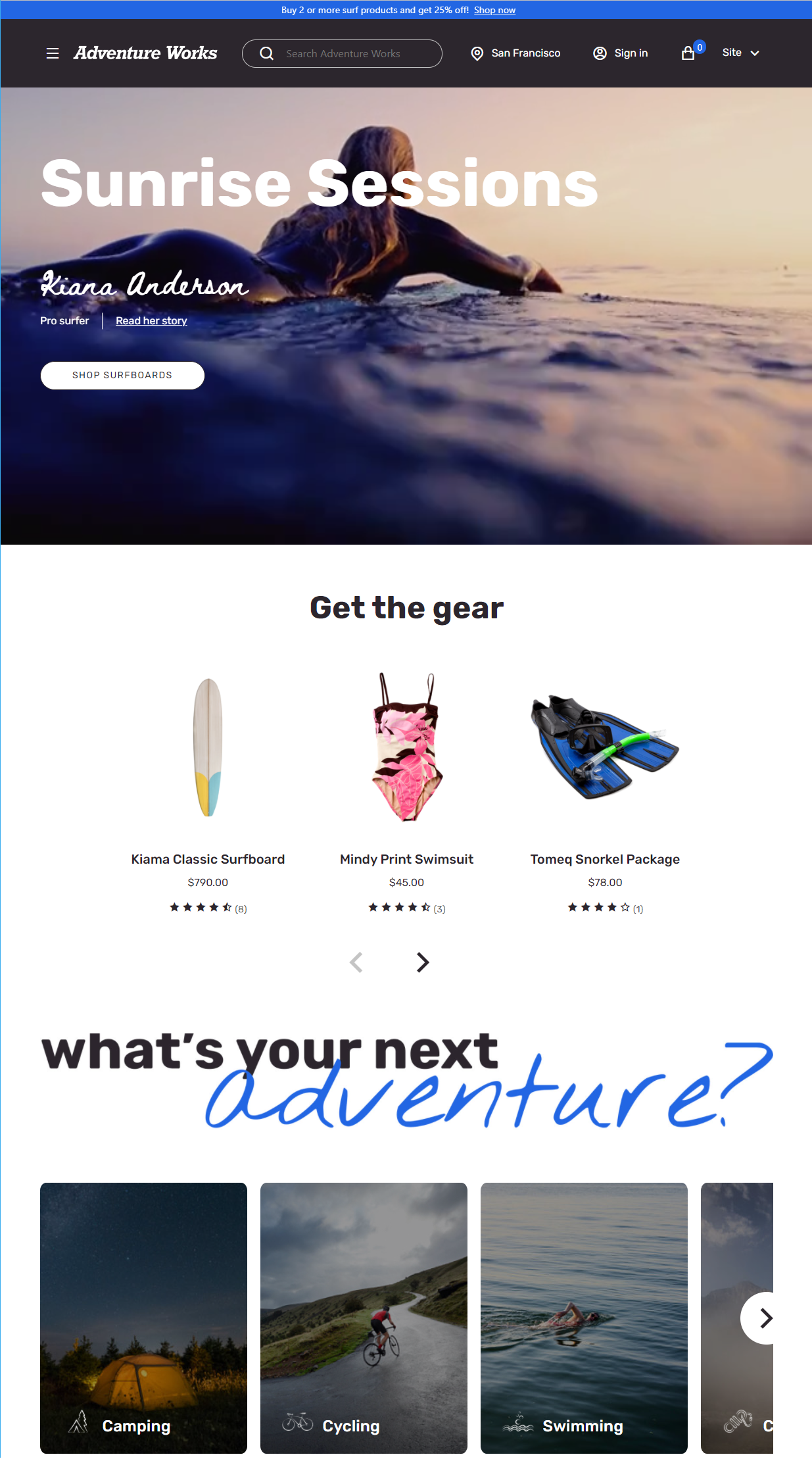
The following illustration shows an example of a home page that uses the Adventure Works theme.
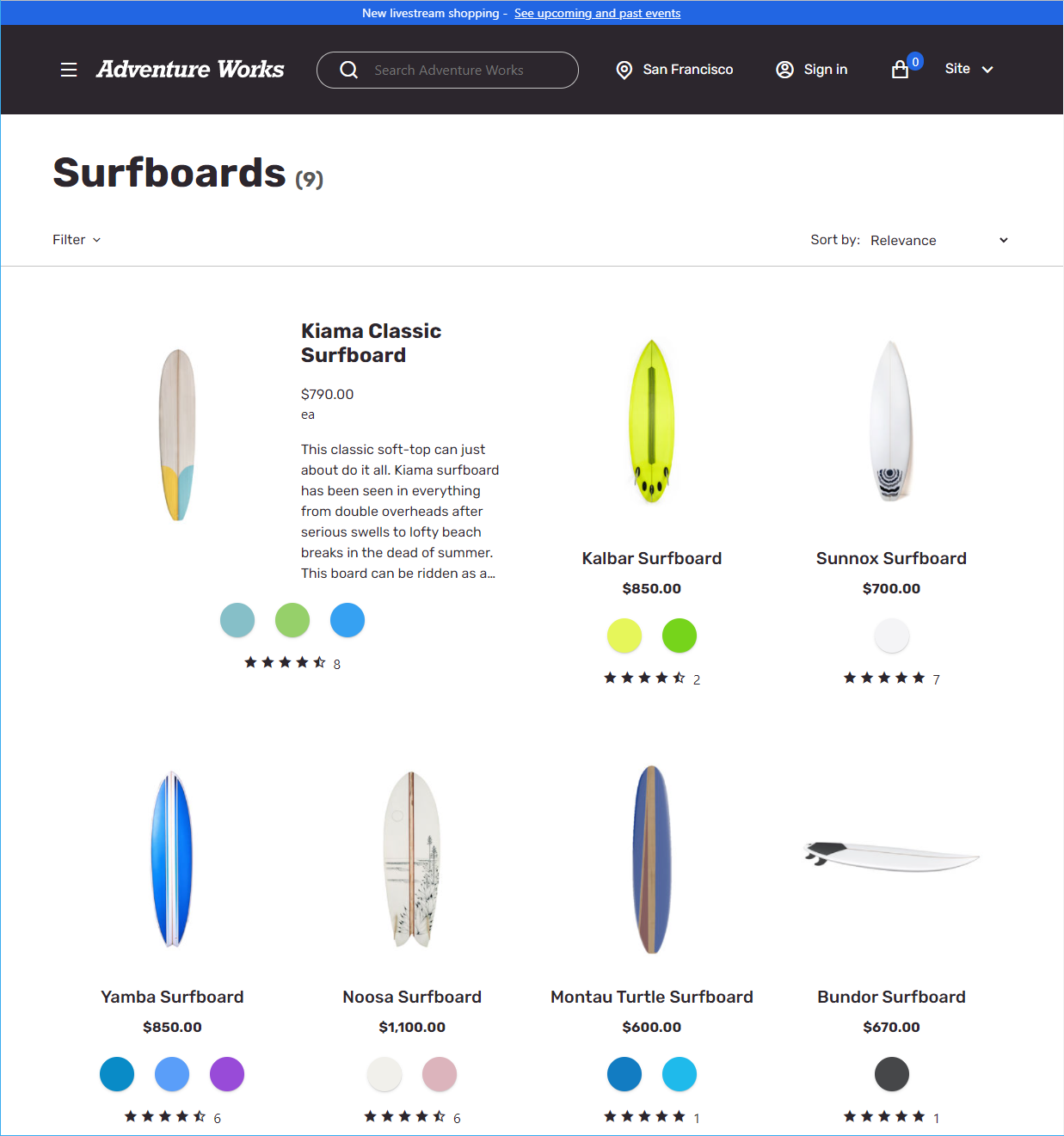
The following illustration shows an example of a list page that uses the Adventure Works theme.
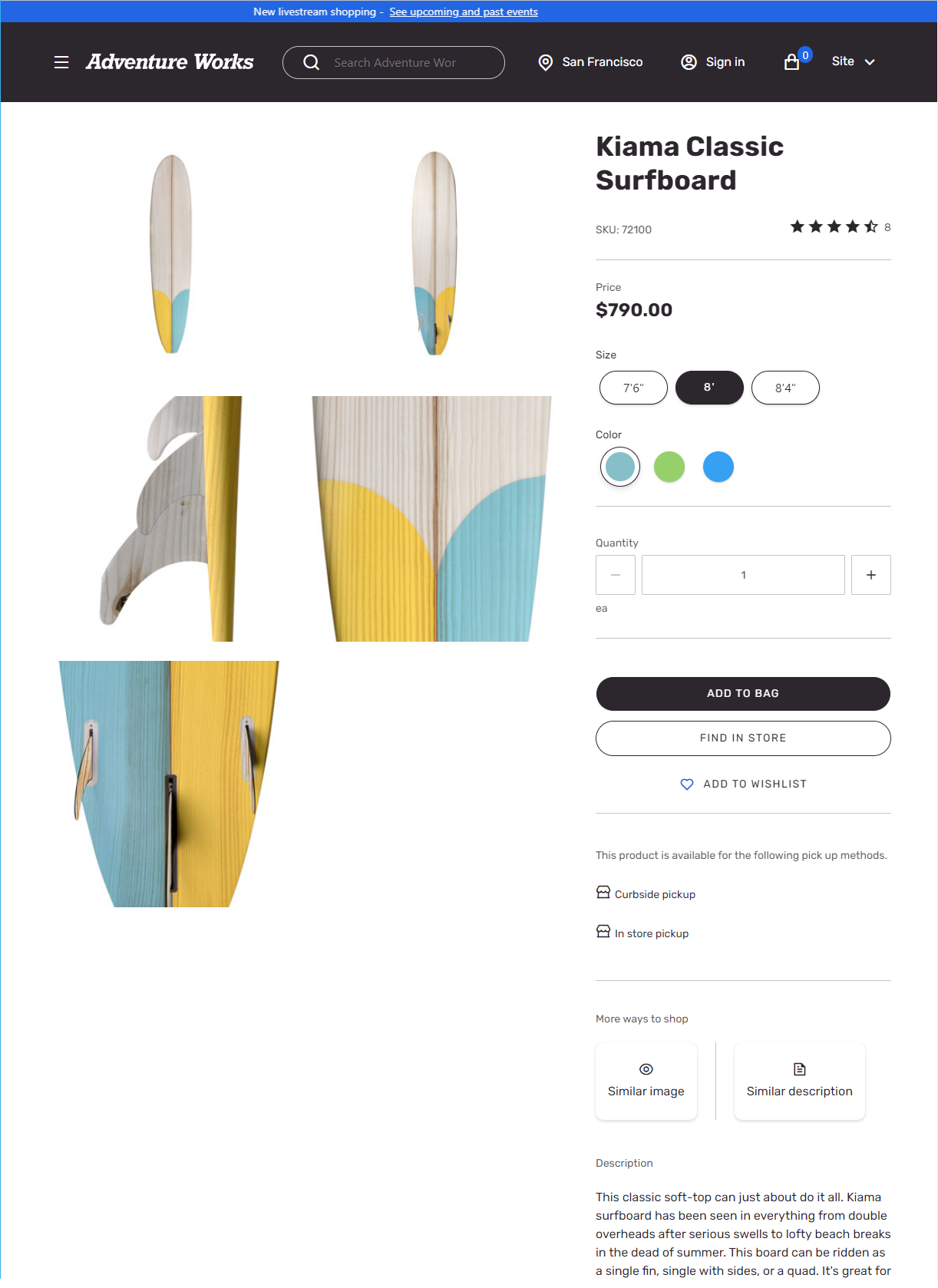
The following illustration shows an example of a product details page (PDP) that uses the Adventure Works theme.
Use the Adventure Works theme for B2B sites
The Adventure Works theme is also a reference theme for business-to-business (B2B) sites. The Adventure Works theme showcases all B2B modules and workflows. For information about how to set up a B2B site, see B2B site setup.
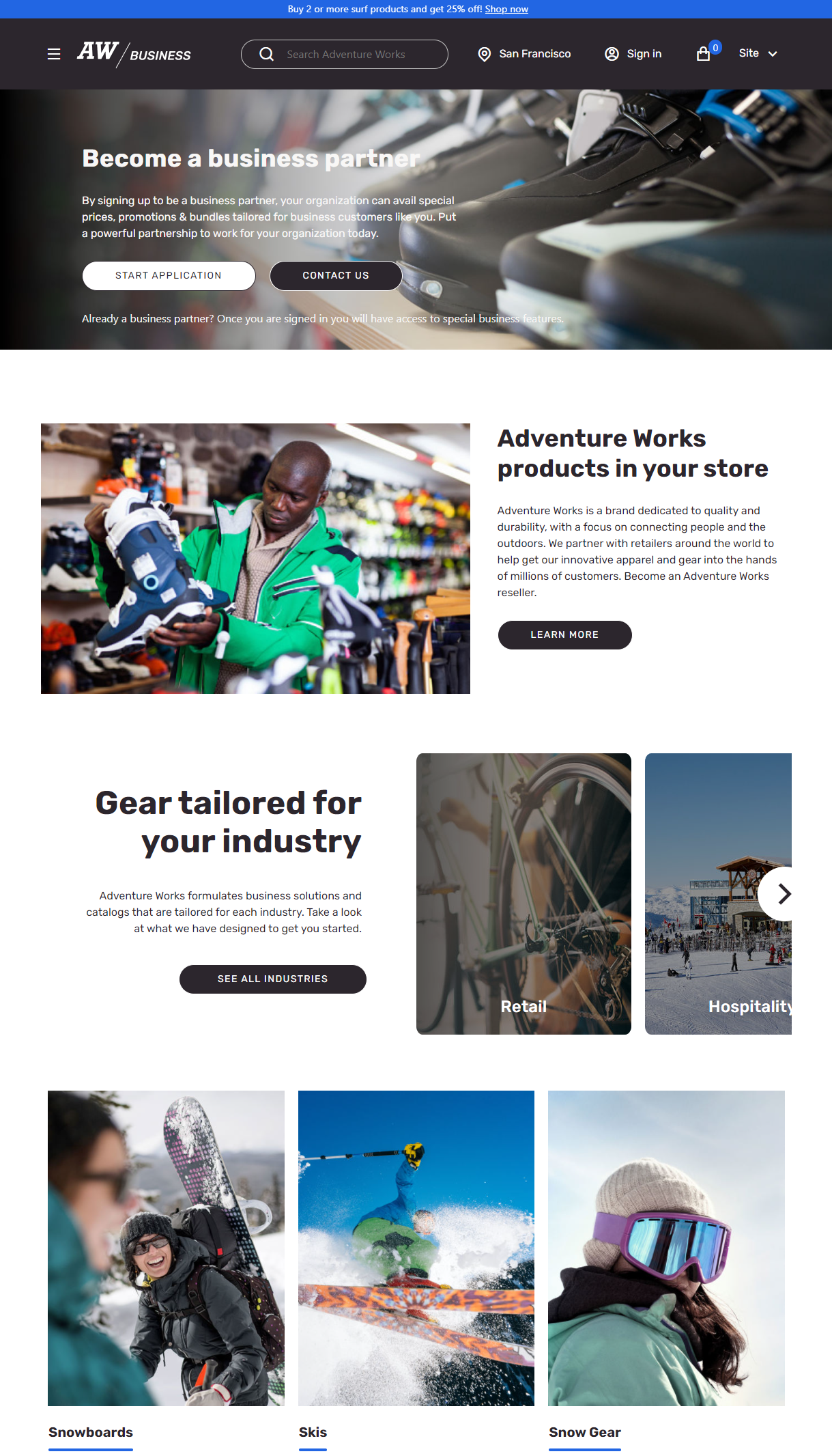
The following illustration shows an example of a B2B home page that uses the Adventure Works theme.
Theme extensions
The Adventure Works theme includes several theme extensions, such as the View extensions and Module definition extensions. Use the Adventure Works theme as a reference theme to build similar extensions. For example, the list page in the Adventure Works theme is implemented as a view extension that has a horizontal refiner. (By contrast, a left pane refiner is used in the Fabrikam theme.)
Likewise, other modules include module definition extensions. For example, the cart icon module includes two additional Empty Cart and Promotional Content slots that are implemented by using module definition extensions. Additionally, a new Mobile Logo property was added to the header module to support a logo on mobile viewports. This property is implemented as a header module definition extension.
For more information about theme extensions, see Theme extensions.
Install the Adventure Works theme
For information about how to install the Adventure Works theme, see Install the Adventure Works theme.