Notitie
Voor toegang tot deze pagina is autorisatie vereist. U kunt proberen u aan te melden of de directory te wijzigen.
Voor toegang tot deze pagina is autorisatie vereist. U kunt proberen de mappen te wijzigen.
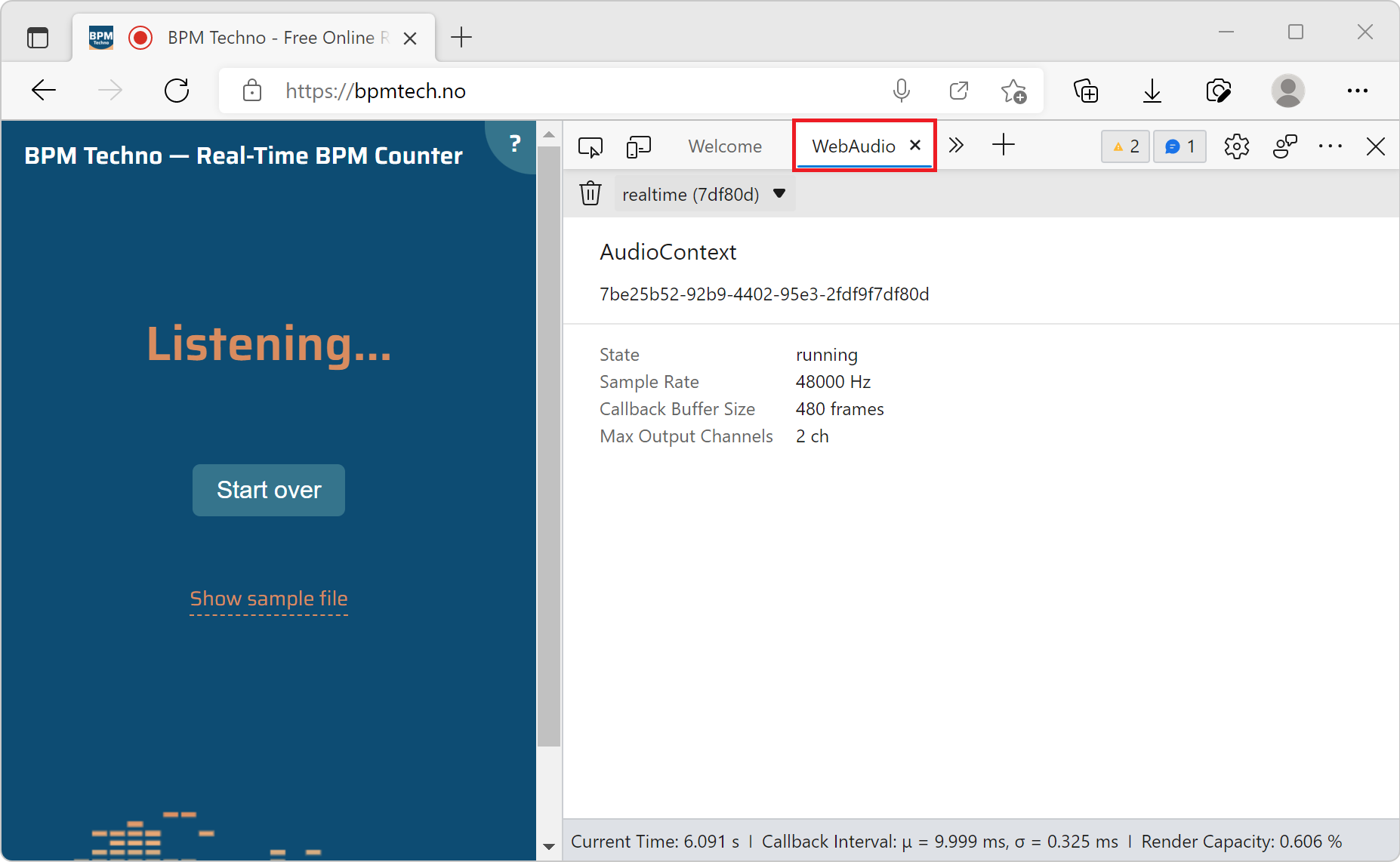
Use the WebAudio tool to monitor the graph of WebAudio nodes that get created when a webpage uses the WebAudio API.
To open the WebAudio tool:
To open DevTools, right-click the webpage, and then select Inspect. Or, press Ctrl+Shift+I (Windows, Linux) or Command+Option+I (macOS). DevTools opens.
In DevTools, on the main toolbar, click the More Tools (
 ) button, and then select WebAudio.
Go to a webpage that uses the WebAudio API, such as https://bpmtech.no.
Data about the page is displayed: