Notă
Accesul la această pagină necesită autorizare. Puteți încerca să vă conectați sau să modificați directoarele.
Accesul la această pagină necesită autorizare. Puteți încerca să modificați directoarele.
Attach a deployment plan when you start a supported deployment operation. Attachment is optional and applies only to that operation. Without a plan, the operation uses its standard behavior.
Important
This feature is in preview.
Where you can attach a plan
You can attach a plan on the following surfaces:
| Operation | Guidance |
|---|---|
| Branch out to a new workspace | Select a plan during branch-out. |
| Initial synchronization of a Git connection | Select a plan when you start the operation. |
| Update from Git or switch branches | Select a plan when you start the operation. |
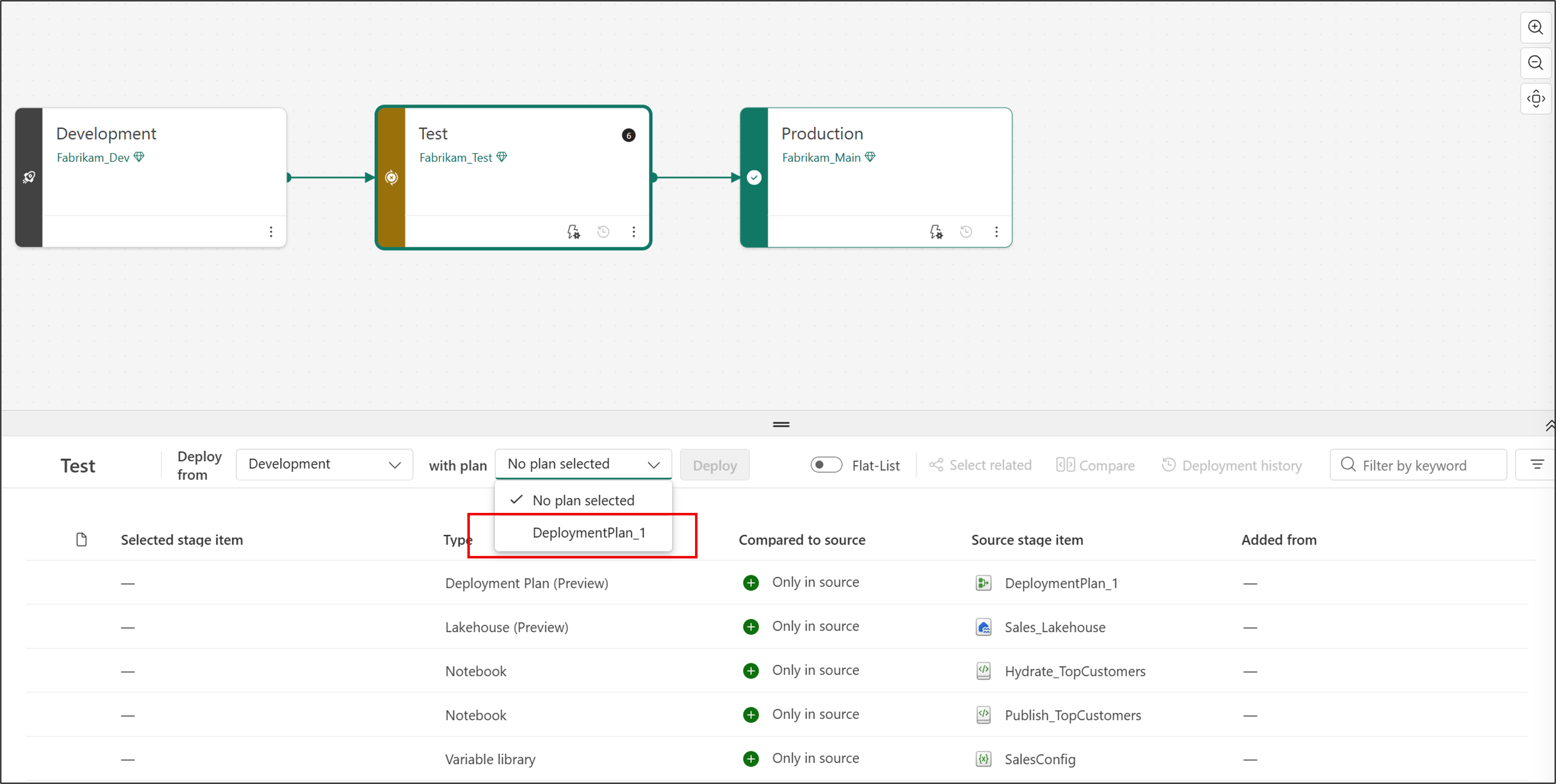
| Deploy between deployment pipeline stages | Select a plan when you deploy content. |
| API automation | Add a plan to an existing automated deployment. |
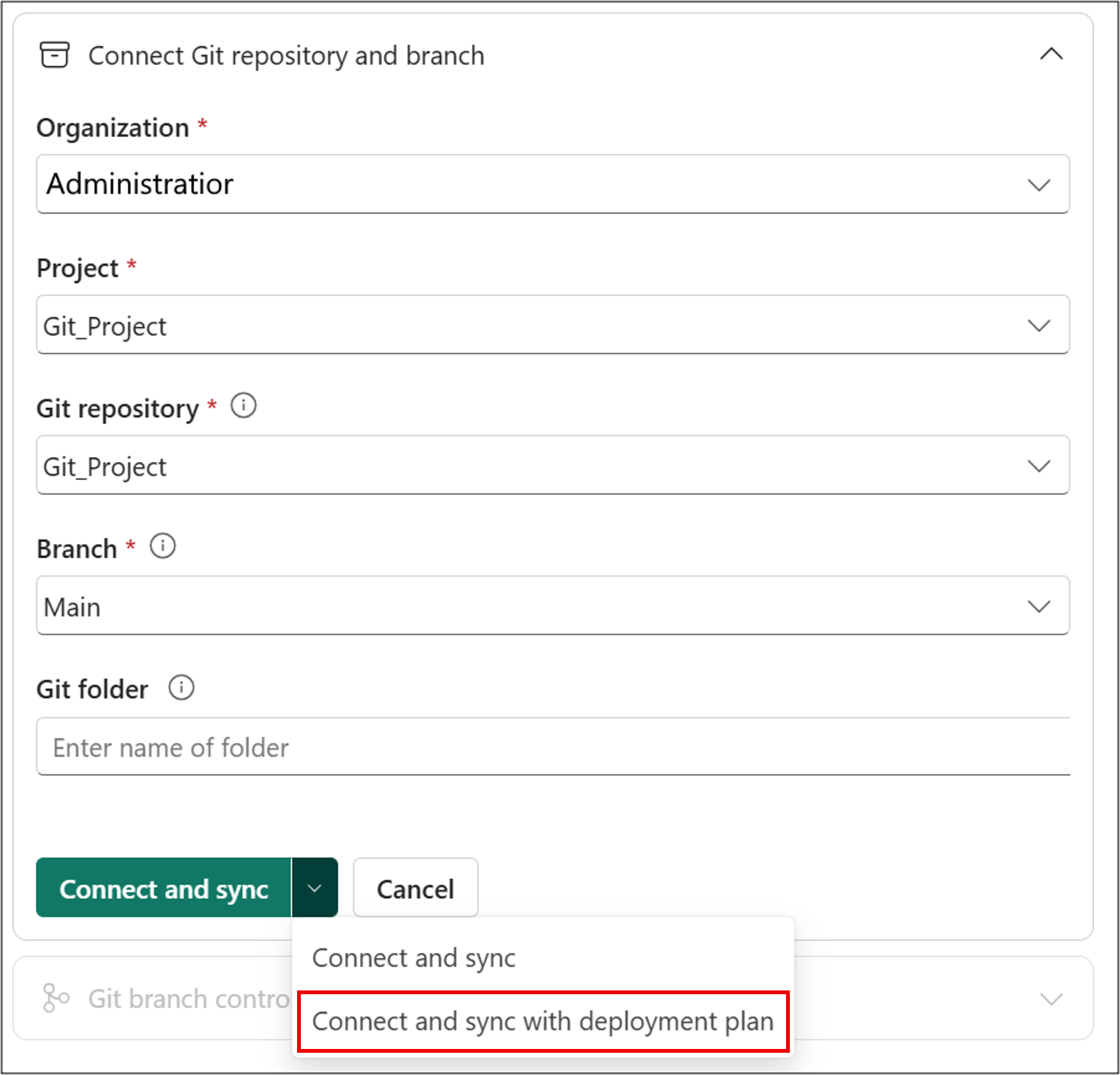
Which plan an operation uses
A deployment plan is a workspace item, so the source and target can contain different plans. The operation determines which plan is available.
| Operation | Available plan | Result |
|---|---|---|
| Git integration | A plan in the workspace or the incoming Git content | The selected plan applies to the operation. |
| Deployment pipeline | The existing target-stage plan or the incoming source-stage plan | You choose which plan to use. If you choose the incoming plan, it's selected in the item list and deploys to the target stage with the other selected items. |
| API automation | The plan referenced by the deploymentPlan object in the request |
Git integration, deployment pipelines, and the Bulk Import API accept different reference types. See Automate deployments with a deployment plan. |
For more information about how incoming Git content replaces the workspace state, see Switch branches.
Attach a plan with the REST APIs
Attaching a plan through automation doesn't need a separate call. Add the optional deploymentPlan object to the existing request. For supported APIs, reference types, permissions, and request examples, see Automate deployments with a deployment plan.
Considerations and limitations
For attachment constraints, see Deployment plan considerations and limitations.