Game Save Combo Sample (PC, XBOX)

This sample is compatible with the Microsoft Game Development Kit (March 2022)
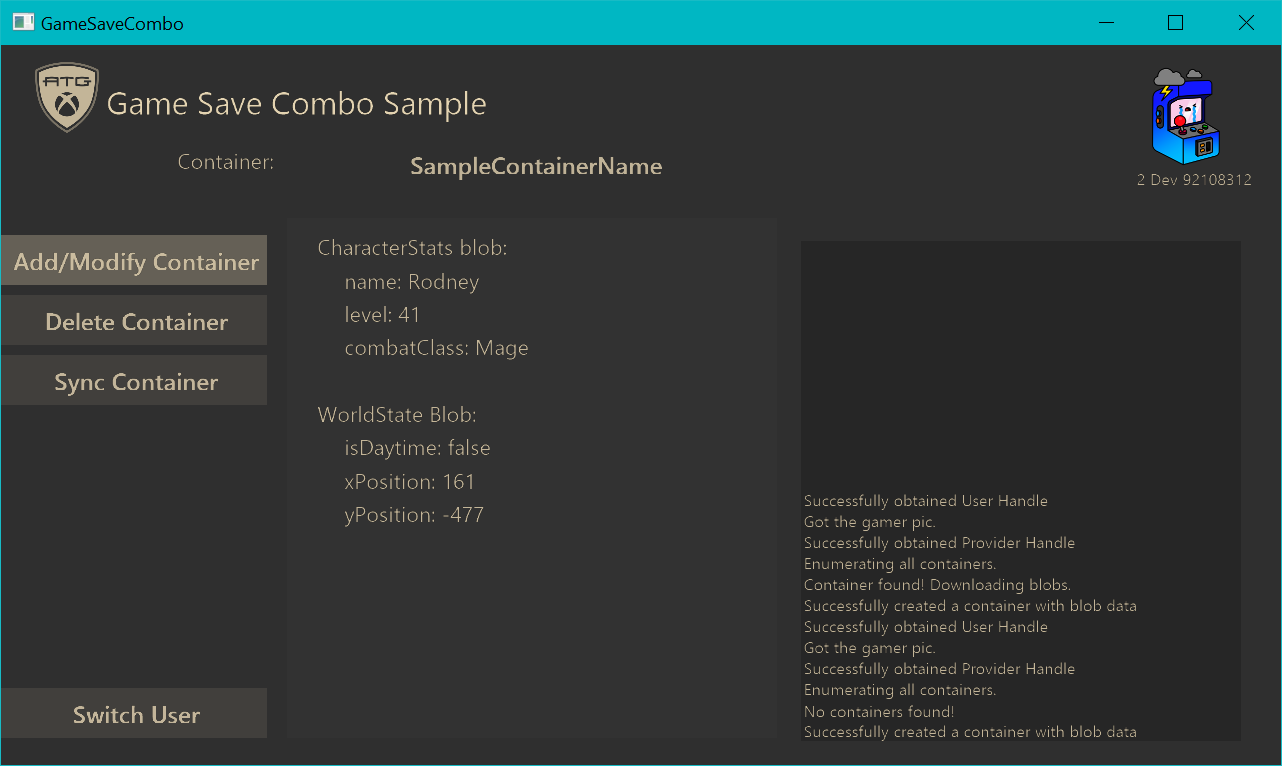
Description
A simple sample that implements many of the XGameSave api functions. This implementation is done by modifying the data of a single container with 2 blobs.
Important Methods
InitializeData
Enumerates all containers for the current provider context and checks if the container exists.
This is done by calling XGameSaveEnumerateContainerInfoByName, which takes a callback that is called for each container found.
Note that for more specific information about the container, you can access its XGameSaveContainerInfo from within the callback
CreateContainer
Creates a container or modifies the existing container with random data.
Calls XGameSaveCreateContainer which will create a handle for the container. If a container already exists, the handle will just reference the existing container.
If a container with the same name already exists, we call LoadBlobsFromDisk.
Else we generate data to write to the new container and call GenerateBlobData.
We also create an update handle with XGameSaveCreateUpdate that will store our blob modifications we want to apply to the container. This update is then sent to the container with an XGameSaveSubmitUpdate.
GenerateBlobData
Generates random blob data for an empty container.
To write blob changes to our update context, we use XGameSaveSubmitBlobWrite.
Note that each blob can be modified only ONCE per update. Whether it's adding, deleting, or modifying a blob.
LoadBlobsFromDisk
Loads blob data from a container.
Calls XGameSaveReadBlobDataAsync which reads all the blobs for a container. It takes a callback that is called when a blob is read.
XGameSaveReadBlobDataResult contains the result of the async call. This can be used to parse the blob data.
DeleteContainer
Deletes the container.
- This is done by calling XGameSaveDeleteContainer.
Privacy:
When compiling and running a sample, the file name of the sample executable will be sent to Microsoft to help track sample usage. To opt-out of this data collection, remove ATG_ENABLE_TELEMETRY from the C/C++ / Preprocessor / Preprocessor Definitions list in the project's settings.
For more information about Microsoft's privacy policies in general, see the Microsoft Privacy Statement.