opomba,
Dostop do te strani zahteva pooblastilo. Poskusite se vpisati alispremeniti imenike.
Dostop do te strani zahteva pooblastilo. Poskusite lahko spremeniti imenike.
Fabric Maps lets you visualize spatial data—static or real time—directly in Microsoft Fabric. By creating a map, you can explore patterns and relationships across space and time that are difficult to see in traditional charts and tables.
Prerequisites
- A workspace with a Microsoft Fabric-enabled capacity. For more information on creating a workspace, see Create a workspace.
- Permission to create items in the workspace.
Enable Maps in tenant settings
Important
Only the tenant admin is authorized to perform this step.
- Go to OneLake catalog > Govern > Configurations > Tenant settings.
- Search for Map. For more information, see About tenant settings.
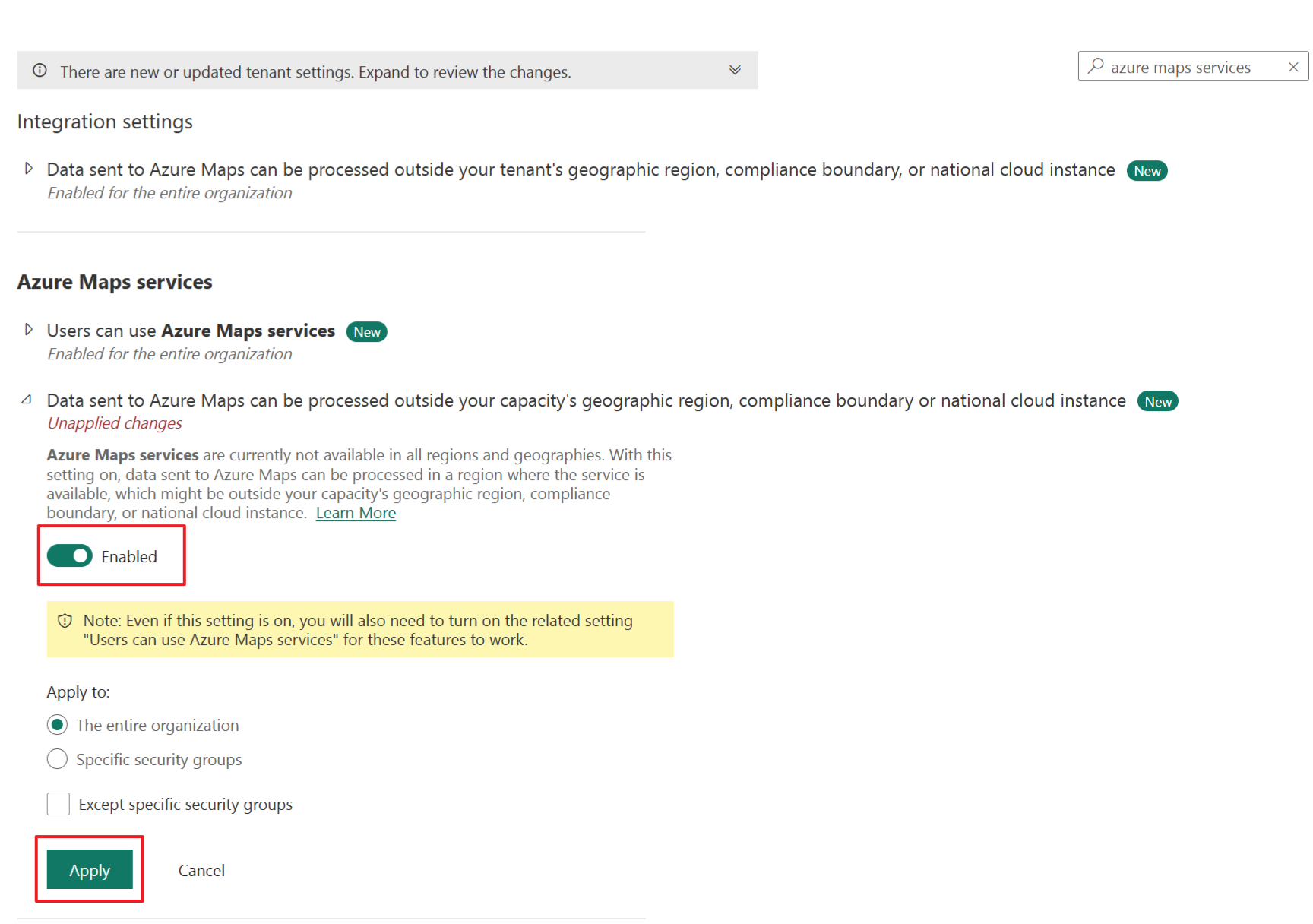
- If your Fabric capacity is located outside the EU or US regions, you must enable the Azure Maps services tenant settings. Begin by searching for Azure Maps services in the tenant settings, then toggle the option Data sent to Azure Maps can be processed outside your capacity's geography region, compliance boundary, or national cloud instance to Enabled.
- Select Apply.
Note
Even if these tenant settings are turned off, you can still create and open Map items. In this limited experience, the map background is blank because Azure Maps basemaps aren't available, but the data layers you add continue to display. Ask your tenant admin to turn the settings back on to restore the full Azure Maps experience.
For more information, see Azure Maps service tenant settings – Microsoft Fabric.
New map
Maps exist within the context of a workspace, and every map is associated with the workspace it was created in.
To create a new map:
- Select the desired workspace.
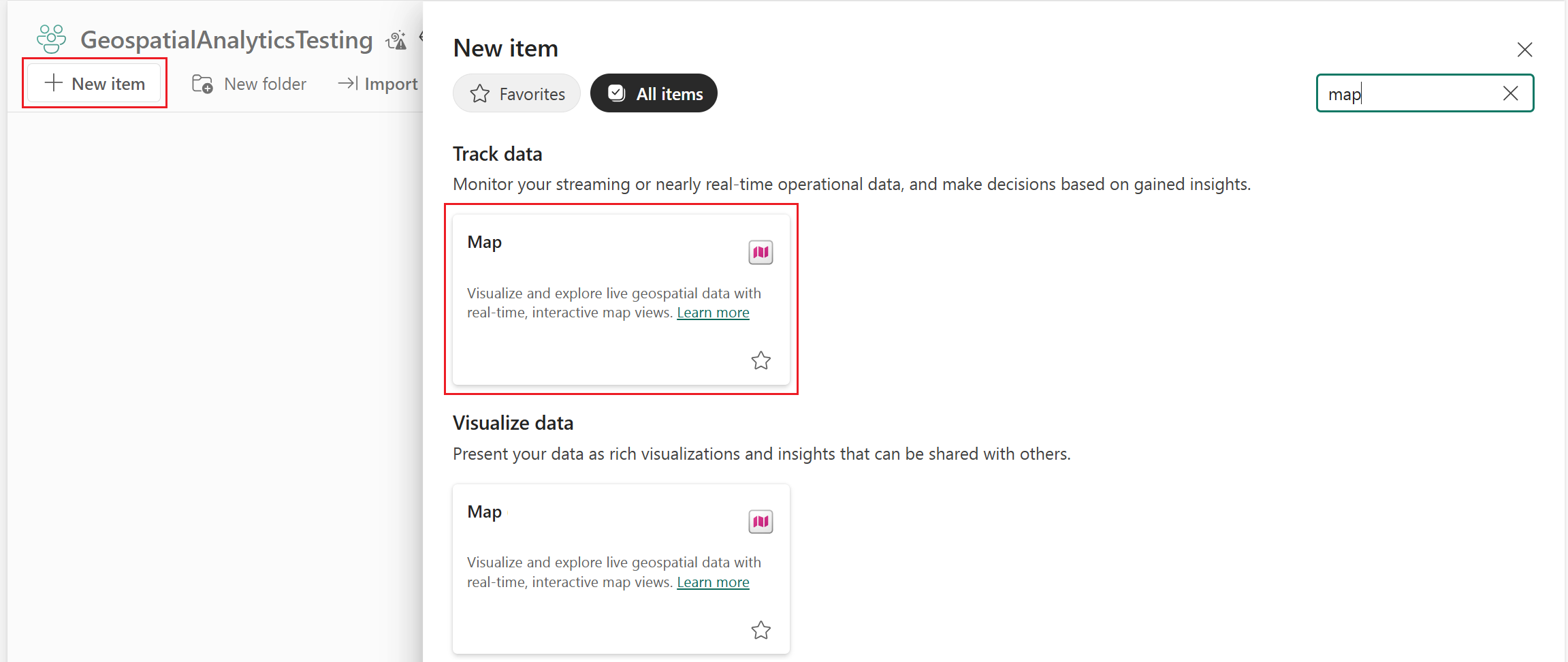
- Select + New item.
- In the New item window, select Map.
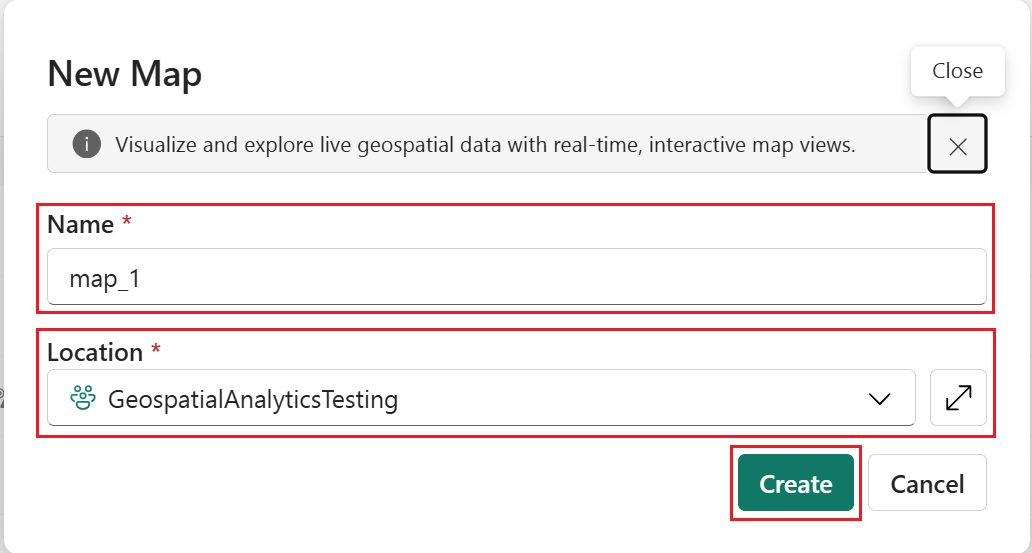
- On the New Map dialog, enter a name, confirm the workspace, and select Create.
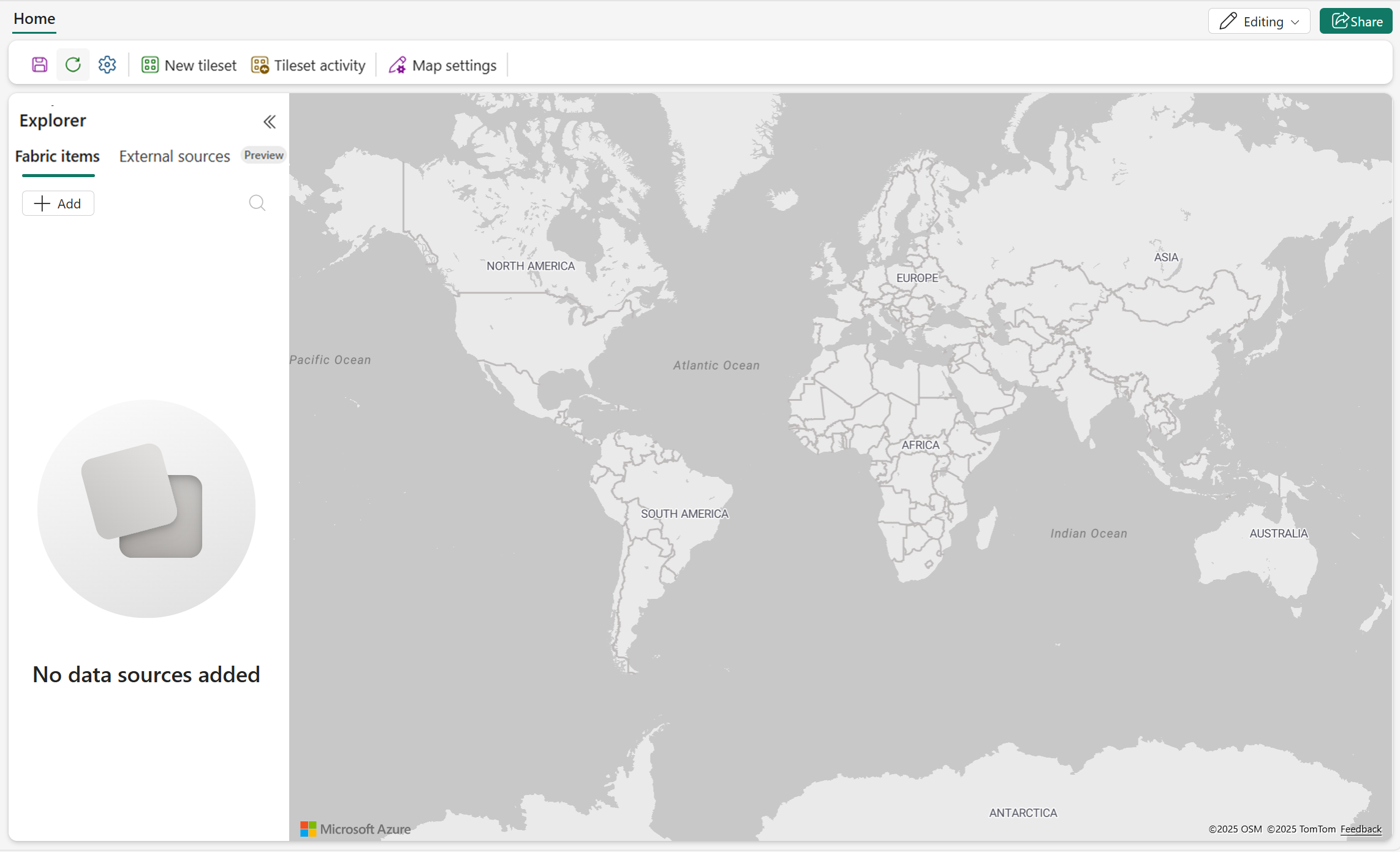
- A new map is created in your workspace.
Visualize spatial data
After creating a map, you can add layers from lakehouses, eventhouses and KQL databases, Ontology items, external feature services, and external WMS or WMTS imagery services. For information about the available layer categories and data sources, see Fabric Maps layers.