opomba,
Dostop do te strani zahteva pooblastilo. Poskusite se vpisati alispremeniti imenike.
Dostop do te strani zahteva pooblastilo. Poskusite lahko spremeniti imenike.
Allows you to issue web requests using Dev Proxy. This plugin is convenient for simulating requests such as webhook notifications.
To issue the configured request, press w in the command prompt session where Dev Proxy is running.
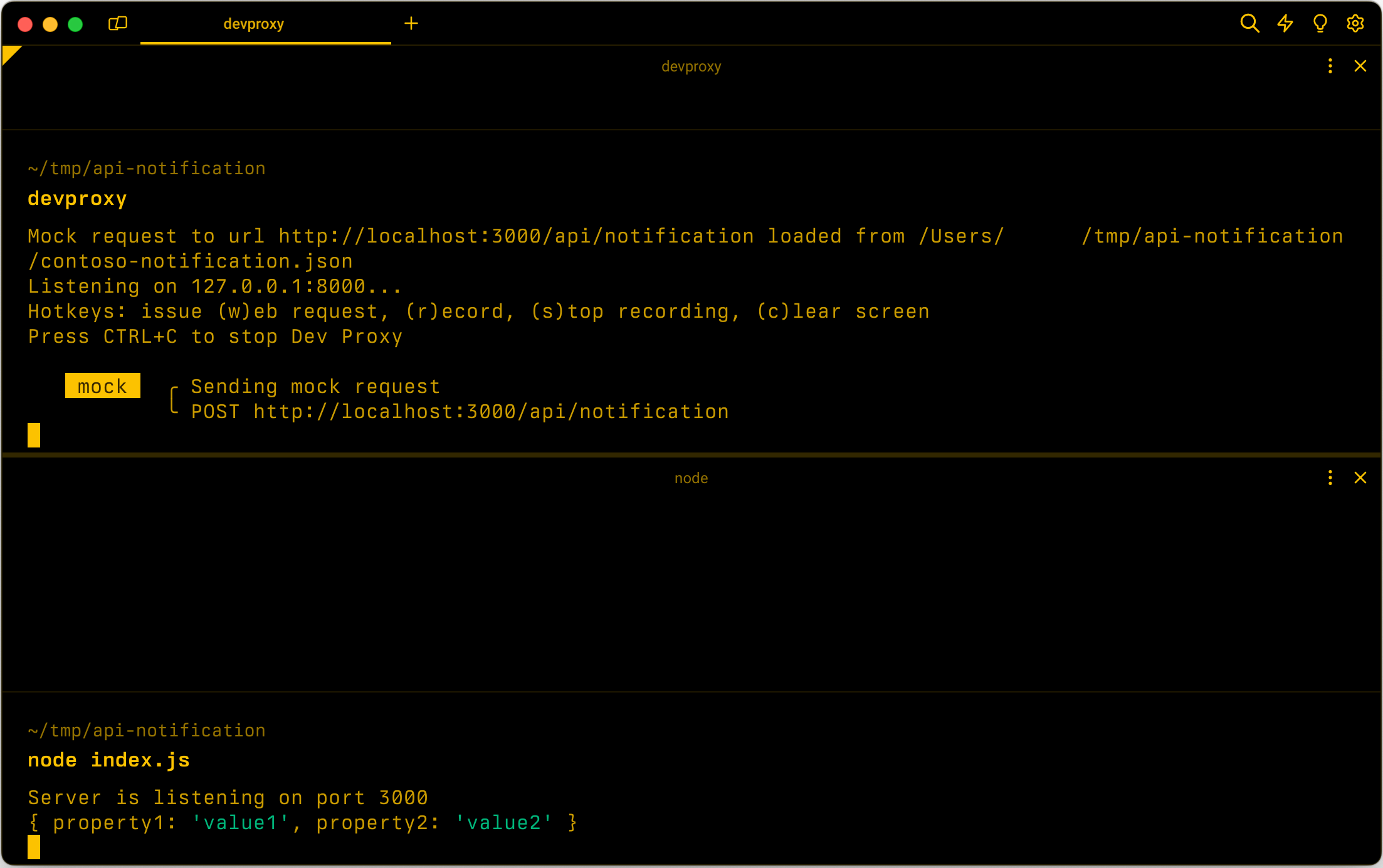
Configuration example
{
  "$schema": "https://raw.githubusercontent.com/dotnet/dev-proxy/main/schemas/v2.2.0/rc.schema.json",
  "plugins": [
    {
      "name": "MockRequestPlugin",
      "enabled": true,
      "pluginPath": "~appFolder/plugins/DevProxy.Plugins.dll",
      "configSection": "contosoNotification"
    }
  ],
  "contosoNotification": {
    "$schema": "https://raw.githubusercontent.com/dotnet/dev-proxy/main/schemas/v2.2.0/mockrequestplugin.schema.json",
    "mockFile": "mock-request.json"
  }
}
Configuration properties
| Property | Description | Default |
|---|---|---|
mockFile |
Path to the file containing the mock request | mock-request.json |
Command line options
None
Mock request file example
{
  "$schema": "https://raw.githubusercontent.com/dotnet/dev-proxy/main/schemas/v2.2.0/mockrequestplugin.mockfile.schema.json",
  "request": {
    "url": "http://localhost:3000/api/notification",
    "method": "POST",
    "body": {
      "property1": "value1",
      "property2": "value2"
    }
  }
}
Mock request file properties
| Property | Description | Required |
|---|---|---|
request |
Defines the request that Dev Proxy should issue. | Yes |
Mock request properties
| Property | Description | Required | Default |
|---|---|---|---|
url |
URL that Dev Proxy should call. | Yes | empty |
method |
HTTP method that Dev Proxy should use. | No | POST |
body |
Body of the request that Dev Proxy should send. | No | empty |
headers |
Array of request headers that Dev Proxy should send with the request. | No | empty |
You can configure body to a string or a JSON object.
Mock request headers
| Property | Description | Required |
|---|---|---|
name |
Request header name. | Yes |
value |
Request header value. | Yes |
Sodelujte z nami v storitvi GitHub
Vir za to vsebino najdete v storitvi GitHub, kjer lahko tudi ustvarite in pregledate težave in zahtevke za uveljavitev sprememb. Če želite več informacij, glejte naš vodnik za sodelavce.
