opomba,
Dostop do te strani zahteva pooblastilo. Poskusite se vpisati alispremeniti imenike.
Dostop do te strani zahteva pooblastilo. Poskusite lahko spremeniti imenike.
Note
This article applies to multiple harnesses. The harness you use affects the billing, features, and capabilities of what you build.
When you open Microsoft Copilot Studio, you can choose from several things to build. This article explains what each option is and where to find documentation to get started.
Select an environment where you can create
The environment picker shows environments where you have permission to create workflows or agents. This filtering helps you start in an environment where you can build the item you want, from the Copilot Studio home page.
If an environment isn't available for selection:
- Make sure the environment is active.
- Ask your administrator to confirm that you have permission to create workflows or agents in that environment.
- Select a different environment where you have the required permissions.
Create an agent or a workflow
On the Copilot Studio home page, select the card that matches what you want to build. From here, you can build agents and workflows powered by the GitHub Copilot harness.
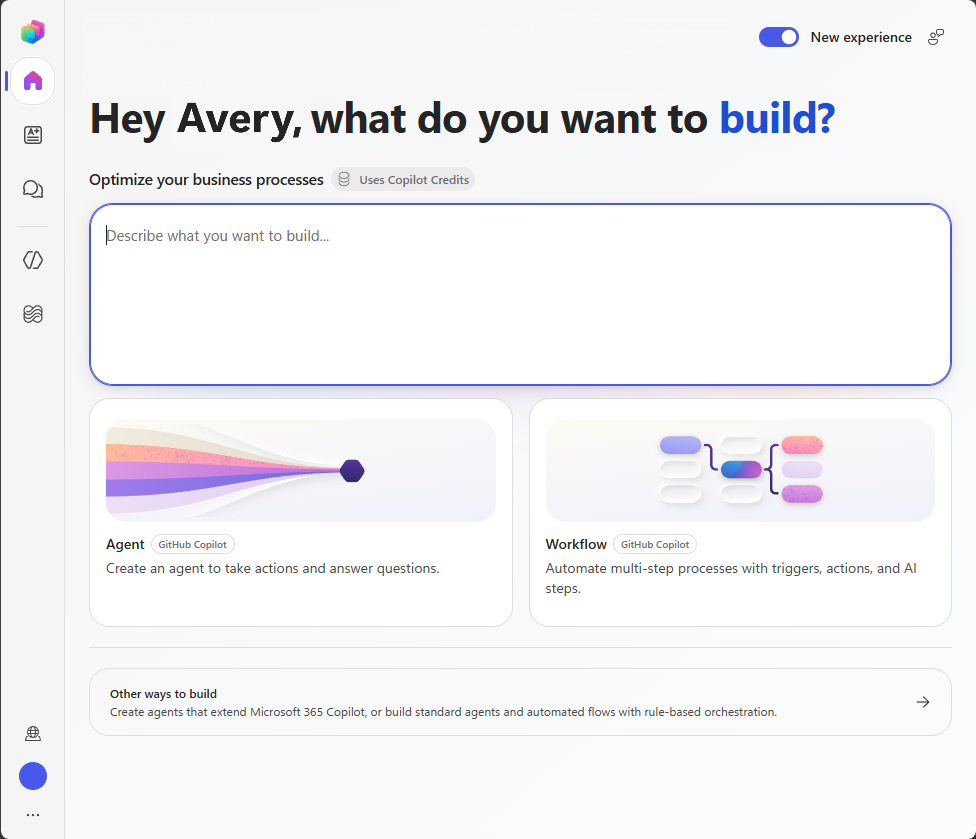
To build agents and agent flows powered by the standard harness, select Other ways to build.
Create agents and workflows with natural language (preview)
[This section is prerelease documentation and is subject to change.]
Copilot Studio can suggest, build, and guide you through creating agents and workflows powered by the GitHub Copilot harness directly from the Copilot Studio Home page. Describe what you need in the text box on the home page to get started.
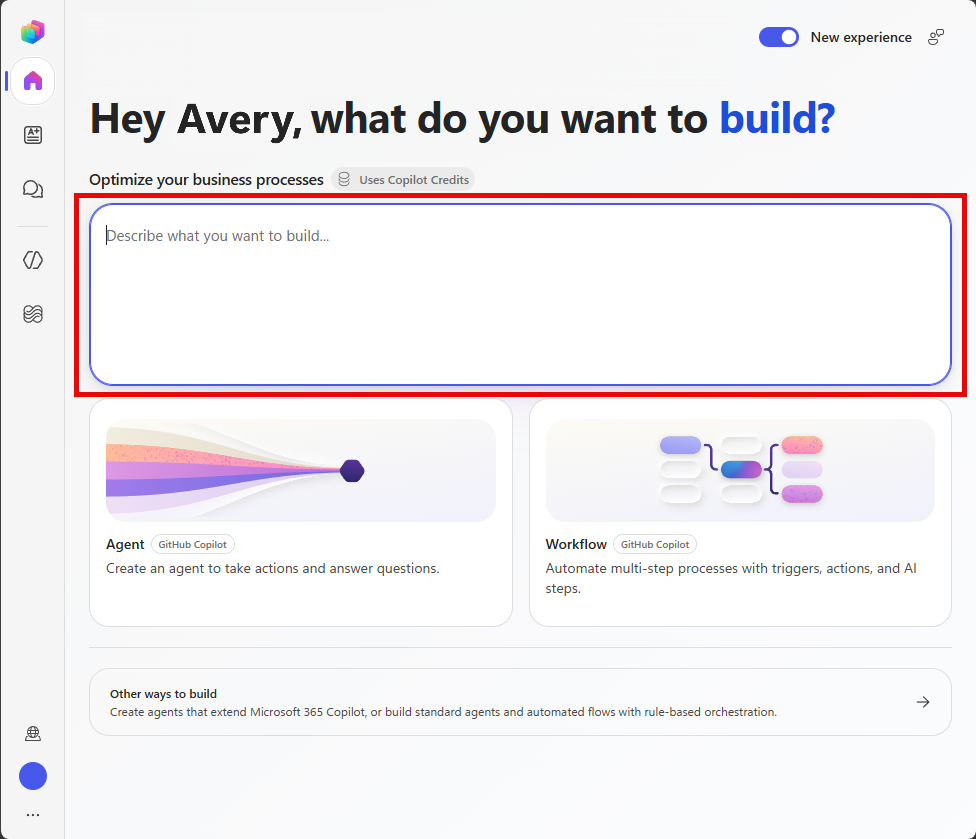
Learn more in Create an automated solution using natural language (preview).