Not
Åtkomst till denna sida kräver auktorisation. Du kan prova att logga in eller byta katalog.
Åtkomst till denna sida kräver auktorisation. Du kan prova att byta katalog.
Hi All,
This is a blog for Self help on Loading images / Pictures (Binary Data) into the Data Model of Power Pivot / Power Query and showing the same in Power View Reports
Download and install the latest Power Query Version: 2.15.3722.242 -> Available at https://www.microsoft.com/en-in/download/details.aspx?id=39379
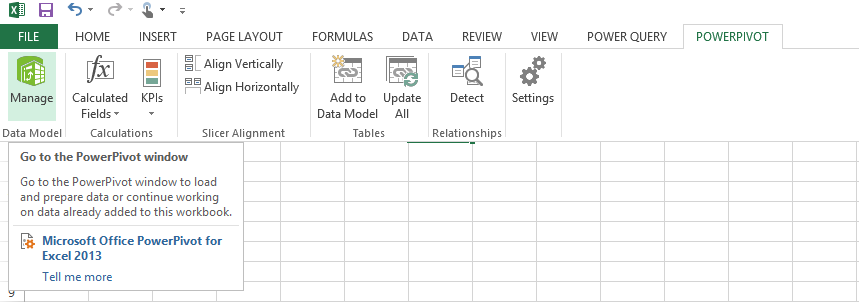
Open Power Pivot -> Click Manage
Click Home->From Database “SQL Server” – Server “Localhost”

SELECT "Write a query that will specify the data to import and Click NEXT -> Type the SQL Statement as “SELECT distinct P.ProductModelID as ID , P.Name as ProductName ,PP.ThumbNailPhoto FROM Production.vProductModelCatalogDescription P inner join Production.ProductPhoto PP on PP.ProductPhotoID = P.ProductPhotoID “
Rename the “Query” to “ProductPhotos”
This Blog is continued in the following Page