หมายเหตุ
การเข้าถึงหน้านี้ต้องได้รับการอนุญาต คุณสามารถลอง ลงชื่อเข้าใช้หรือเปลี่ยนไดเรกทอรีได้
การเข้าถึงหน้านี้ต้องได้รับการอนุญาต คุณสามารถลองเปลี่ยนไดเรกทอรีได้
This article introduces the process of creating AI agents on Azure Databricks and outlines the available methods for creating agents.
To learn more about agents, see Agent system design patterns.
Prototype agents with AI Playground
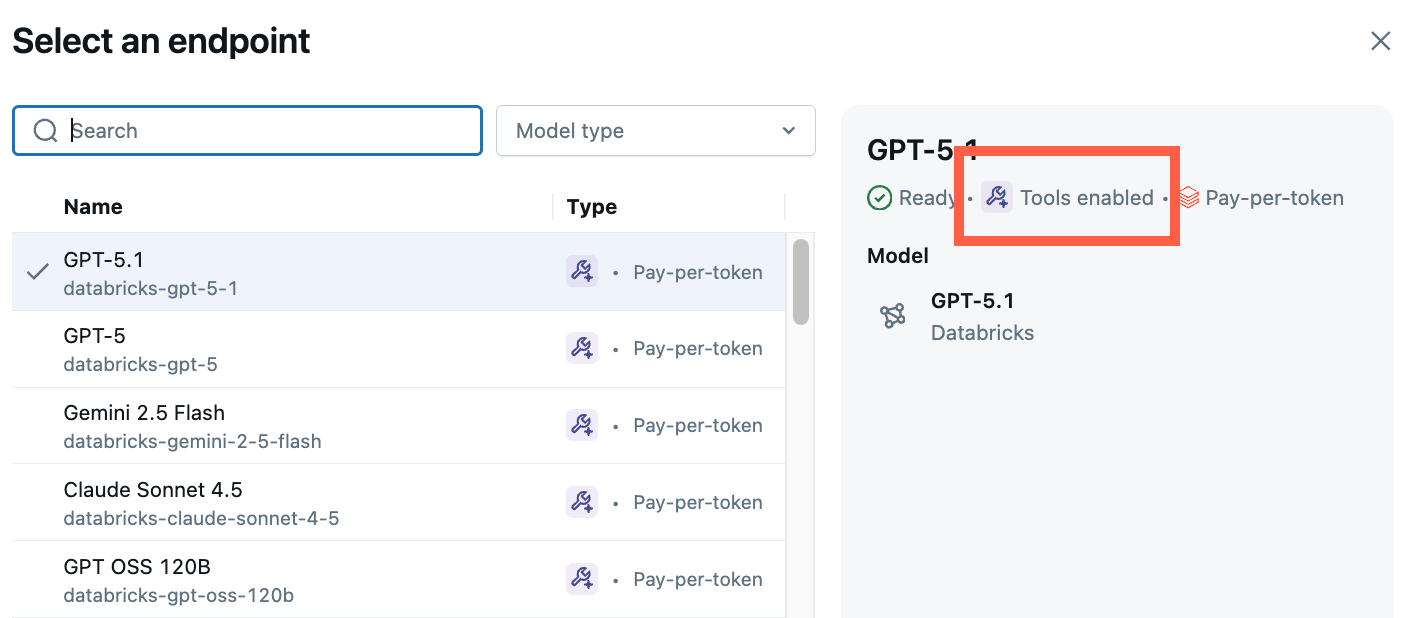
The AI Playground is the easiest way to create an agent on Azure Databricks. AI Playground lets you select from various LLMs and quickly add tools to the LLM using a low-code UI. You can then chat with the agent to test its responses and then export the agent to code for deployment or further development.
See Get started: Query LLMs and prototype AI agents with no code.
Automatically build an agent with Knowledge Assistant
Knowledge Assistant provides a streamlined approach to build and optimize domain-specific, question-and-answer chatbots over your documents and improve quality based on natural language feedback from your subject matter experts.
Knowledge Assistant has a fully managed approach that is a good place to start before diving into more bespoke agents.
Code a custom agent
Agent Framework and MLflow has tools to help you author enterprise-ready agents in Python.
Azure Databricks supports authoring agents using third-party agent authoring libraries like LangGraph/LangChain, OpenAI, LlamaIndex, or custom Python implementations.
To get started quickly, see Get started with AI agents. For more details on authoring agents with different frameworks and advanced features, see Author an AI agent and deploy it on Databricks Apps.
Understand model signatures to ensure compatibility with Azure Databricks features
Azure Databricks uses MLflow Model Signatures to define agents' input and output schema. Product features like the AI Playground assume that your agent has one of a set of supported model signatures.
If you follow the recommended approach to authoring agents using the ResponsesAgent interface, MLflow will automatically infer a signature for your agent that is compatible with Azure Databricks product features.